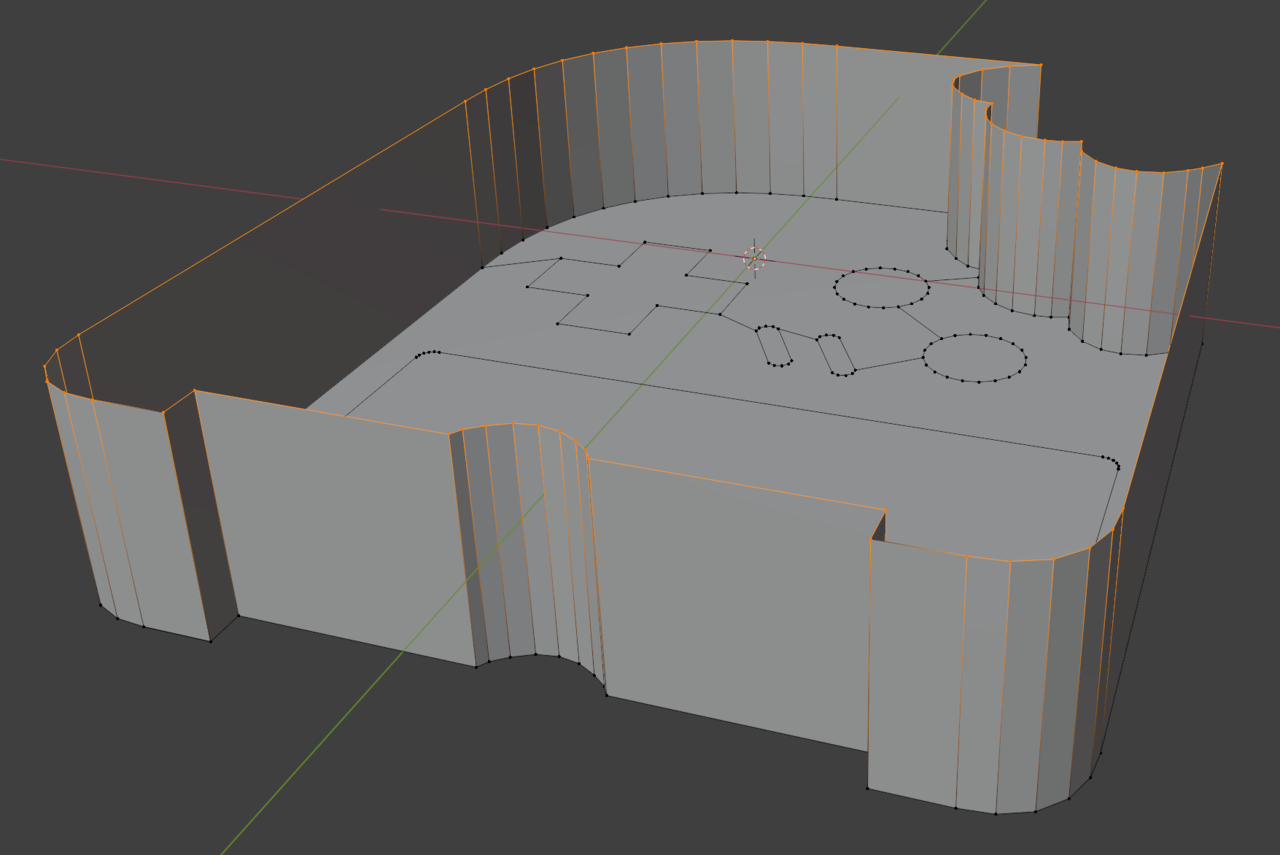
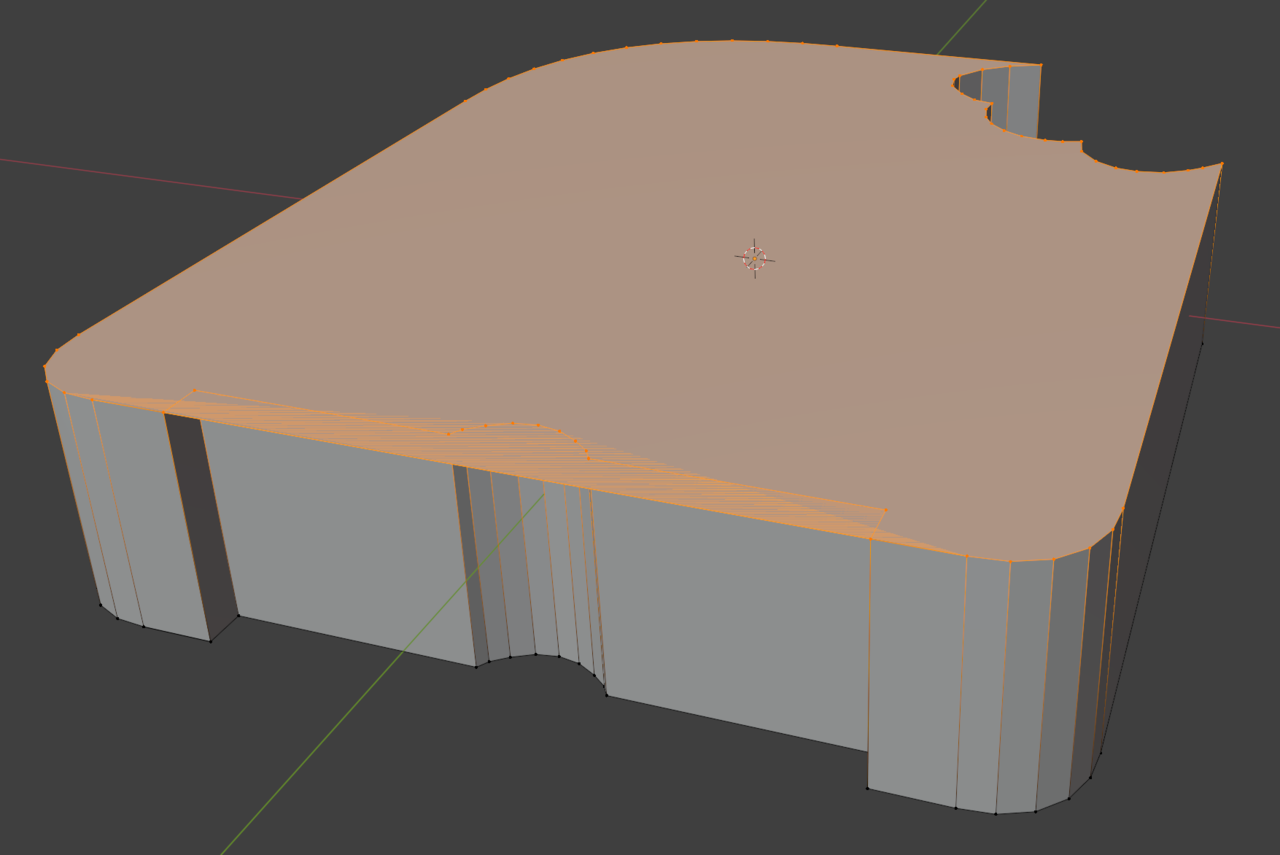
Howdy! Attempting on 4.3.2.
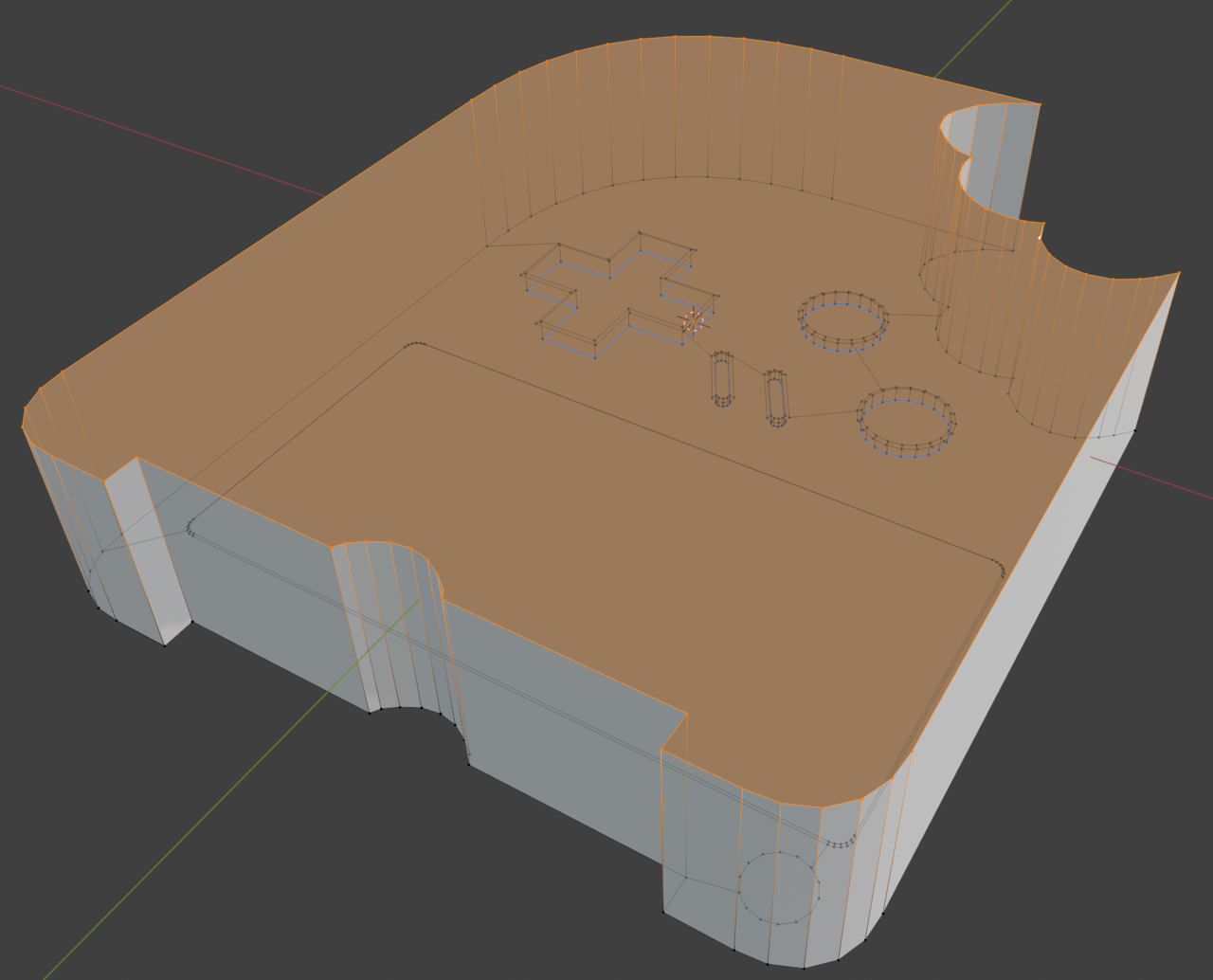
I tried filling in the underside surface, but I ended up getting an extra overlapping segment when filling in.
It worked out when I added an extra edge between and bisected the face, but I wanted to know if I had done something weird to get it to make the overlap segment to begin with.

It could be doubled faces, but I think most of the time is just because of the shape maybe? Sometimes asking Blender to fill such a big kinda complex shape with a single face is a big of an ask, it doesn't know what to do. It's the type of thing that gets you the Terminator movies, machines getting grumpy when they become self-aware. So as you did, just adding some extra geometry to help Blender out on how to fill the face helps it on figuring out how to fill it. And also we avoid a future Skynet situation.

Hi Nathan nnchu001 , you have indeed so-called 'double Vertices' and you didn't Select all of them.
If you look carefully, you can see that there are 2 Vertices at A and the one connected to Vertex B is not Selected (look at the Edge between A and B):
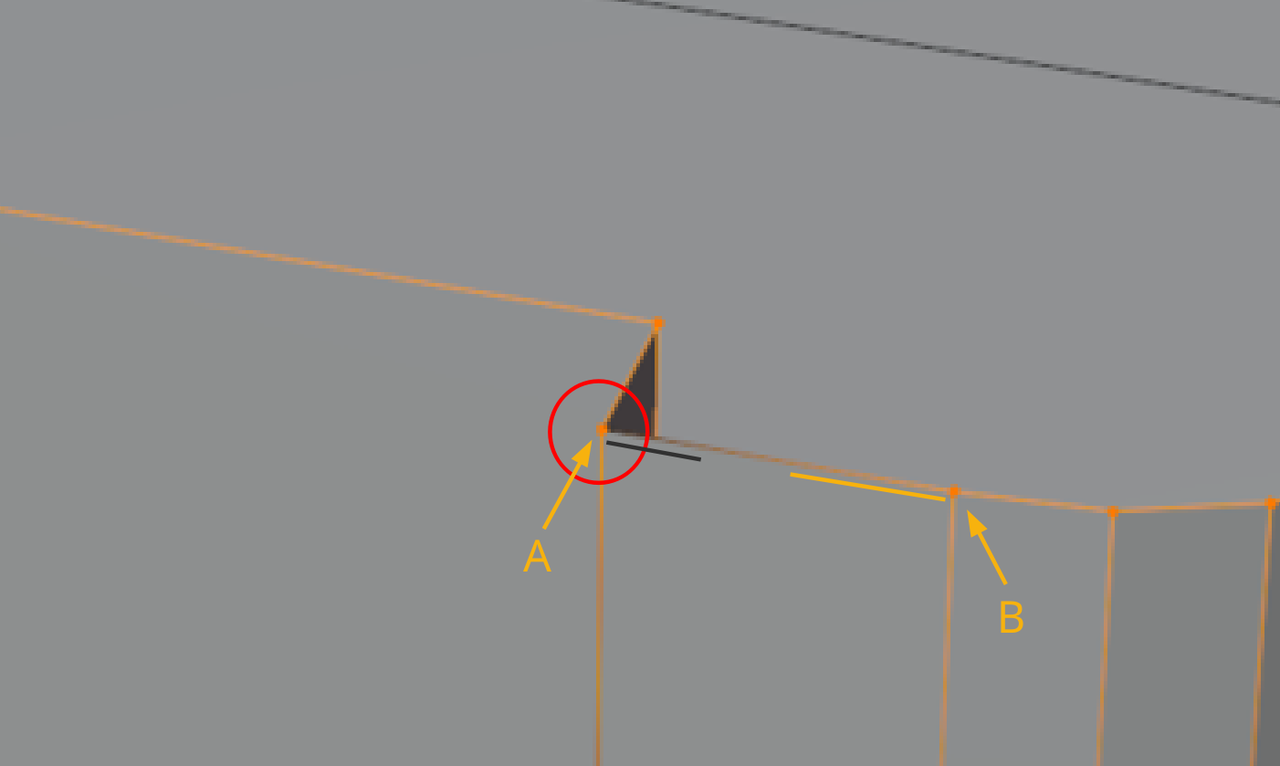
(the same is on the other side).
A, M > Merge > By Distance. then try the Fill again.
You have a wizard's eye! This solution worked. I didn't realize I had two points that weren't connected here.
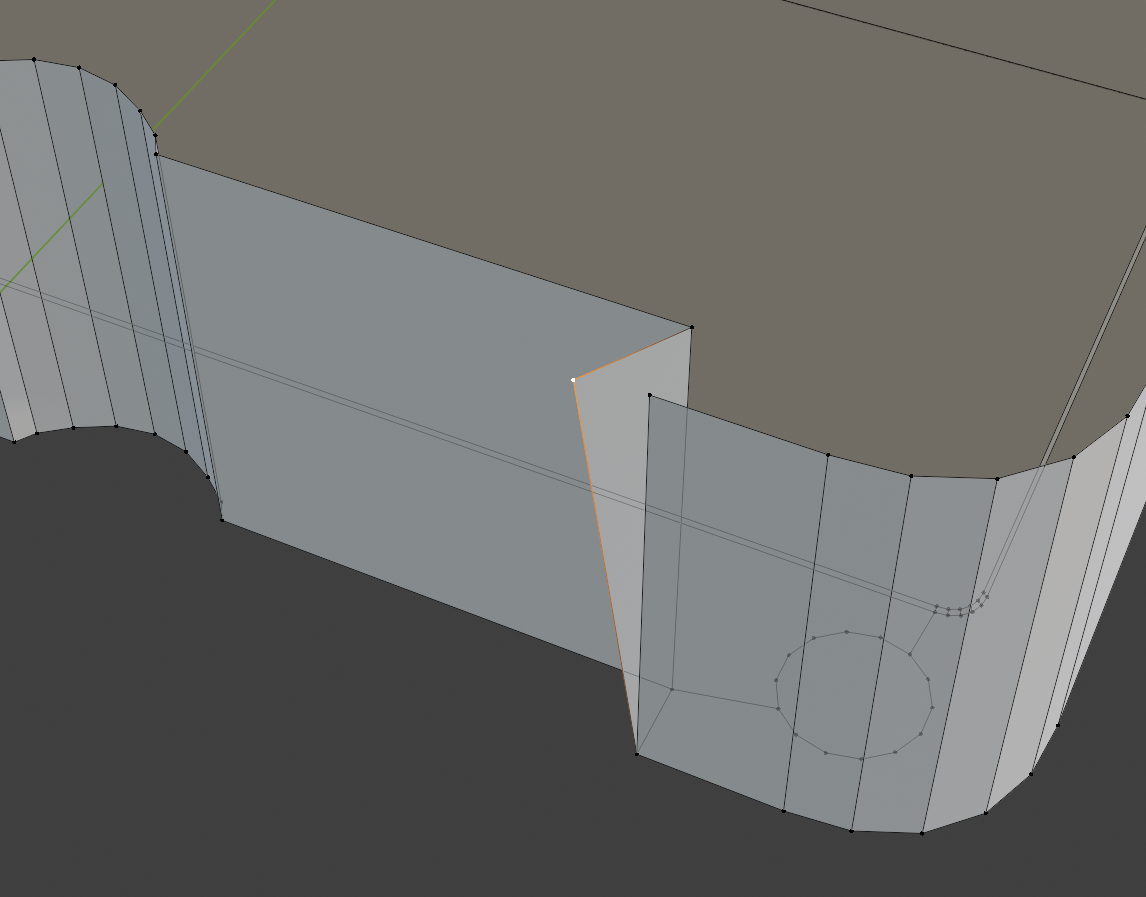
Is there a general checking tool to detect gaps less than "X" units? I'm coming from a CAD background so this I'm trying to learn this workflow.

Not that I know of, but in Blender select all and merge by distance will become a common thing to do. Along with Shift+n to recalculate outside and in object mode ctrl+a->apply scale. I'm old school so I still use the alt+n normals menu then select calculate outside. Yeah those 3 thing fix most problems people run into.