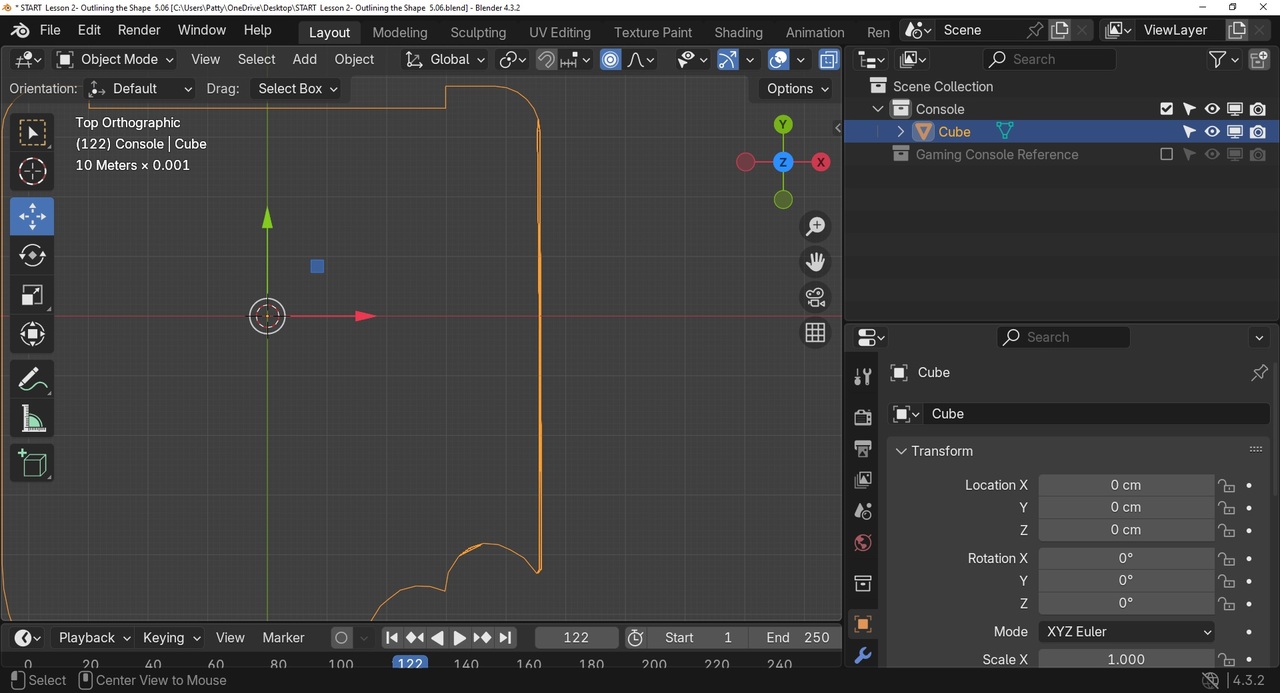
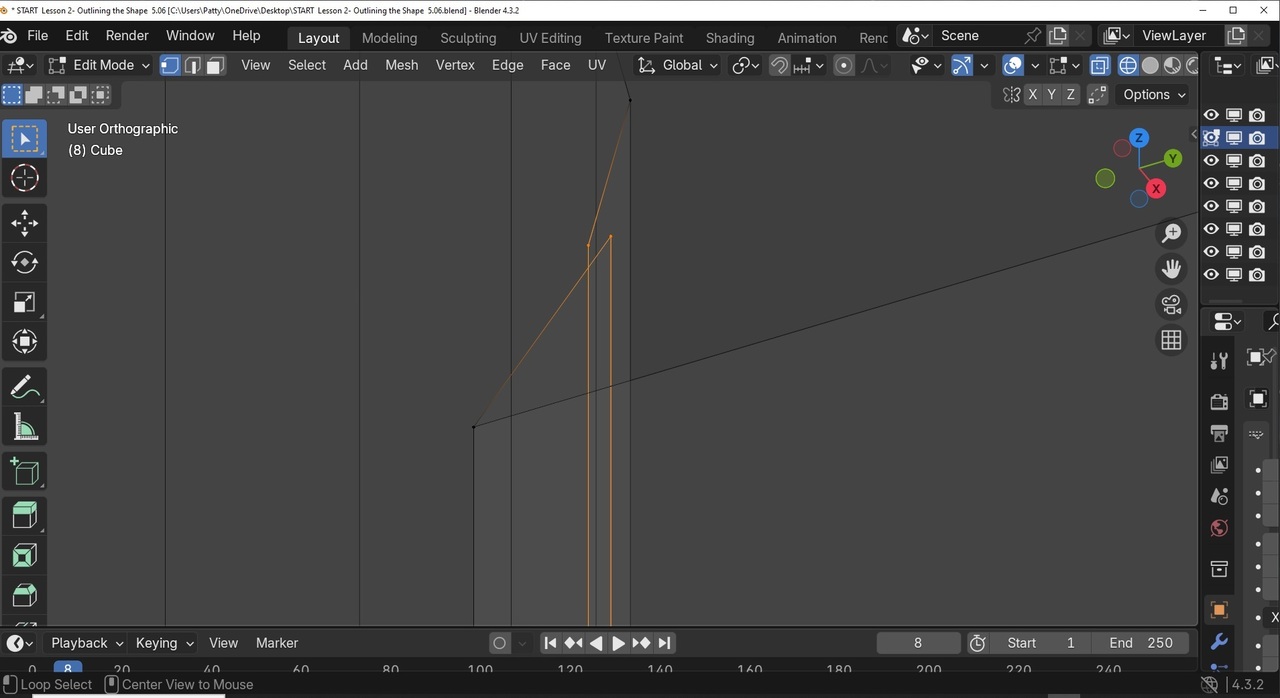
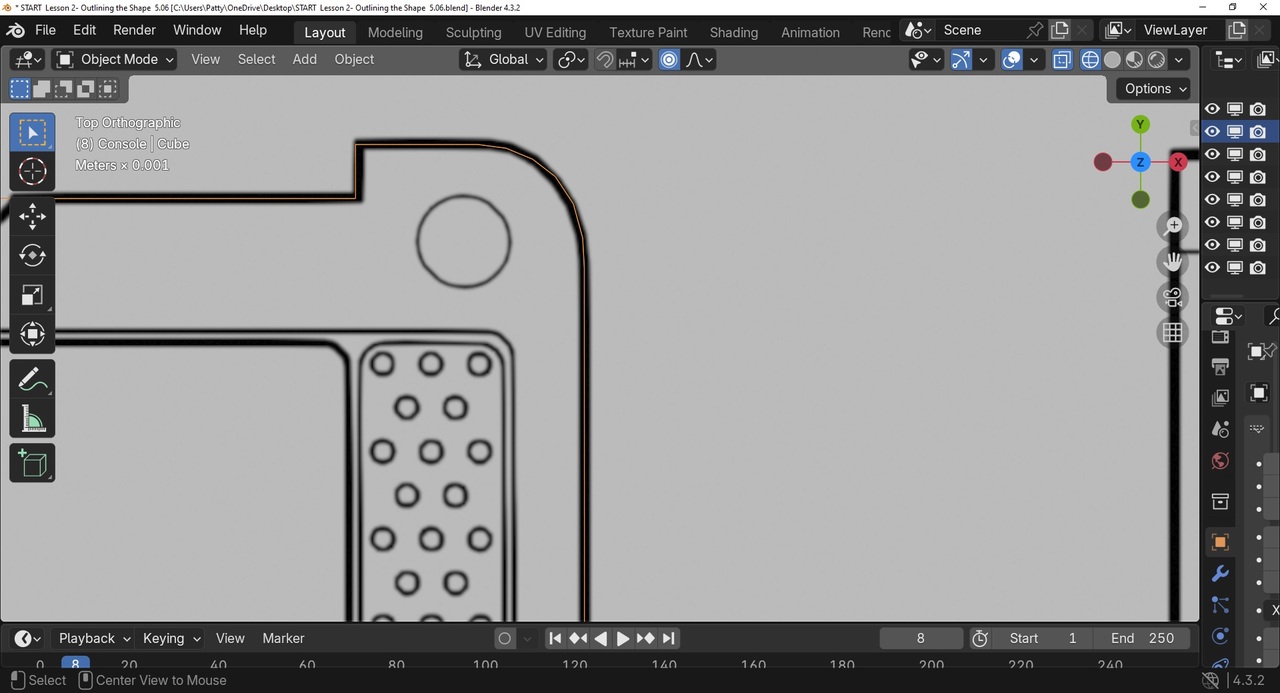
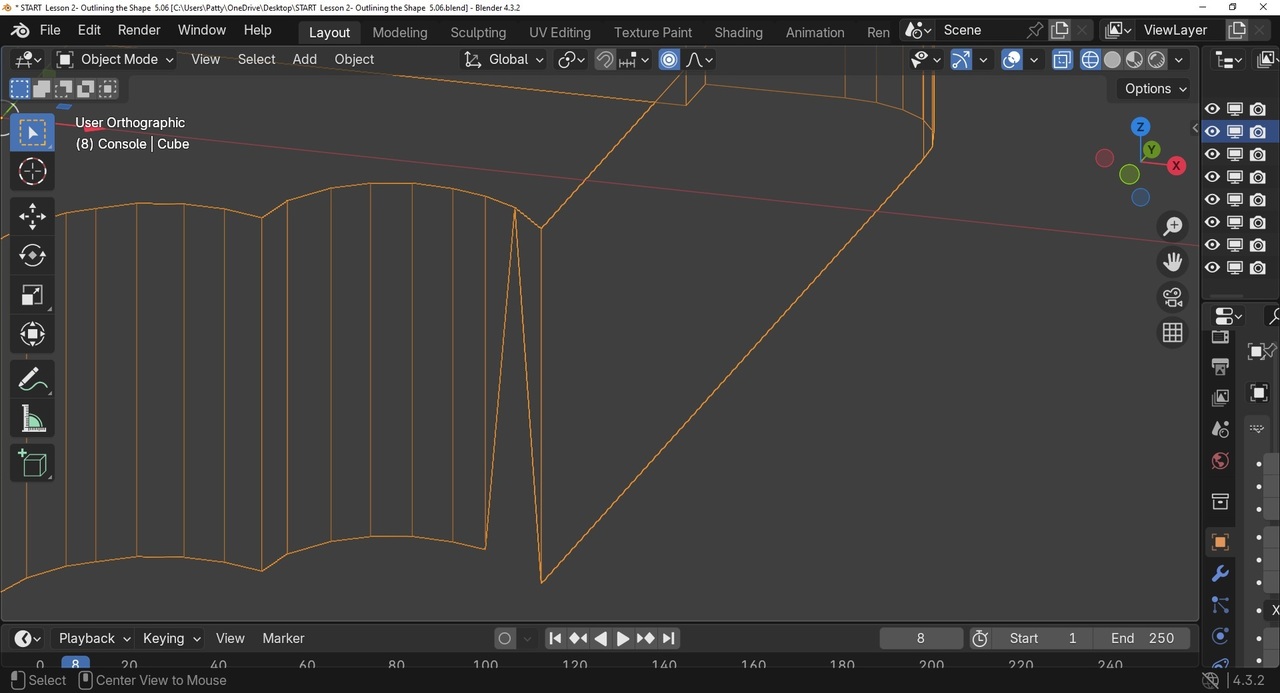
It been awhile since I last worked on my project: Reviewing my project thus far, I noticed the top right side of console is off. It looks thicker viewing from top view. Then I remembered I tried to adjust this when it was first formed. Now I see that this might be an issue later.
I have a screen shot saved to pain, It is now a file on my desktop. Not sure how to proceed. I see the Link and Pic icon above but not sure how to This page won't let me drag and drop it here, or will it?
Patty

You can click the pic icon and then drag and drop into the box that says drop file here. Once it finishes uploading then you will need to click the image to actually add it to the post. When you post under a video it doesn't usually work. So just add an answer here then do add the image. I think you can also edit your original post and it will let you add the image. It is a known issue.
Great advice thanks! Now, reviewing my steps I noticed from the top view, the right side of the console seems slightly thicker than the left side. . Plus, one of the round bites also seems off. When I orbit in Object mode, orthographic it seems a little thicker (from Top view). Maybe its not a big deal, not sure. Des the image look correct? or am I off and does it really matter with this project?
Anyway , my next step is to cut out the little curved notch top center of console.

Hi ppattybhat ,
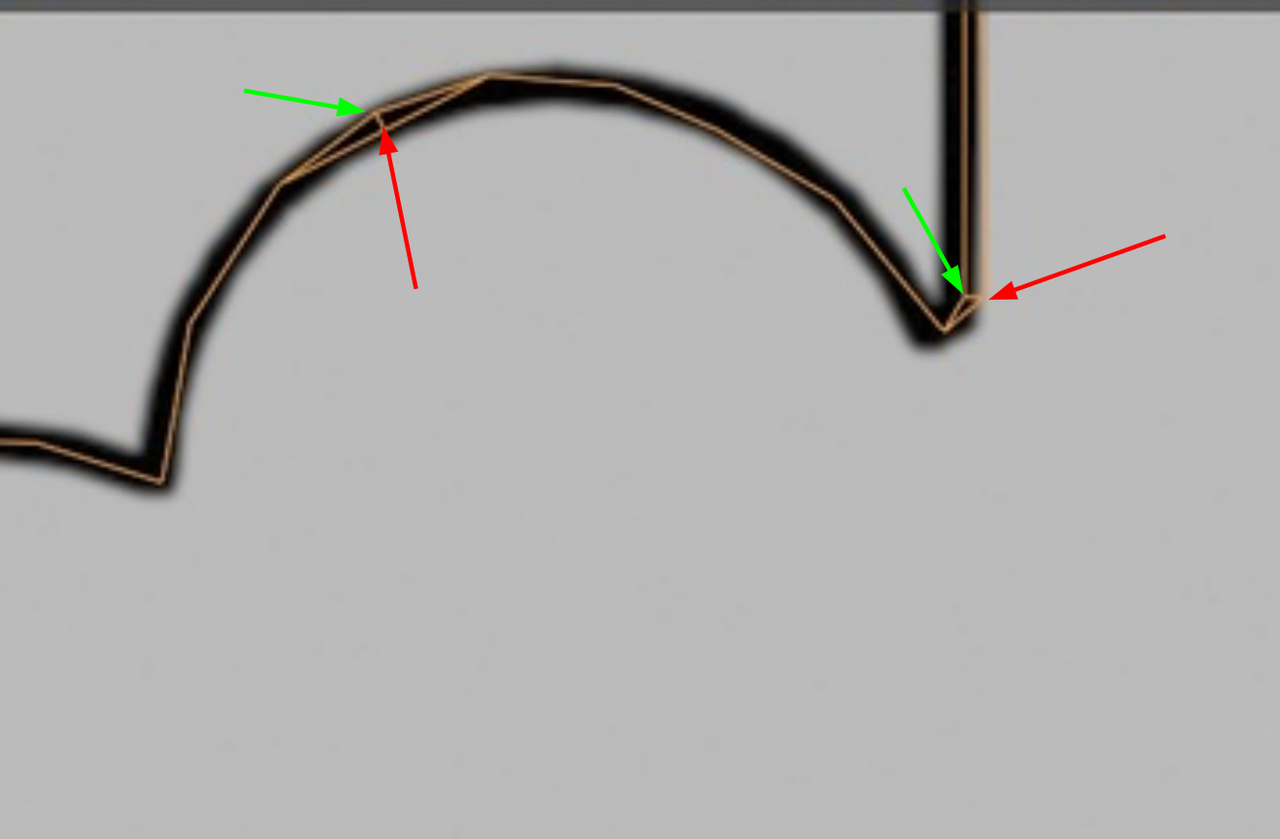
maybe a bit late, but your model certainly seems to have some Vertices 'misaligned'..
The easiest fix, would probably be, to Delete all the top (in Z) Vertices and then A, E, Z, to Extrude the bottom Vertices straight up.
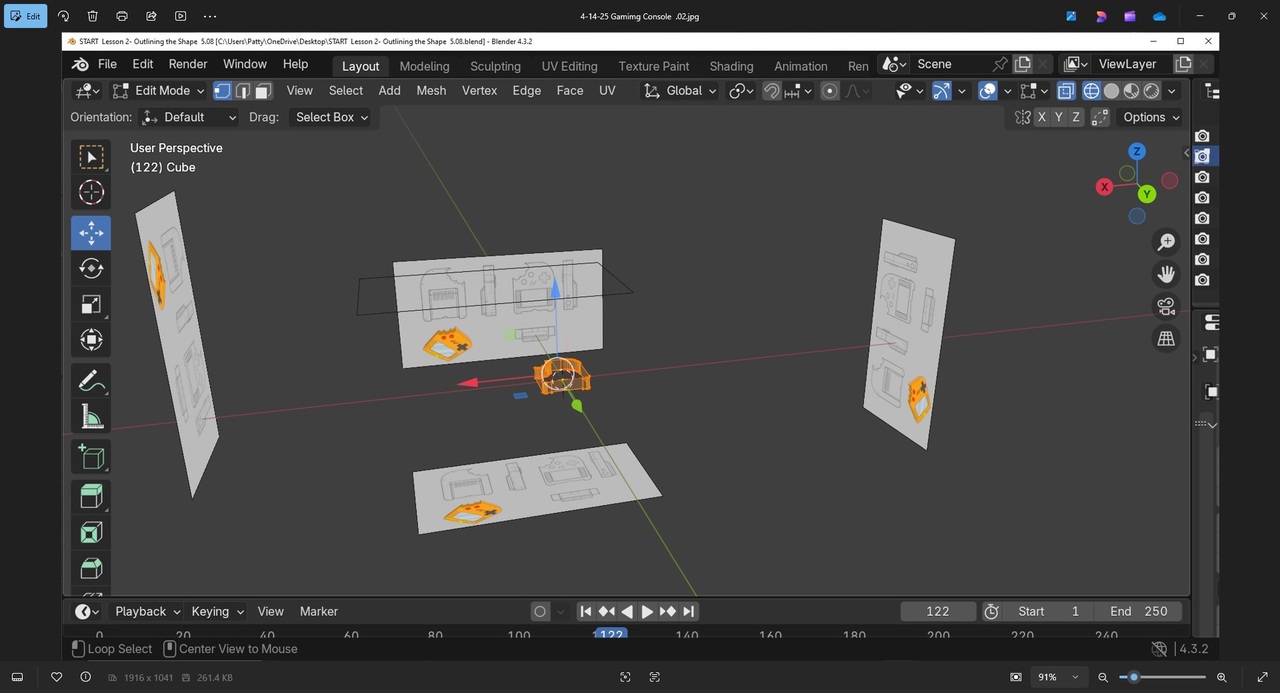
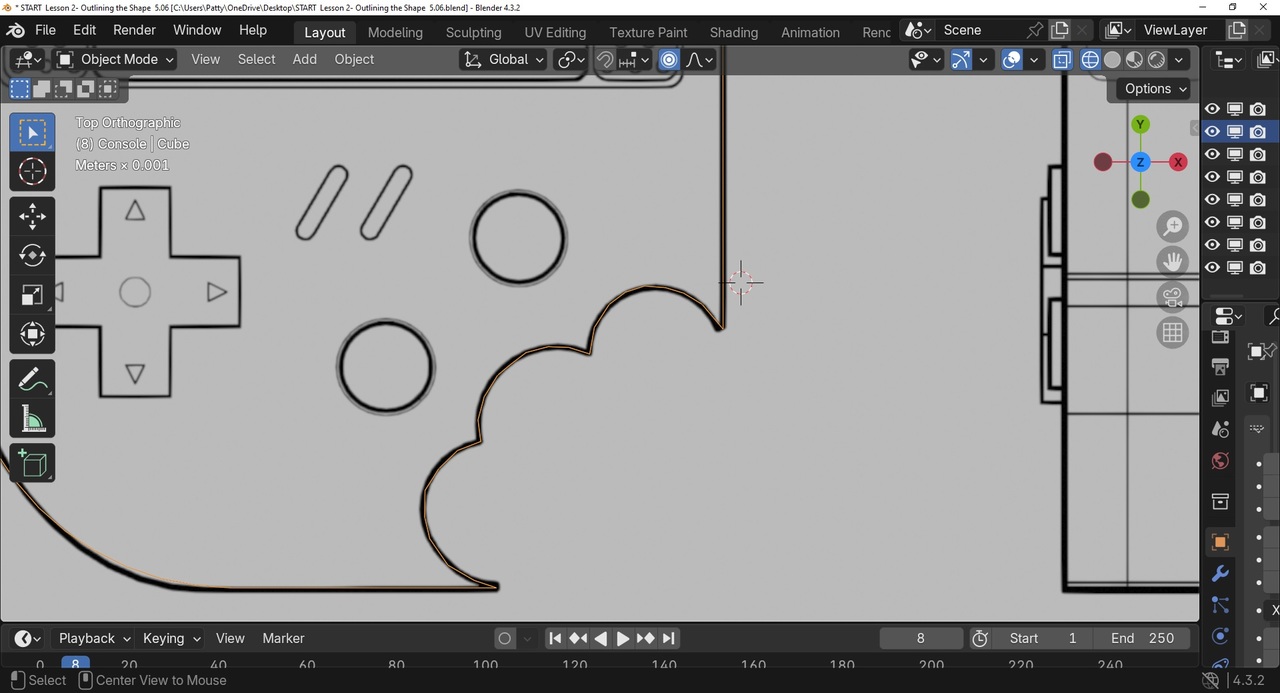
ok. it's been a while since I first made this error. I need to think about this. I am not remembering the process. A family member just found out she has both liver and pancreatic, so I have been distracted. I will send some pics so I can better understand whist you mean. from: Top view, Object mode. Highlighted orange. 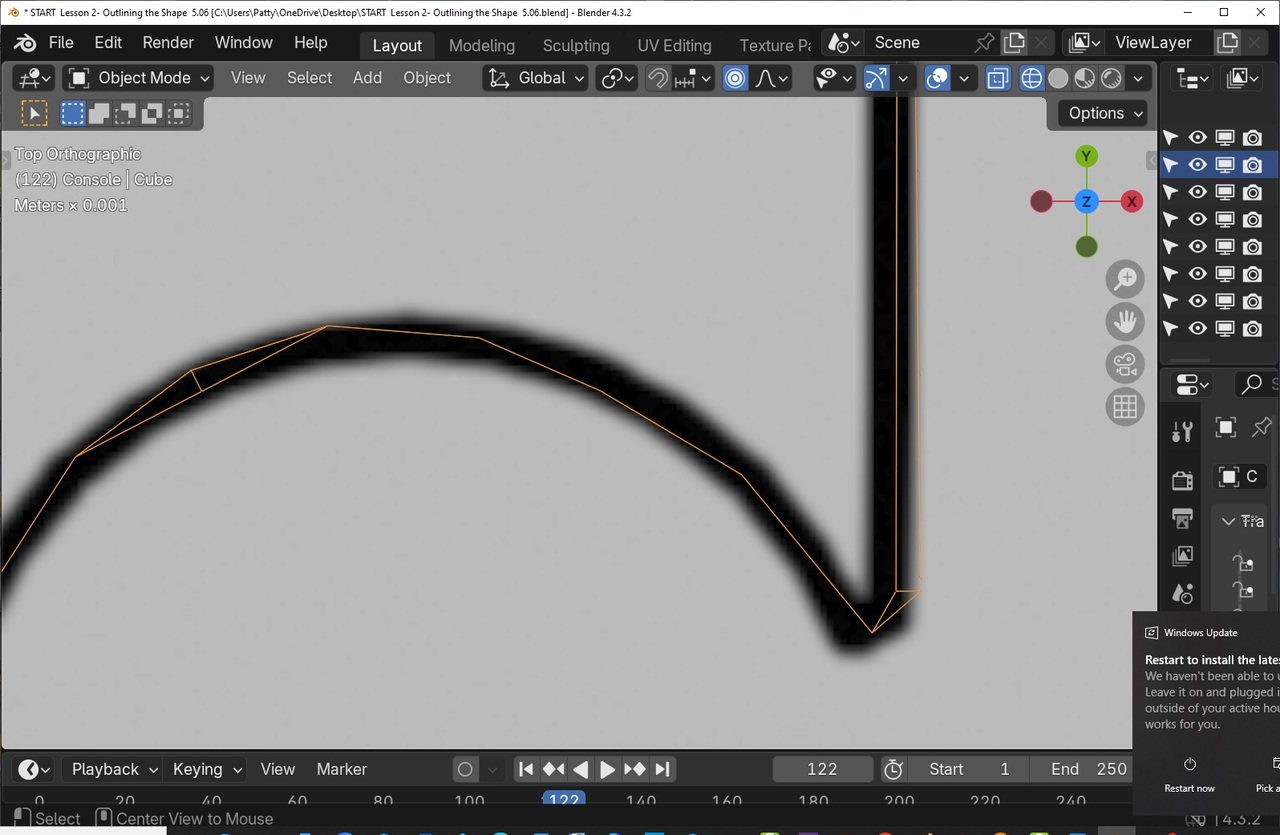


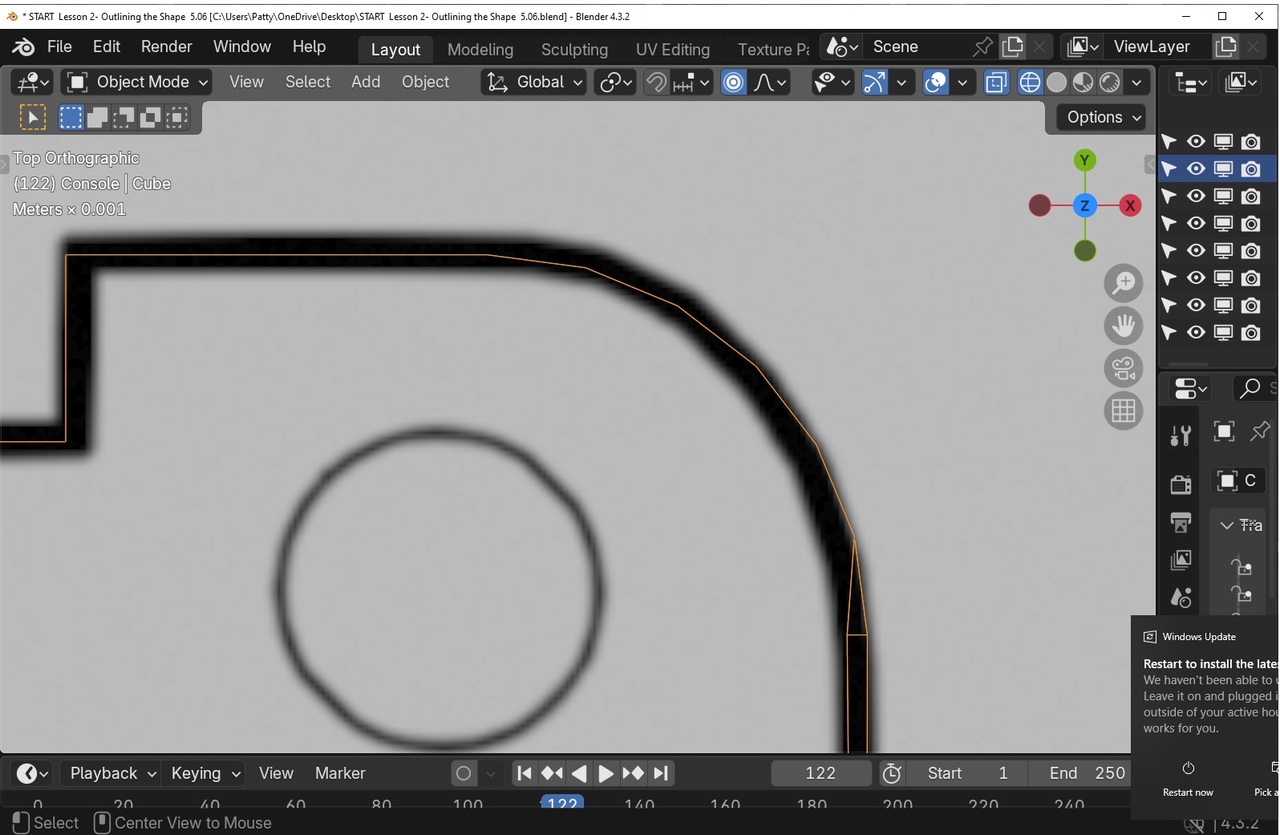
So, it looks like either the top (in Z-direction) Vertices are misaligned, or the bottom ones. If that is the case, you can Delete the top or bottom (which ever is wrong), just like I mentioned above.
If some of the wrong Vertices are in the top and some in the bottom, the best thing would be to start over, which is probably the best anyway.
Question:: With pic .8, ... Comparing the two ends corner/points of the bites, the bottom left point....is this correct? So, the upper right point is off. I was trying to follow the pattern underneath. exactly. I guess this wasn't needed to be 'that' exact. I believe the 'bottom' edge/vertices of the console was done correctly, but the top is where I had issues.
To fix this, I believe I need to 'box select' the entire length of the corrupted right edge/vertices, staring with the first corrupted vertex down to the corner/point of the right-side bite....and delete. And start over with a new edge/vertices.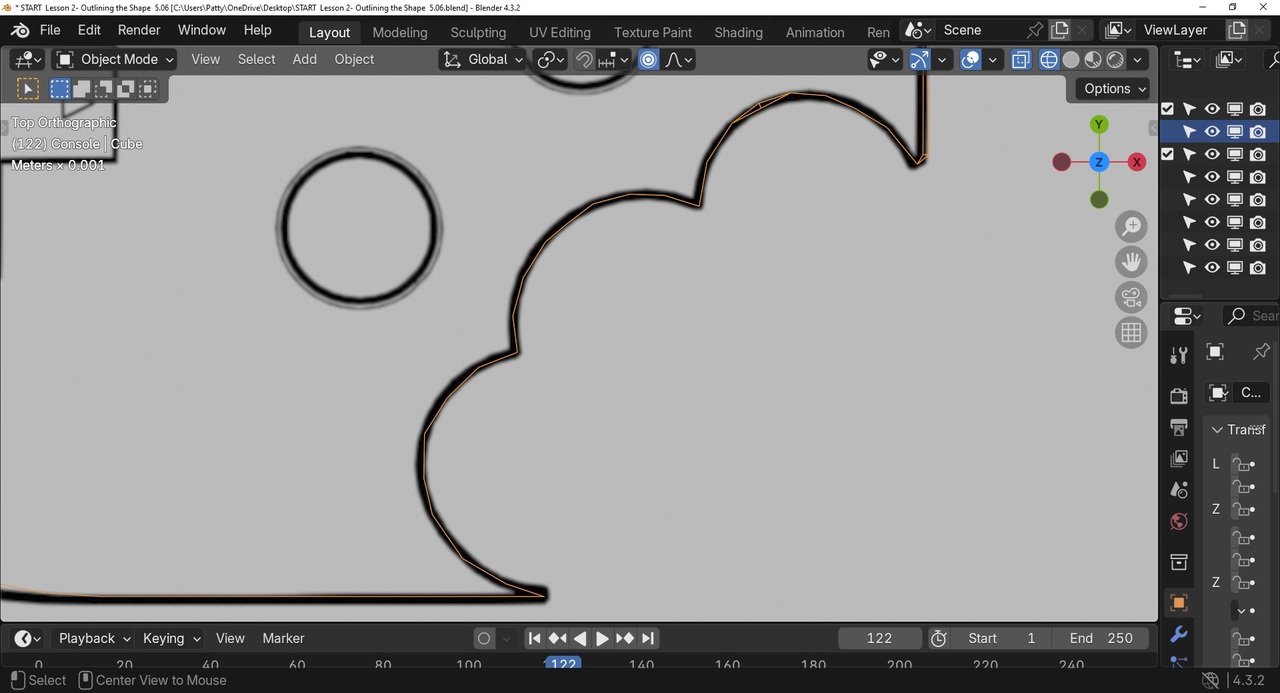
Then, to fix the bite: Can I just select the existing edge loop from Top view and bring it in, so it lines up with the bottom?
Hi ppattybhat ,
I can't see from top view, which Vertices belong to the top and which to the bottom, but the red ones are 'wrong':