
Everytime I use the mask brush to extract a selection, the edges appear sharp and jagged. Are there any alternative ways to make the mask edges more defined prior to extraction? I have already tried holding the control key to create a more defined mask, but that still doesn't give me the definition that I am looking for. Is the only solution to this using a smoothing brush after extracting the mask? Thanks!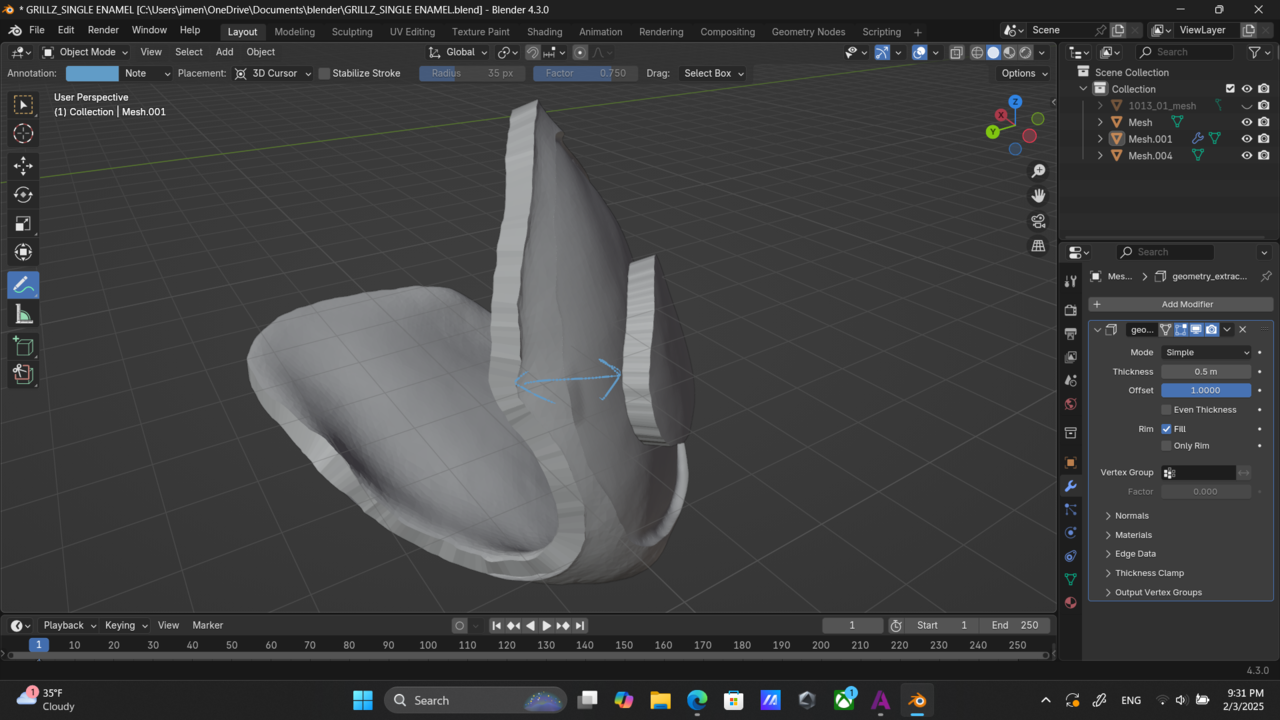
Thank you guys for the help and quick responses. Meshmixer gives me the option to apply a smooth boundary to my selection which smoothens the edges. After offsetting the selection I can use a reduce brush to minimize the amount of triangles in the mesh. Could I do this sort of thing in Blender? I would like to figure out how to do this in Blender so im not going back and forth between programs.

Hi Jose,
I don't know Meshmixer and do not know exactly what you mean by smoothing the boundary of a selection, so I can't tell you if/how that could be done in Blender. My guess is, that something like that would be done 'by hand' with the Smooth Brush.
Blender does have a Density Brush:
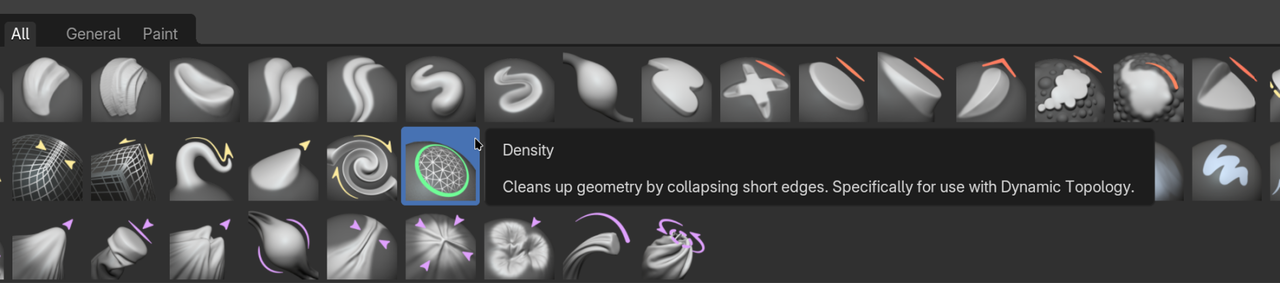
This Brush used to be called Simplify in older Versions (between and including 2.80 and 4.2).

Base Blender or Vanilla Blender how it's referred to, may not have that function, but perhaps a sculpting add-on might. You can try searching the Blender Market, there's usually tons of enhancing features in there: