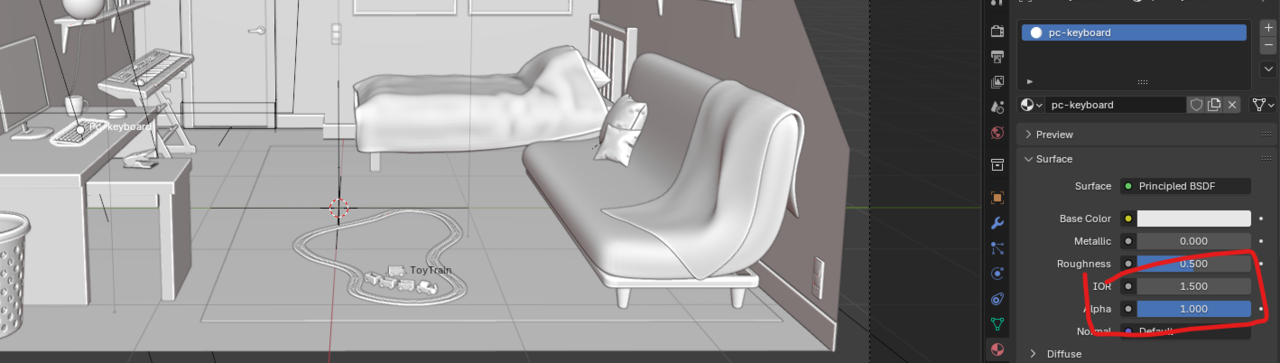
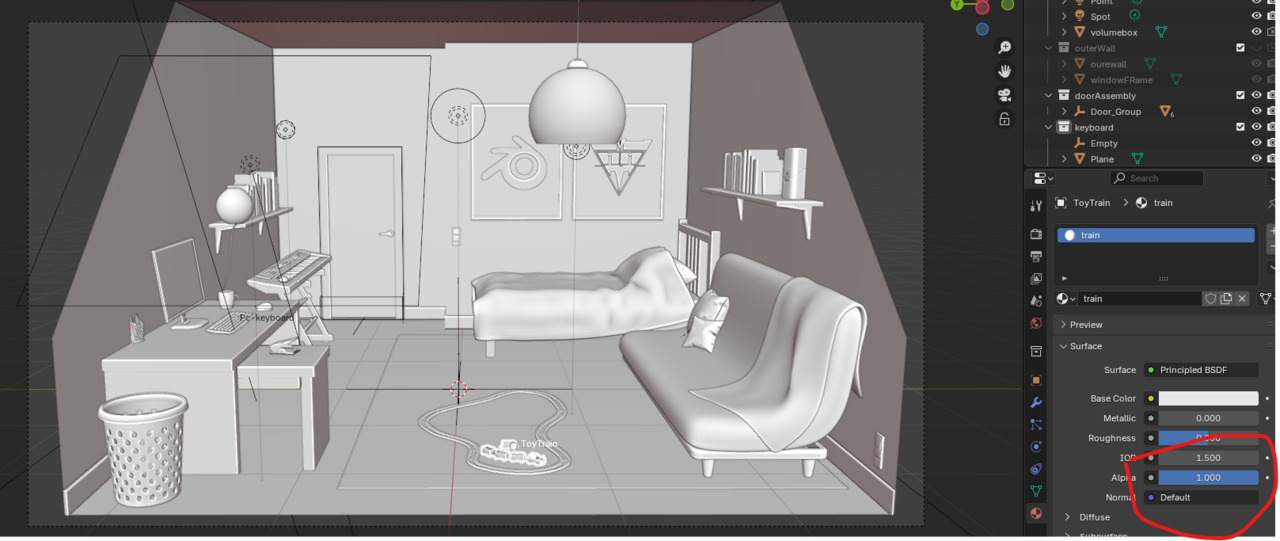
I have a scene with lots of models. But 2 of them are not showing in material preview and in cycles render view. They are not disabled in the outliner (they have both icons turned on (3D view and render).
They are in the same collection as many others that display perfectly well.
In the object properties under the viewport display the are set to: textured.
Backface culling is enabled and their face orientation is also correct.
And the do show up in solid view.
Does anyone know why these 2 objects don't show up on my renders?

Hi Macario Mac999 ,
Really hard to tell, with so much going on in the scene.
My first guess would be, that it has to do with the Material of the train...but it could easily be your GPU driver, an Addon, or...
Could you upload the .blend to Googledrive, Dropbox, or so and post a link here? That way we might be able to find what's causing it, or maybe rule some things out.

My first guess is that the alpha channel in the shader nodes is set to 0.
Under Object tab of the properties editor under visibility panel you don't have camera checked for Ray Visibility. Check it on both of them and then they will render.
Thank you for all the replies:)
It was the Object properties > Visibility > Ray Visibility > Camera
As Dwayne Savage suggested.
Thank you Dwayne Savage:)