Very bad shading

Oh, it's me again,

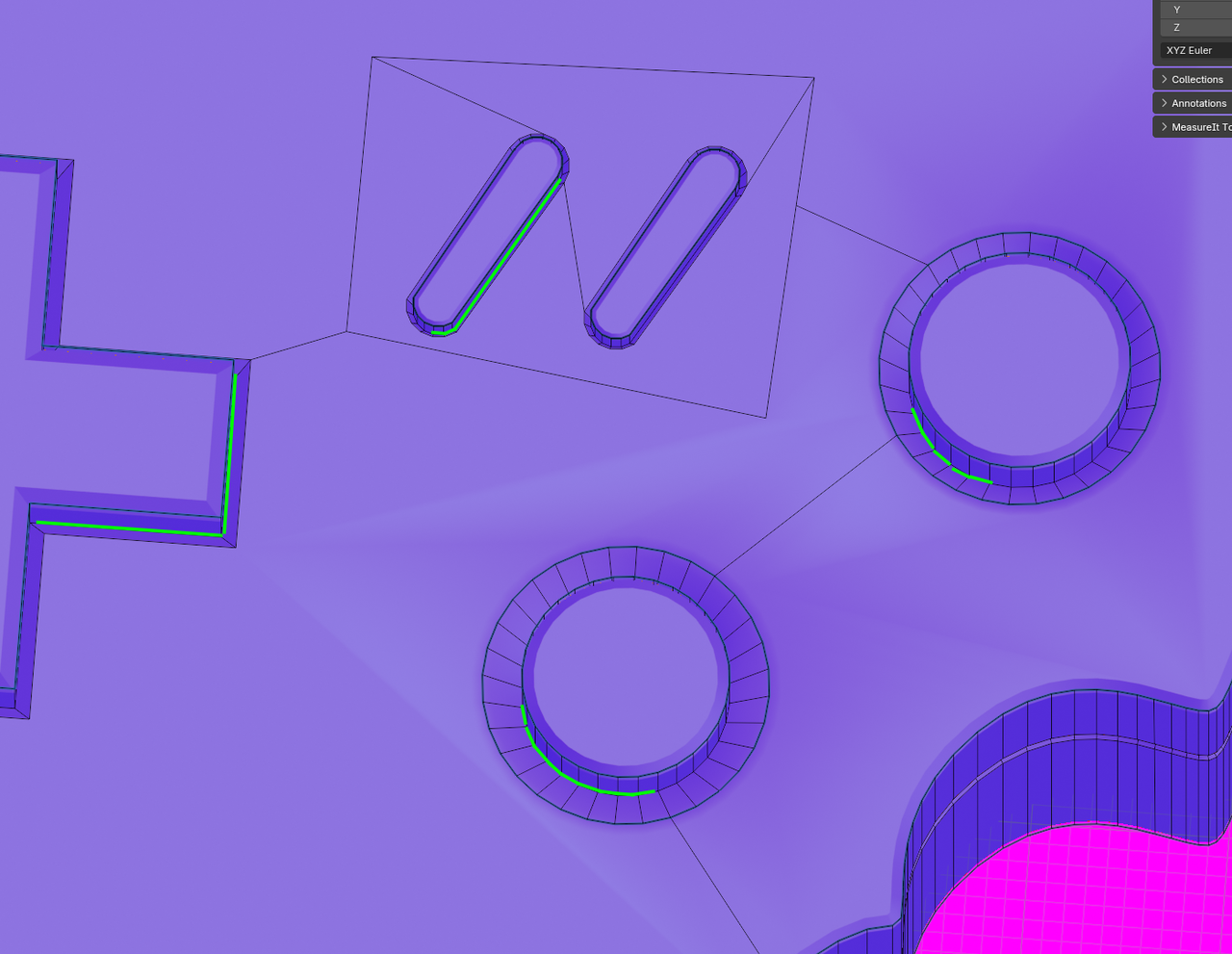
I'm a bit addicted finishing the game console. But I struggle again. This time the shading is so bad. I tried everything. Remove doubles, scale faces to zero, check for overlapping faces, face normals and fiddel around with the bevel modifier settings. Nothing.

Any ideas?


1 love
Reply
  • Martin Bergwerf replied

    Hi Bernd,

    You can try changing the Angle in the Smooth By Angle Modifier, or (cleaner method) Selecting the Insets around the Buttons and lowering them on the Z-Axis

    What I mean is these Edge Loops (but then all around the buttons):

    Shading_00.png

    3 loves
  • Martin Bergwerf replied

    Alternatively, you could Select those 'top' Faces with the weird Shading and then (still in Edit Mode): CTRL+F > Shade Flat.

    2 loves
  • Bernd Günther(bguenthe) replied

    this is awesome. I was not aware that I'm able to shade a single face to flat! Now my console is finshed and is looking so good. Thank's to you guys (again)

    • 👍🏼🎄
    4 loves