This is my "Polybook" where I will occasionally post my progress thats relevant to course material!
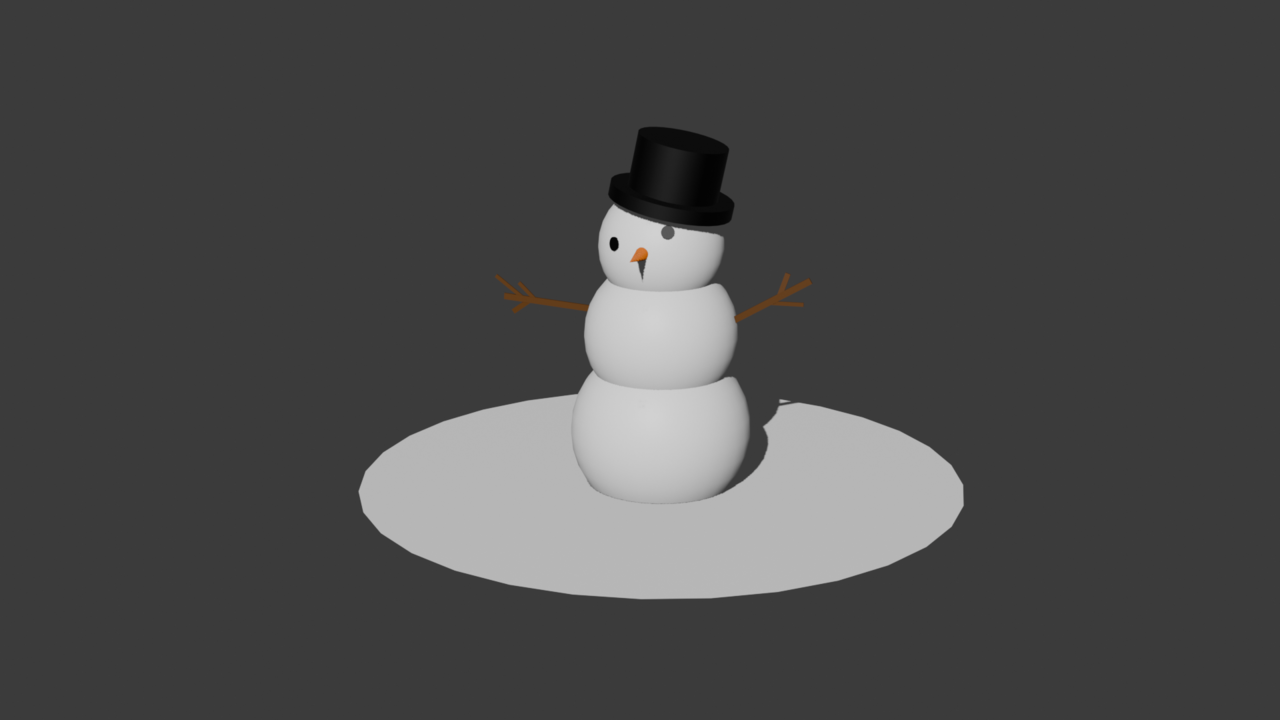
This is my snowman! I tried to make a somewhat nice looking render of it, and I strayed a little bit from the tutorial in ways I though looked better!
This is my Sci-Fi crate! At the end of the lesson, I was told to add my own details to it that I thought looked nice. I added the little triangles on the panels, and thought it would look really cool if the lines separating the panels was glowing blue, so i figured out how to make it happen!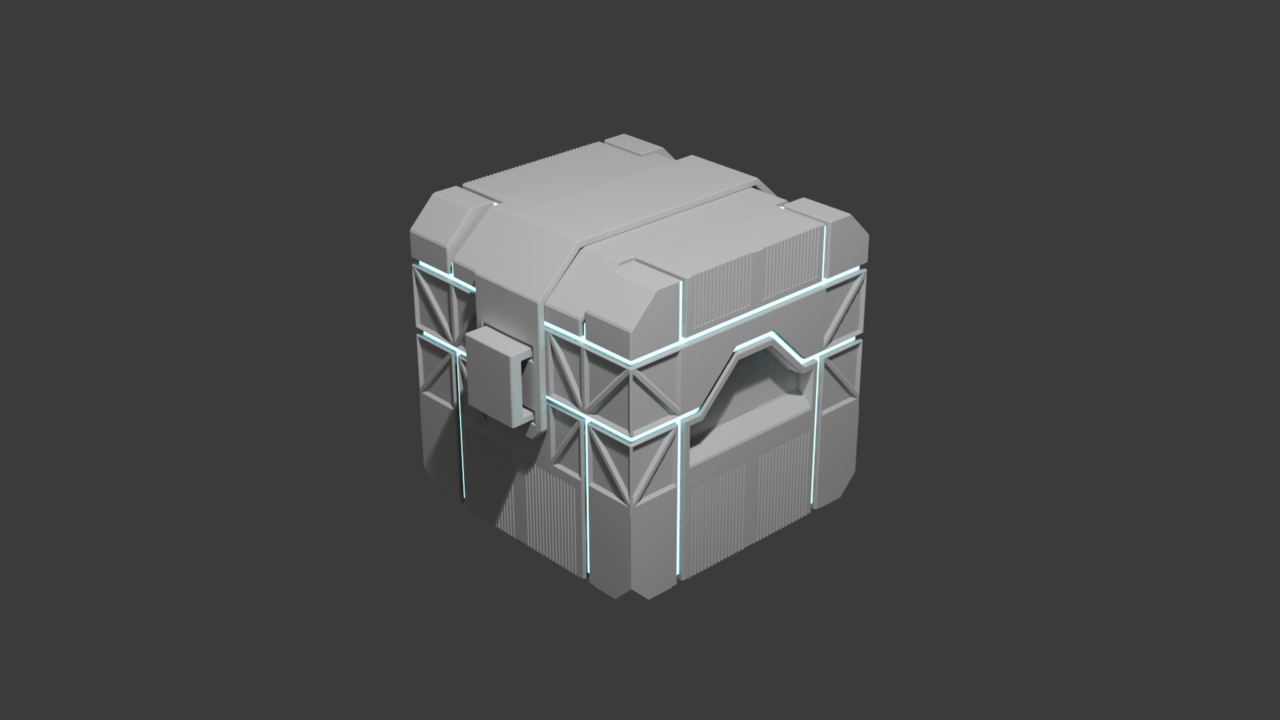

I have just finished the second chapter of the Hard surface modeling fundementals! Here are my 3 creations from it!
This is the soccer ball. I wanted it to look a bit more presentable, so I gave it a little patch of grass to sit on!

In the video for modeling a hard drive, I was given the option to give it a shot on my own first, which I did. I did not finish it because I began to get frustrated, and due to events, I had a time constraint. This is how far I got into it. I am actually pretty happy with how far I was able to get. I really worry about falling into the trap of watching tutorials without actually knowing how to do anything, so being able to get that far was comforting!
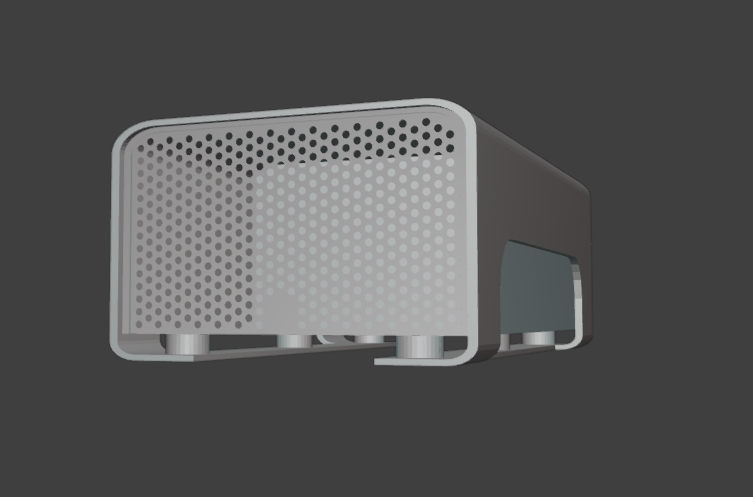
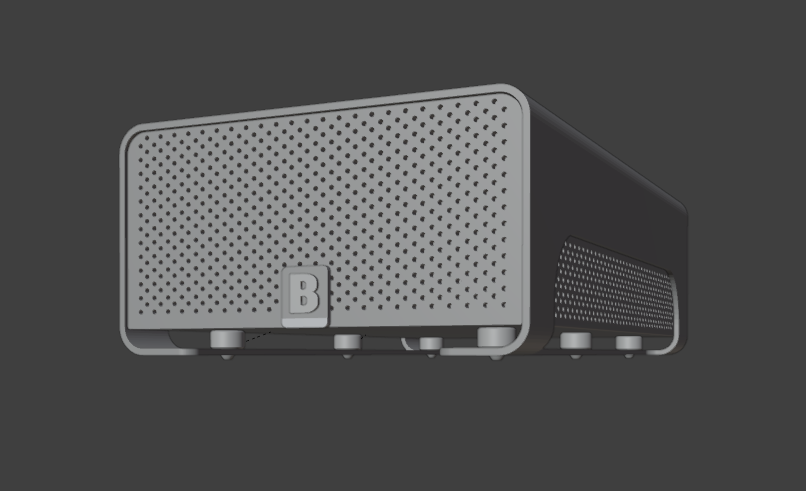
Last but not least, this is actual hard drvie from following the tutorial. I didn't do anything different from the tutorial for this one, and I did not add any details to the back like he proposed in the video. This is primarily because I had been working on it for quite a bit, and it had gotten late. Looking at the differences between my solo attempt and the real deal, the biggest problem is that I clearly do not have an eye for proportion! I hope to work on that in time :)

You've gotten quite far on your own! Probably got the hardest part covered.
As for the proportions, that is something a lot of people get wrong in the beginning. That's why you should always use references and try to model in real world sizes (or close to them) as much as possible.
I have now my way into the subdivision surface modeling section of the modeling fundamentals course! Yay! Since I am on the second lesson, I modeled this coffee cup that looks more like a teacup. I decided at the start that I would make it look a different shape and handle from the one in the video without even realizing it was a part of the challenge at the end! From there, all I had to do is add the saucer. I added the coffee in the cup because I thought it would be a nice touch! So far enjoying this. My biggest challenge was getting my handle looking how I want, because the handle I made had a few more sections. 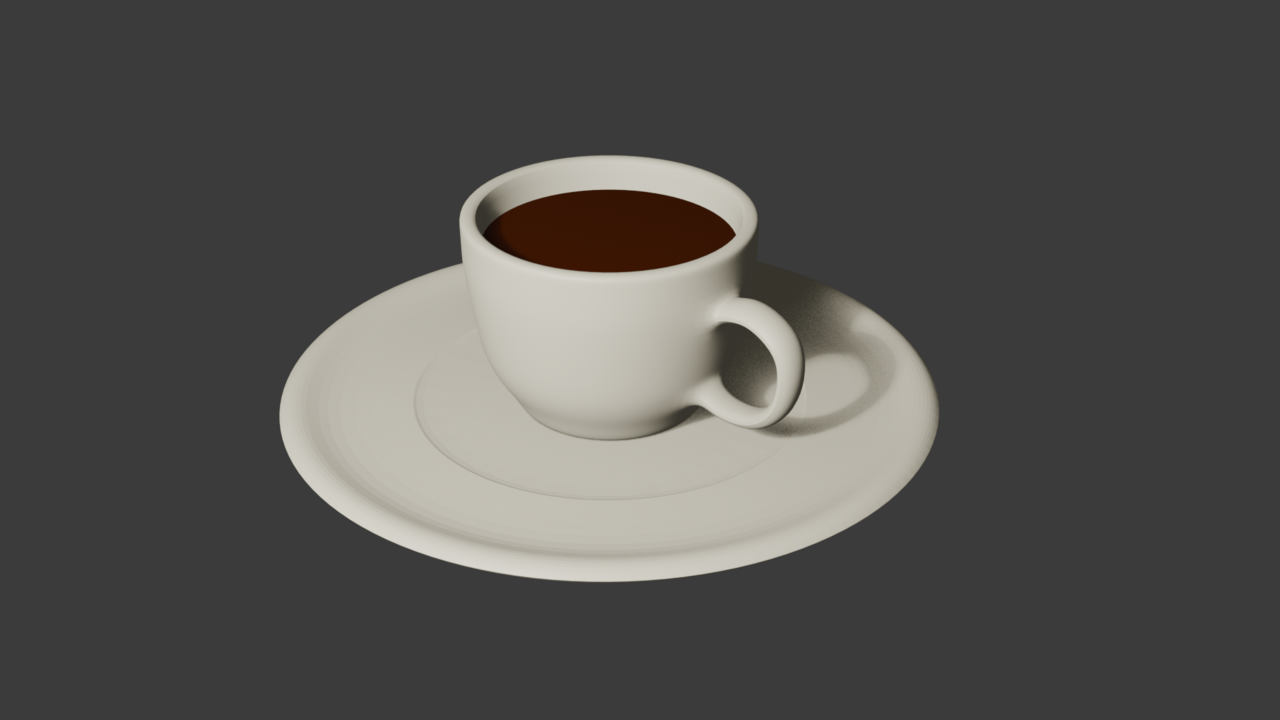
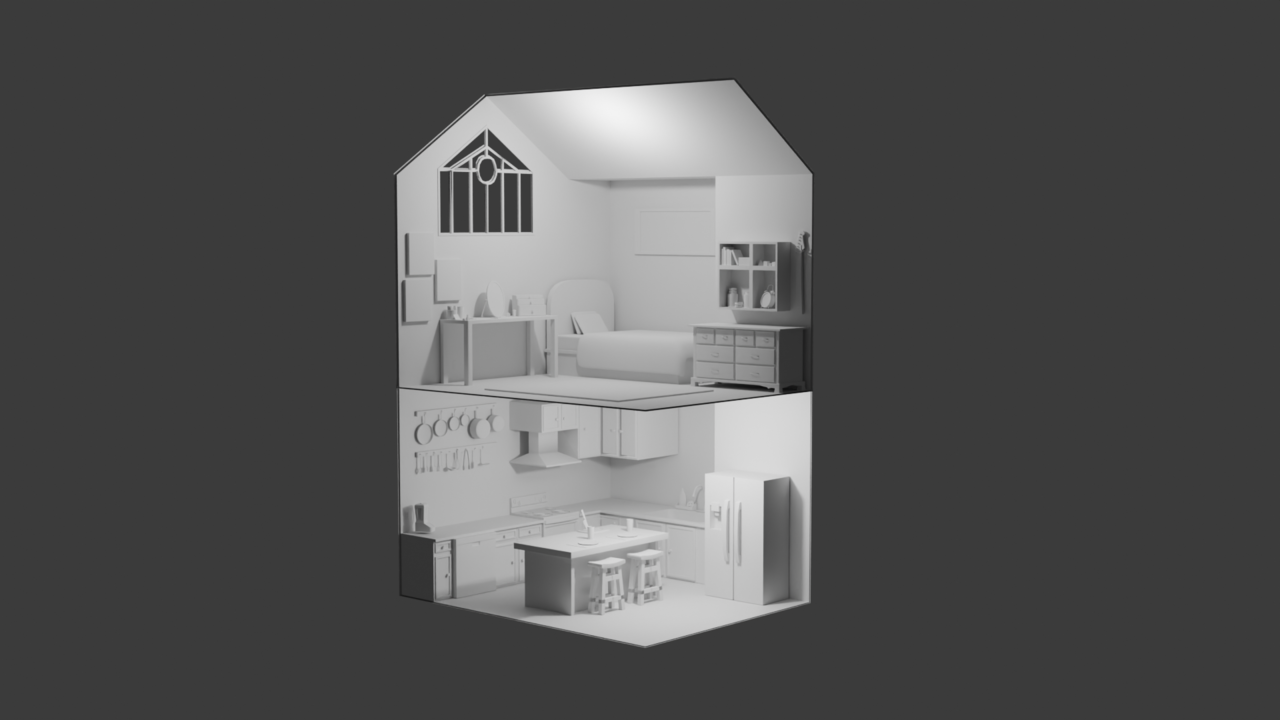
I have began work on the Mesh Modeling room assignment about a week and a half ago, and have been making steady progress. I decided on two rooms, the downstairs is a kitchen, and the upstairs a bedroom. Ive gotten way better just while making this. This image shows what ive mainly been working on past blocking out shapes and planning. 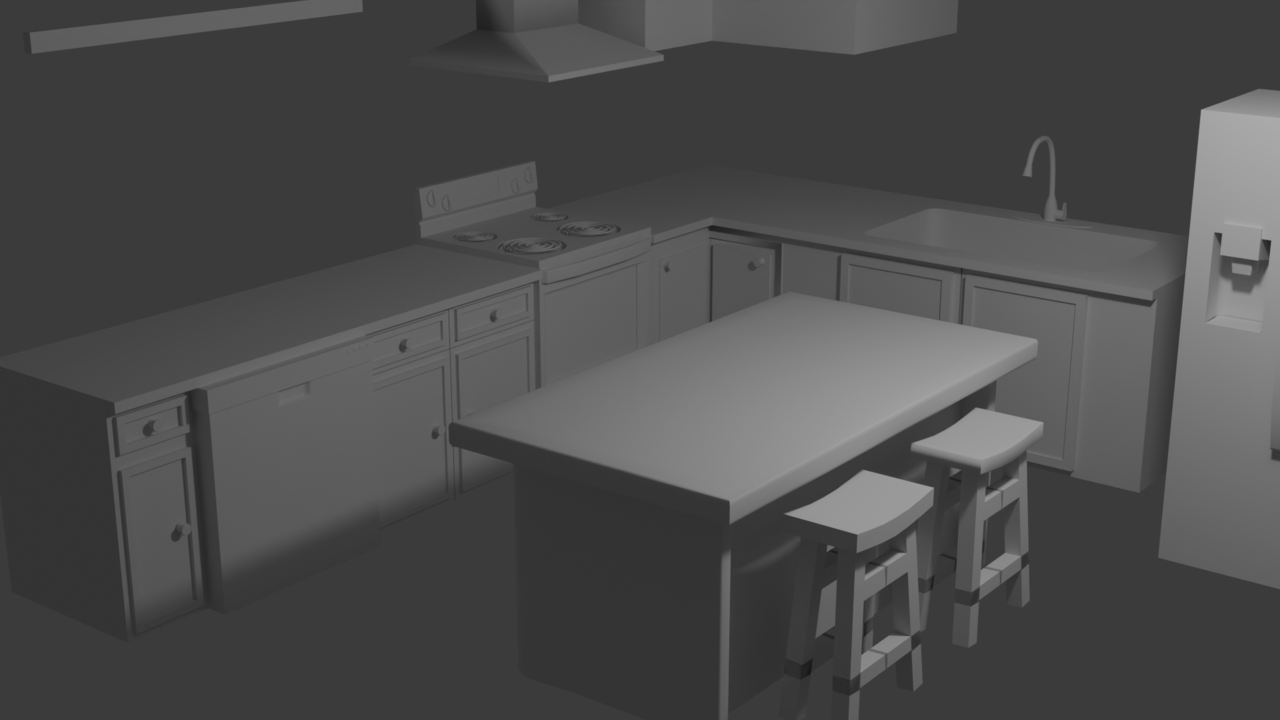
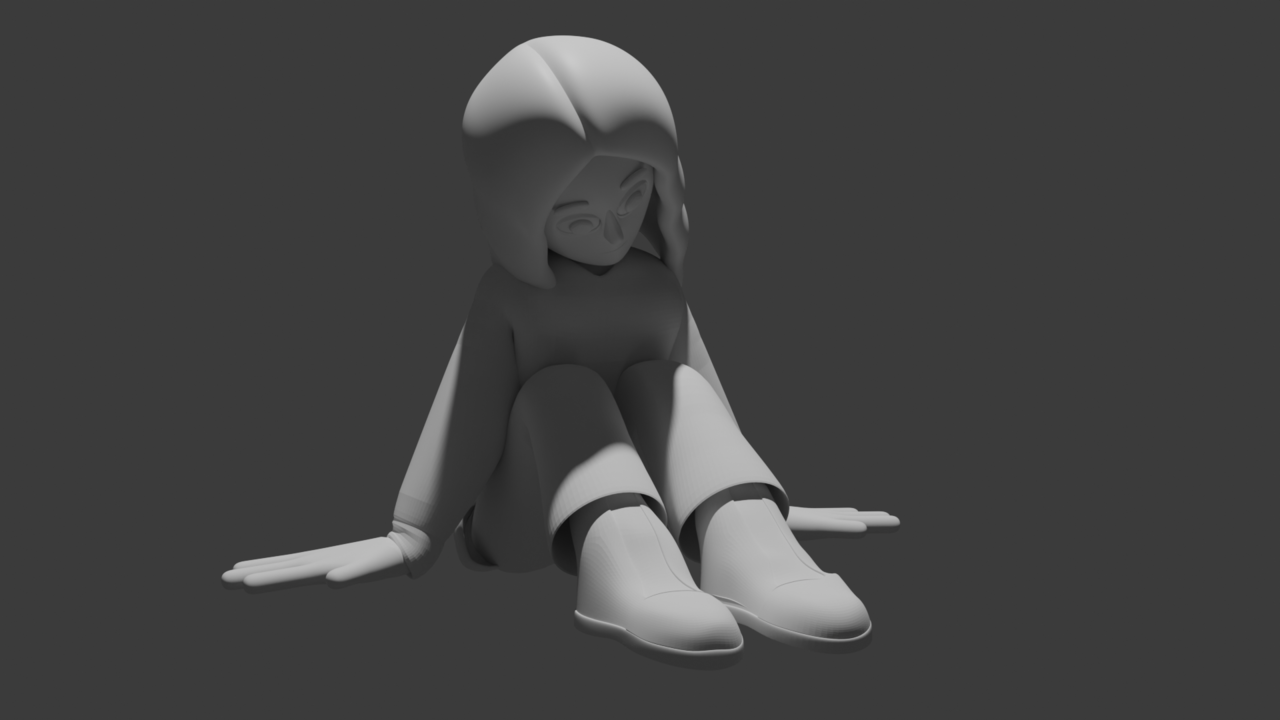
I know that it has been a long long while since I added to this. (I ran out of money and had to unsubscribe until I got a job now.) But I finished the room and passed the assignment. While away from CGcookie I looked into character modeling and am currently trying to learn Rigging, Rendering, and improving my character modeling. The character seen here is supposed to represent me! I went through about 5 different iterations before landing on this one, and was able to get it rigged up JUST ENOUGH to get this pose. Looks somewhat alright as long as you dont look too close and cant see the back.