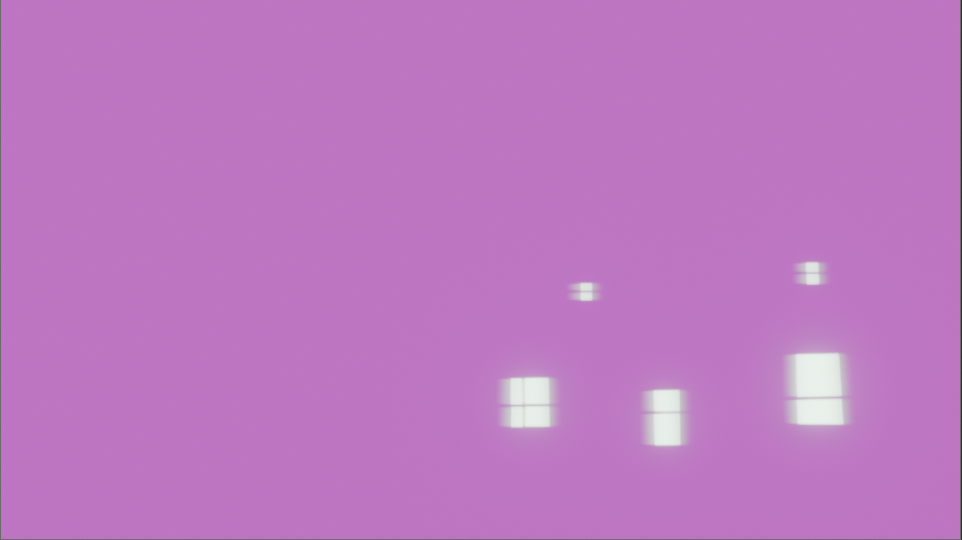
So i messed up something i just cant figure out whats wrong. The "roof pieces " isnt blending in well its almost as if it has to much "metallic " surface and also my green screen footage takes long to dissappear by a second. I tried to change the keyframe of it but i cant find it. Can someone please help me 🤦🏾♂️😭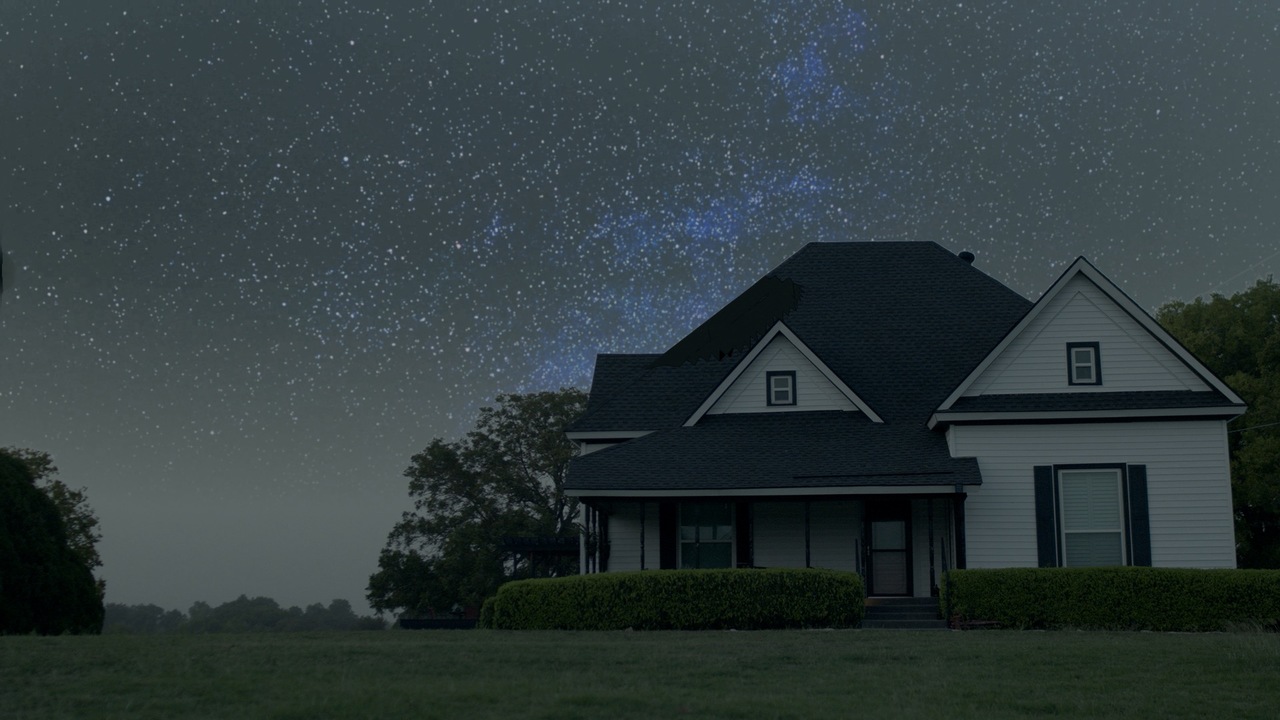
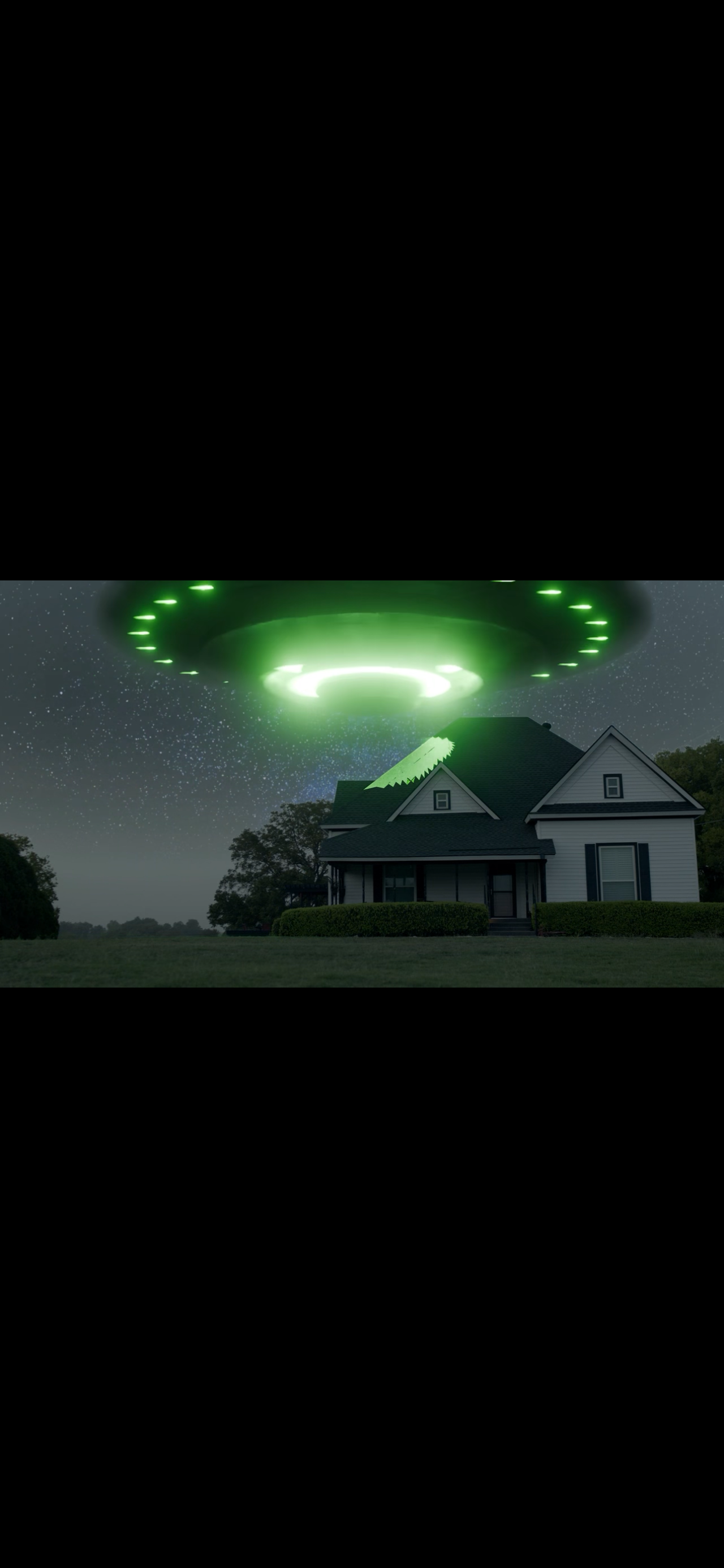

Yeah I'd say the best idea is to start over. It's always the best idea, even though your brain sends out pain signals for it. As Martin says, screenshots are not enough to diagnose this, since so much can be going wrong. Perhaps it has to do with the color management, but that would have to be tested.
Ive managed to put it on drive here is the link https://drive.google.com/file/d/16mfpalUW6ykknM6UhWUK1oNts8eBzHmm/view?usp=sharing
worse case scenario I will start over . It took me a while to do this lol so I want to try every possible solution first. Thank you guys for taking the time to respond to me too! I appreciate it.
lol you're right i meant best case . I packed the resources so now it should be good here is the new link https://drive.google.com/file/d/1gZsPj11Vyjsf6uEPeouok74ecqdzWVvl/view?usp=drive_link
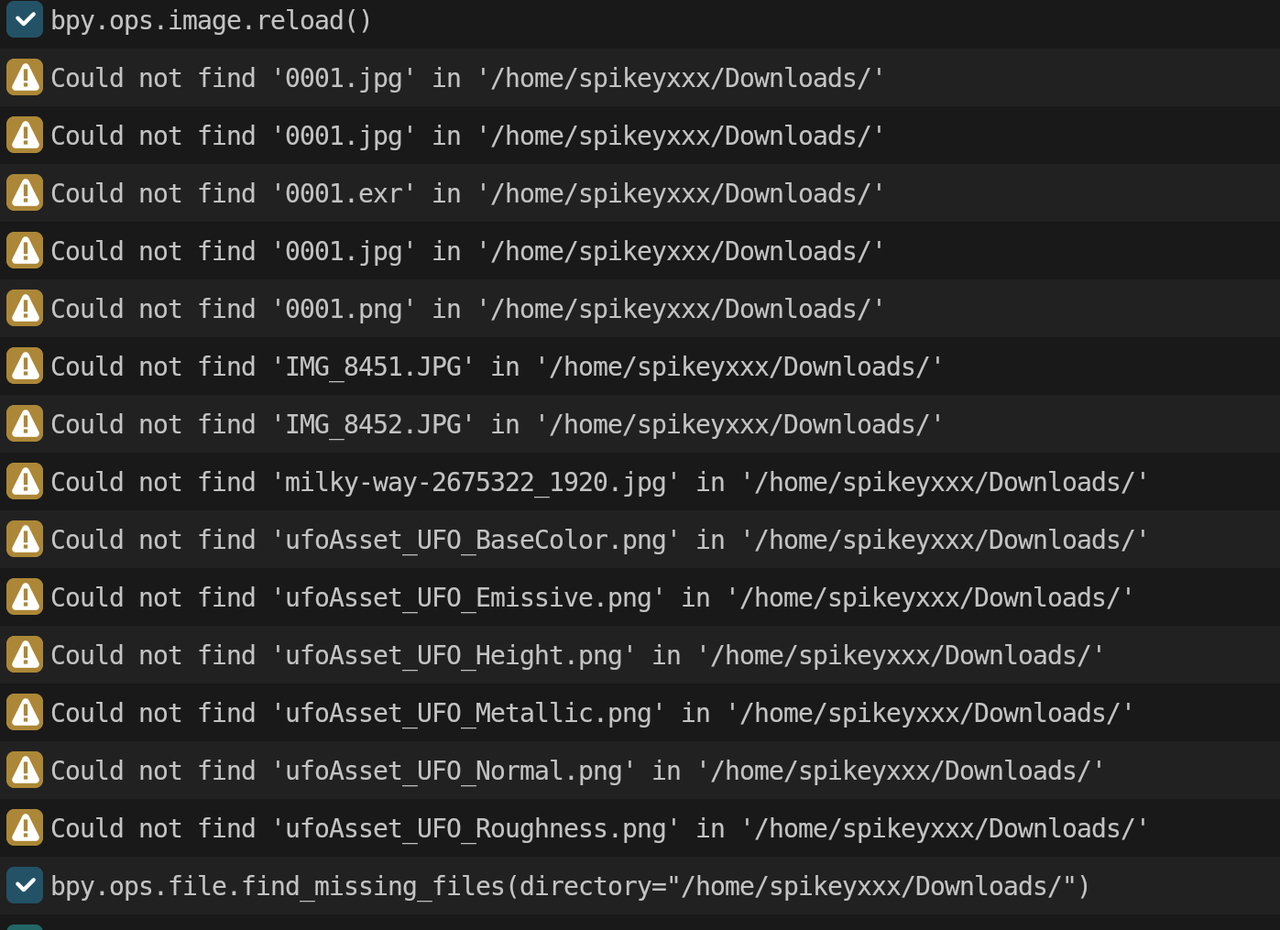
I packed all the resources like you guys said though.. maybe it needs to be unpacked? thats weird
no i didnt ! thats probably why ill do it now and resend sorry guys!
Let me know if you can see it now https://drive.google.com/file/d/1-OXzmfWm72-_MnZk5RVCVPCsKMb_-t5N/view?usp=sharing
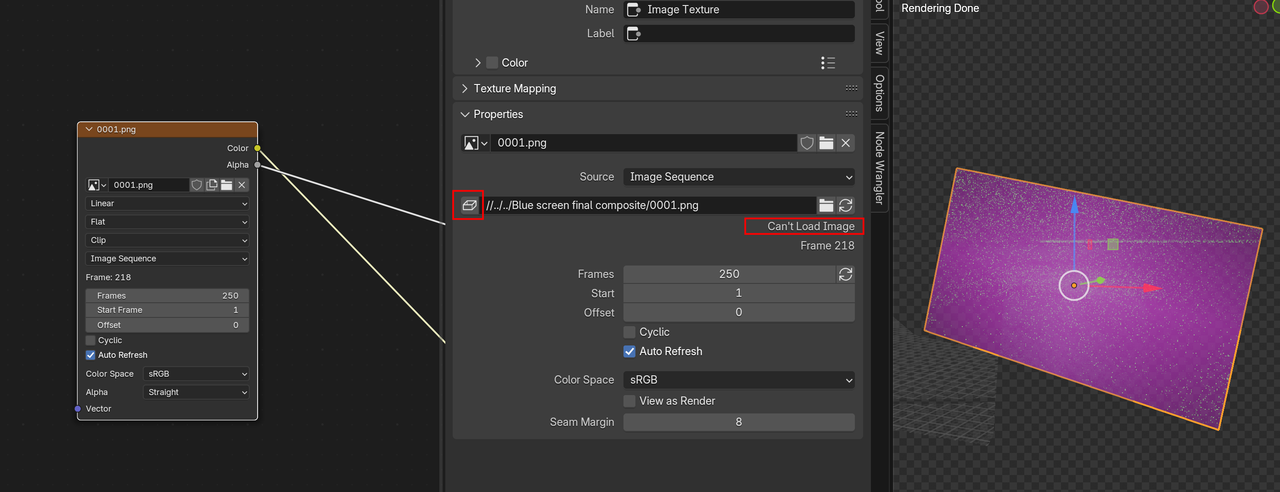
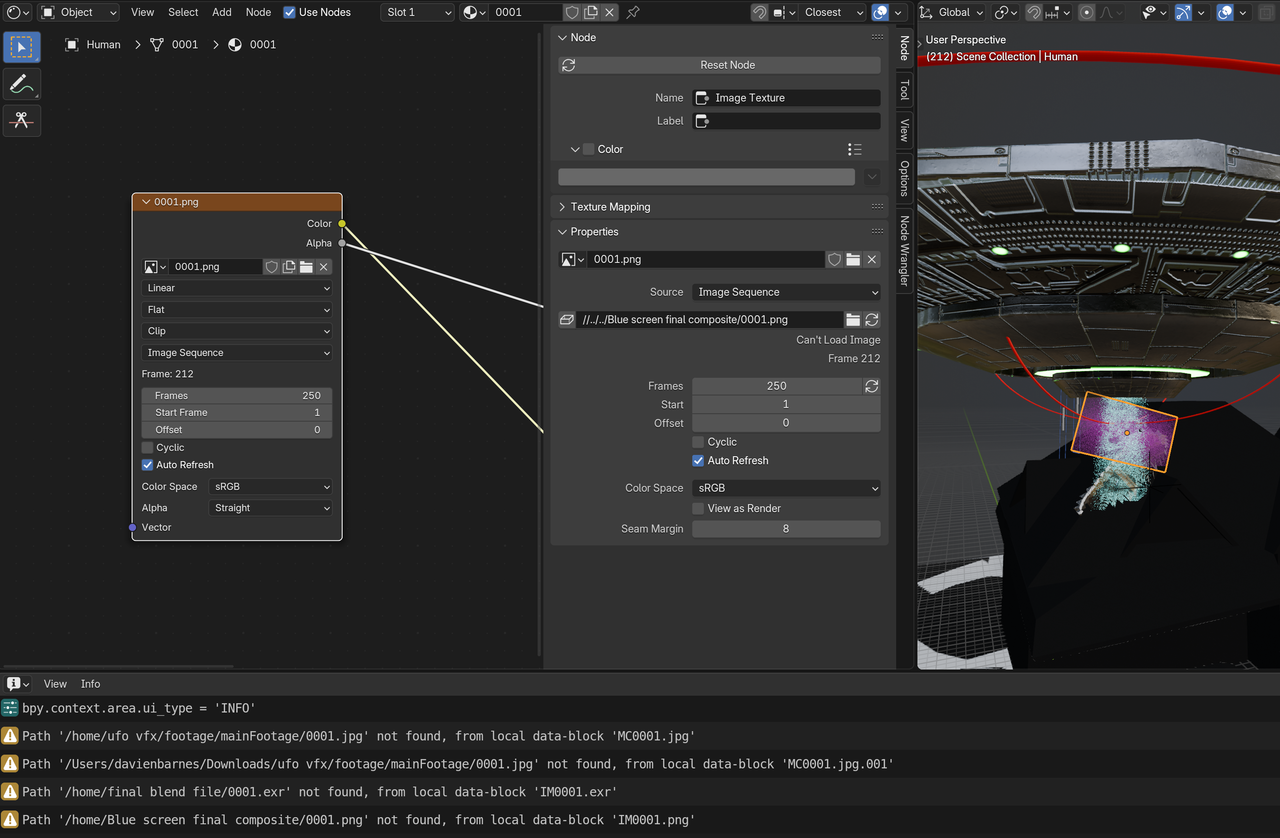
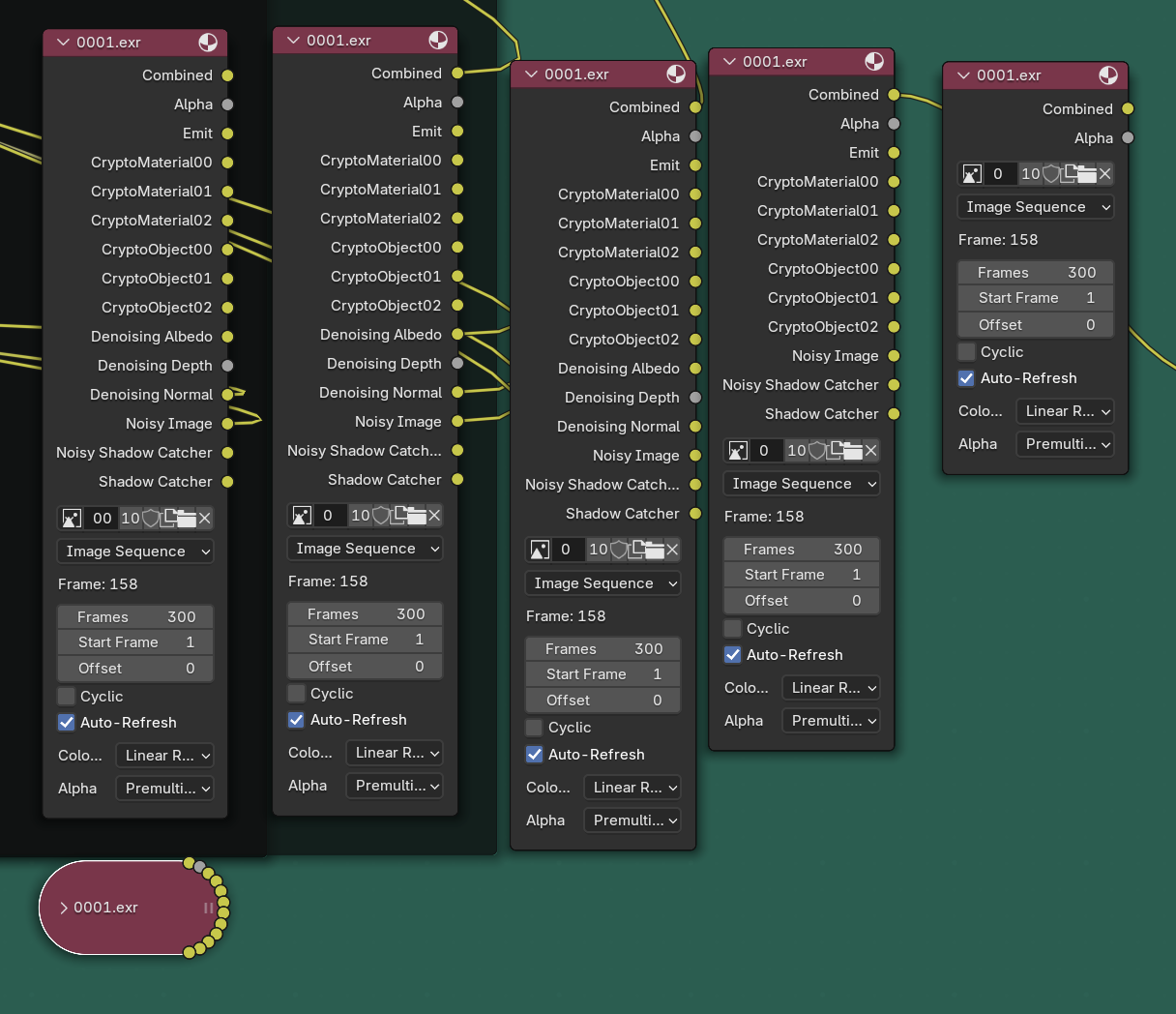
Same for me, I still get various pink all over no matter in what frame I make a render. Basically these nodes:
There is a lot to go through. I'm beginning to wonder if it's better for you to start over. I mean I bet we can get to the bottom of it and see what was going on, but I bet you'll learn so much more with the knowledge you have now if you get at it from the start and you now know what you have to focus in and you'll be doubly fast and things you see again will make you go ooohhh I see it so much clearer now. I've repeated courses as much a three times in the past, we all do, it is standard practice.