Yeah, some more context would be great Jenny DDistempered ...
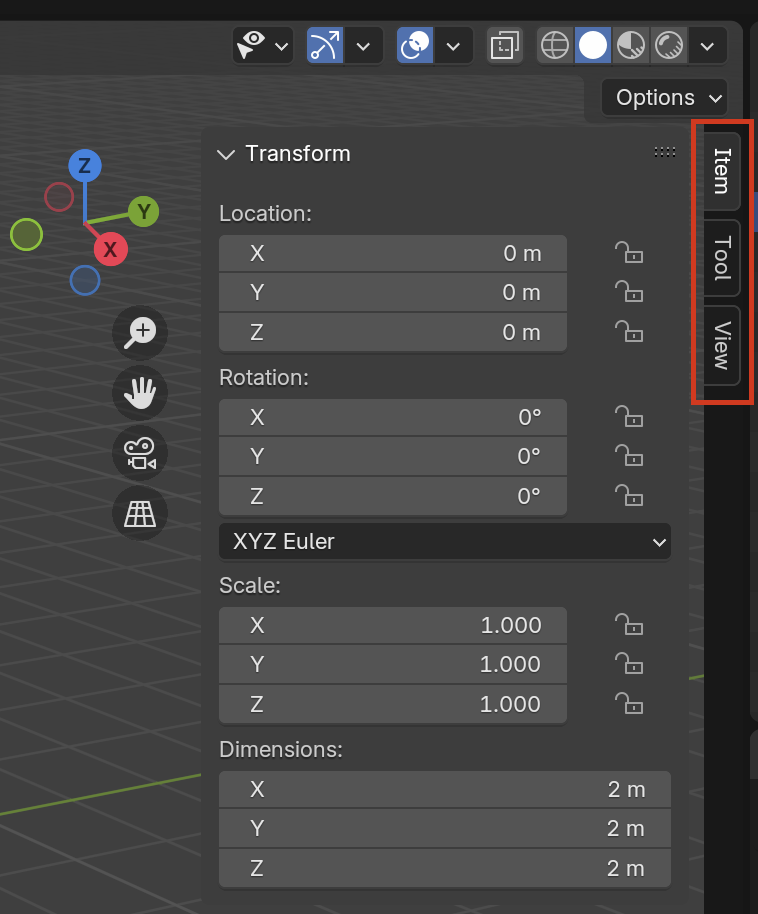
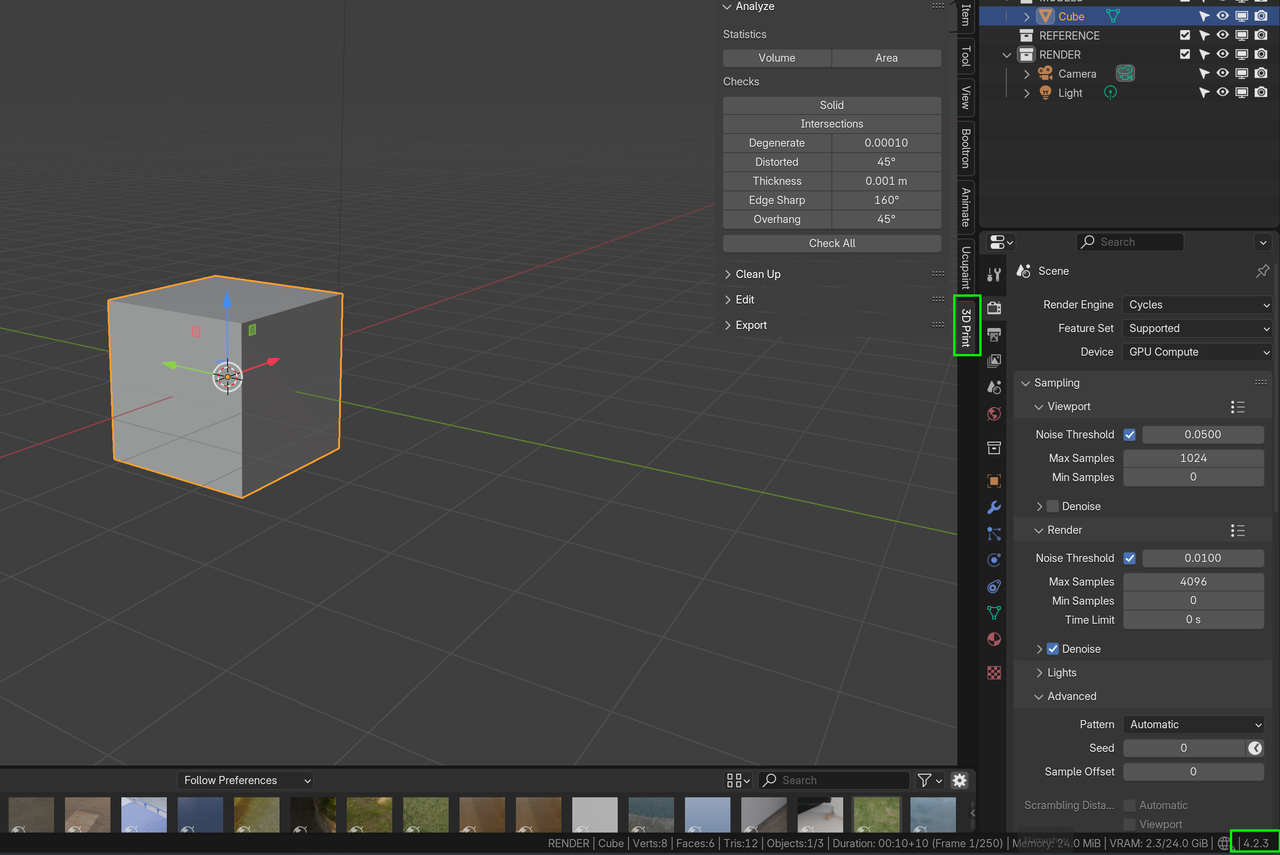
But if you mean that you can't see the 3D Print Addon in the N-Panel, that could be, because you don't have an Active Mesh Object. Select your Mesh and it should be there.
Yes, i guess that really would have helped if i gave yall a little more context, i meant when i pressed N, that it did not show up on the right. even tho it shows up that it is installed. so i switched to Blender 4.3 and it shows up fine. Thanks for the quick reply's
I'm having trouble selecting the eyes and getting them to appear inverted to make a proper manifold. It's almost like that part was skipped.

Hello Samantha. Can you give us a time stamp in the video? So we can see what you're referring to. It's a short video, but just in case. Also can you give a little more context, what steps are you taking? Selections in Blender are usually very straightforward, they don't tend to cause trouble.
Hi Samantha SStarksc27 ,
If you are talking about our beloved Suzanne,
the Eyes are part of the Suzanne Object. To Select the eyes, you need to go into Edit Mode and Select them there. For instance: P > Separate > By Loose Parts:
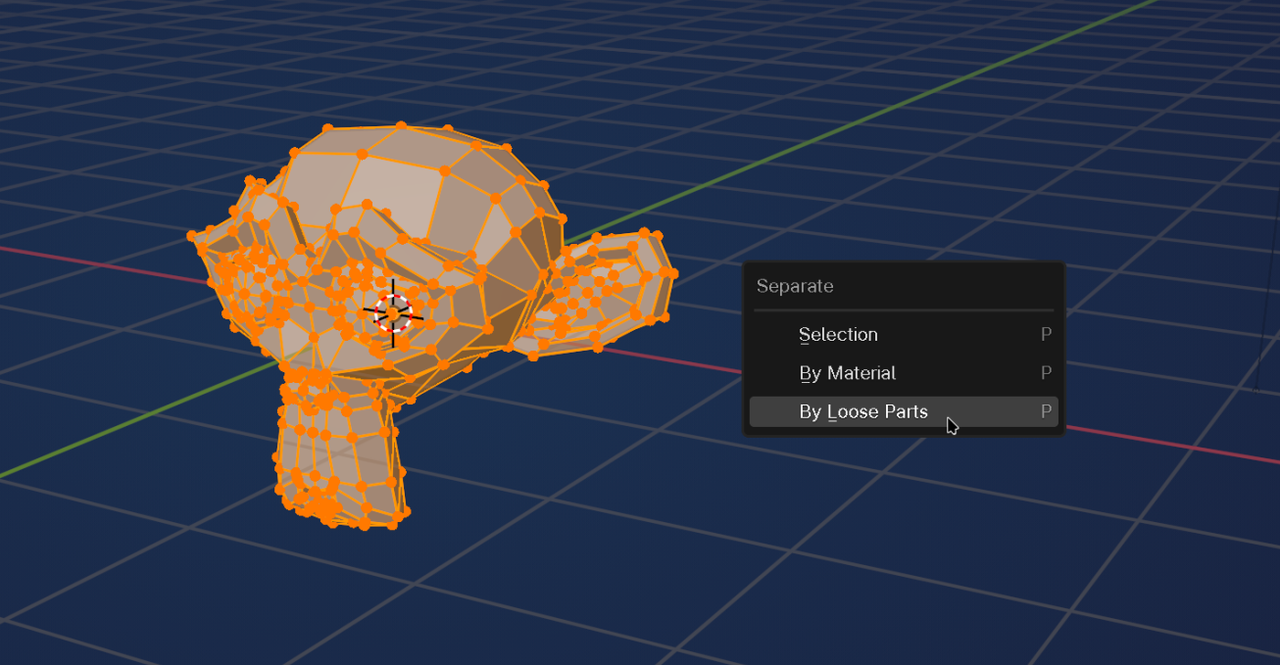
Then switch back to Object Mode.
There are other ways, like hover over an Eye (in Edit Mode) and press L to Select the Eye and everything that's connected to it...
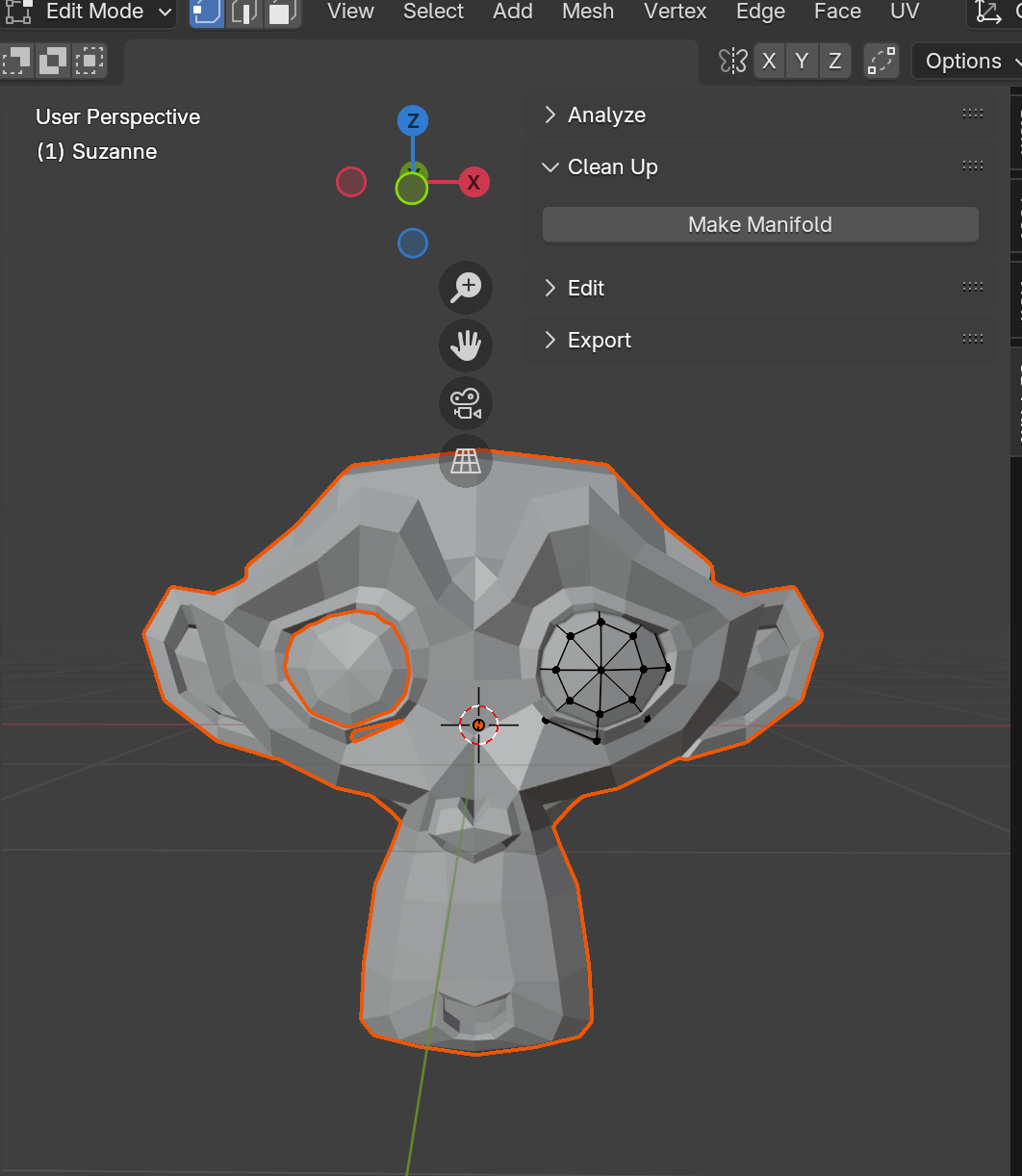
Hi yes, that's what I'm talking about. When I do the "By Loose Parts" it only shows one eye loose. It won't let me do anything with the other.
Hi Samantha SStarksc27 ,
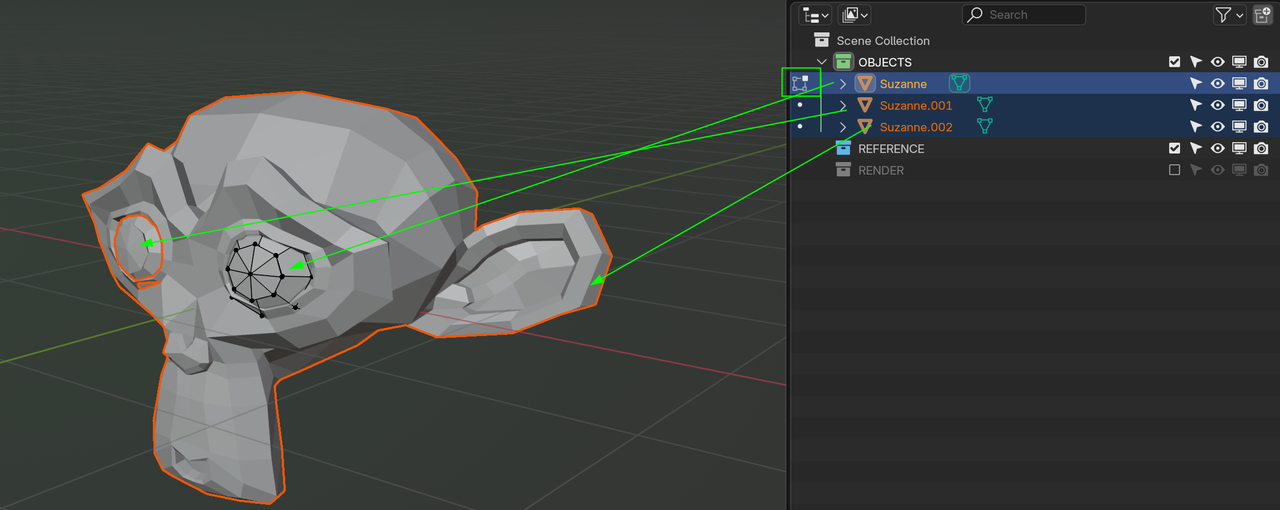
Separating in Blender puts the 'new' Objects in Object Mode and leaves one (in your case Suzanne's left eye) in Edit Mode.
That's why I said: "Then switch back to Object Mode."
You can see this also in the Outliner: