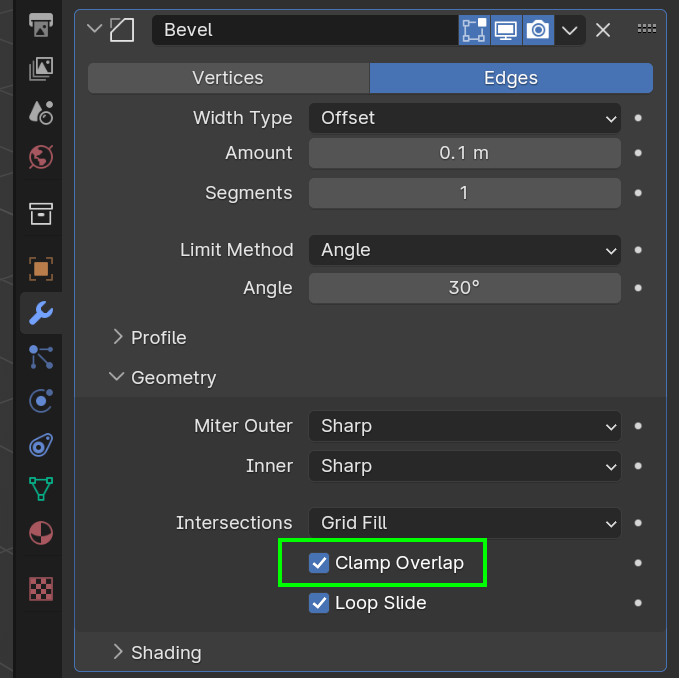
Basically if there are two vertices and the distance between them is 0.5mm and your bevel amount is set to 0.7mm, then the bevel amount is greater than the distance between the vertices, which means as they get beveled they will be overlapping one another by an extra 0.2mm. So the Clamp Overlap says no no no, you can't, you ain't going to be overlapping one another, I wont allow it because I am Clamp Overlap baby, I'll clamp you for overlapping.
So the Bevel will not take effect unless you uncheck it, then they'll overlap without a problem. And so when you have double vertices, they are so close they are basically one on top of the other and the Bevel with Clamp Overlap will just not even take a little bit of effect.