
freshly-baked-newsletter
Freshly Baked 115: 3 Overlooked CG Cookie Features That Can Speed Up Your Blender Learning
Aug 14th 2025
This post comes straight from our Freshly Baked newsletter, a weekly serving of Blender tips, CG Cookie updates, and community finds. Want it delivered fresh to your inbox? Subscribe here.
Some of the best tools on CG Cookie are hiding in plain sight. :)
If you’ve been a member for a while, chances are there are a few handy features you’ve never tried, but could make your Blender learning smoother, faster, and more fun.
Let’s shine a light on a few of them.
1. Search Within Video Captions
Ever watched a long tutorial and thought, “I know they said it somewhere…”?
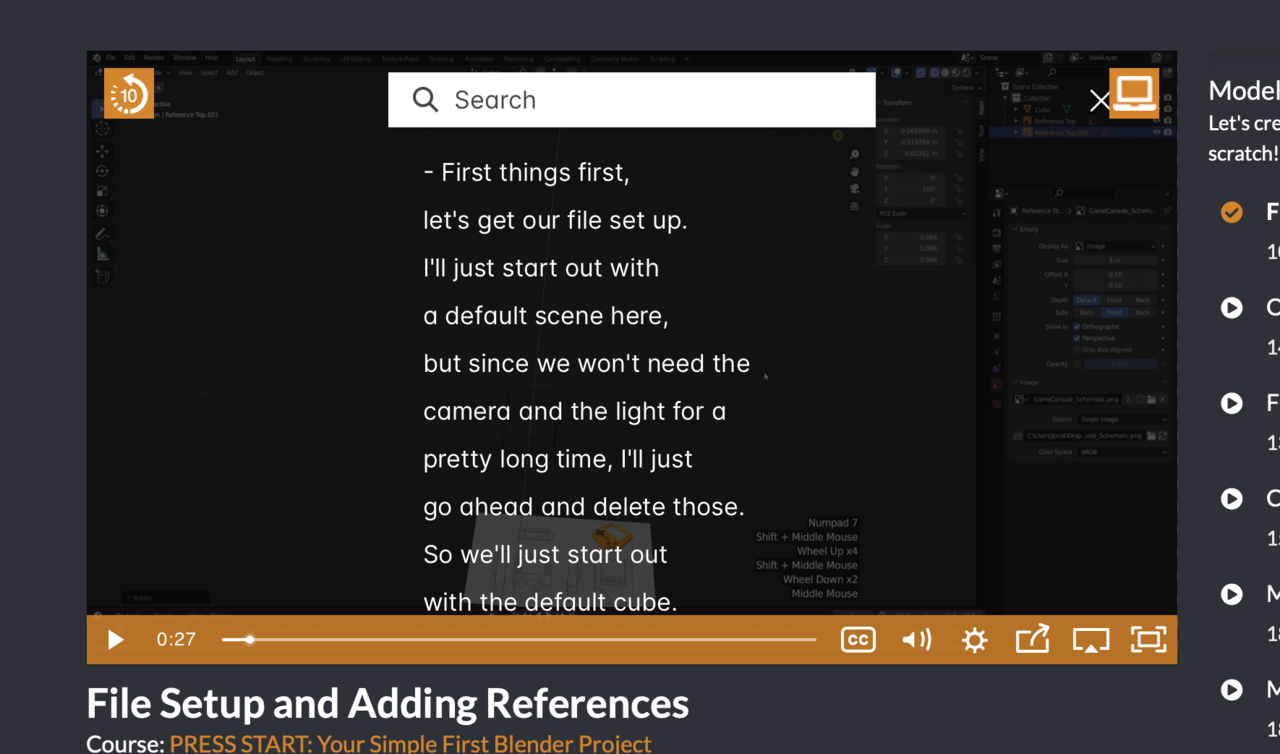
In the video player, click CC → Search Video. You’ll be able to search the full transcript and jump straight to the phrase or keyword you need.
Perfect for those “where did they talk about bevel weights?” moments. (Learn More)
2. Download Lessons for Offline Viewing
Traveling? On spotty Wi-Fi? If you’re a paid subscriber, you can download any lesson to watch offline. Just click the third icon from the right on the video player, and the file is yours.
Great for flights, coffee shops, or anywhere the internet doesn’t quite keep up. (Learn More)
3. Track Your Progress and Pick Up Where You Left Off
Your progress report isn’t just a “you’re here” marker. It’s your shortcut back to what matters most, the lessons you’re working through right now.
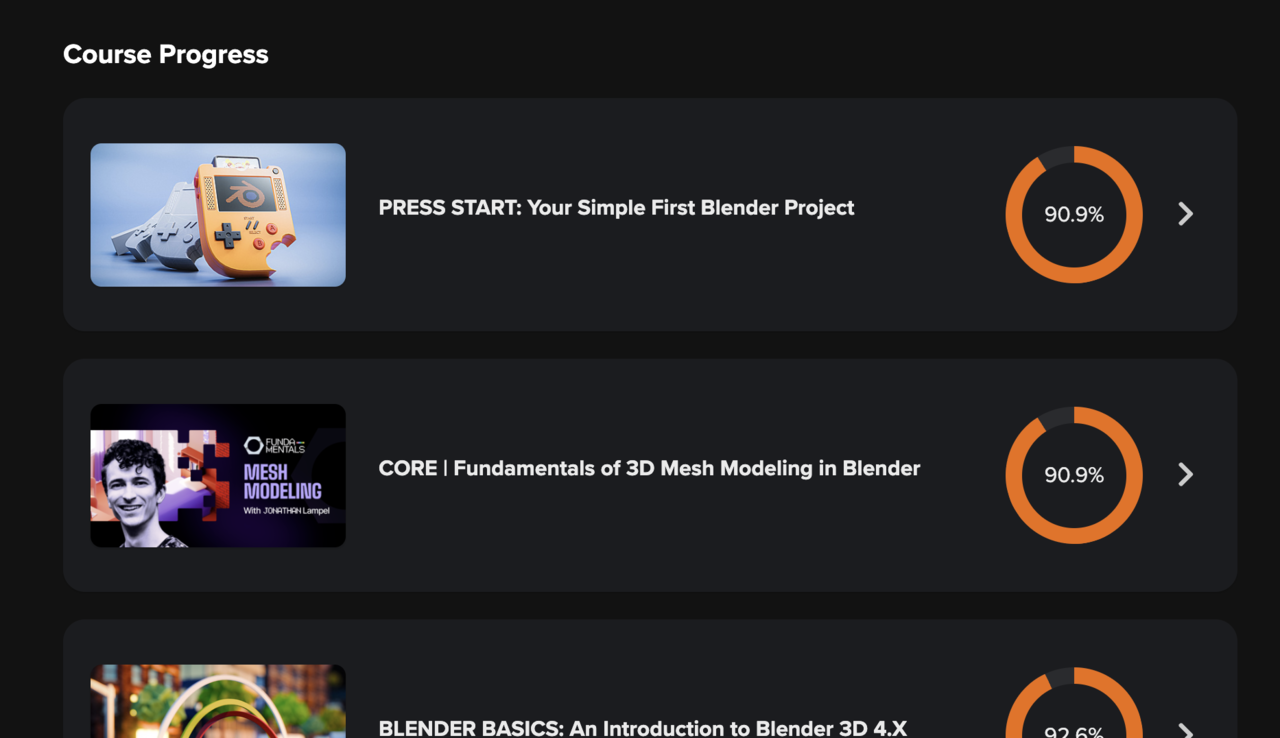
Easily see what you’ve completed, where you paused, and what’s next. (Learn More)
Blender Power up of the Week 🍄
Sharing snippets we've found along the way. This tip was scouted in our Fundamentals of Mesh Modeling course.
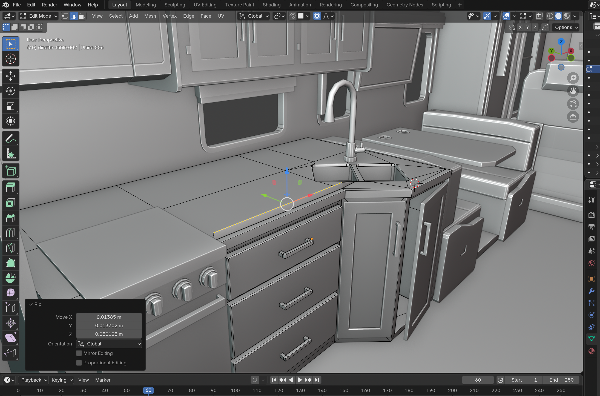
Tip: Rip + Fill Like a Pro with Alt + V
Did you know you can rip open your mesh and have Blender automatically fill the gap with clean geometry?
- In Edit Mode, select a vertex or edge, then press Alt + V.
- This runs Rip Fill, which does two things at once: Rips the mesh (like V normally does), and automatically fills the resulting hole with new faces. 🤯
This combo is incredibly useful for localized topology edits, especially when adjusting clothing, hard-surface geometry, or prepping meshes for 3D printing.
Have a Blender Question?
Our forums and Discord channel are packed with artists who’ve been where you are — and are happy to help.
