Also in this lesson it's just the basics. If you want a deep dive into Sculpting, you can watch the Sculpting Fundamentals:
https://cgcookie.com/courses/core-fundamentals-of-digital-sculpting-blender
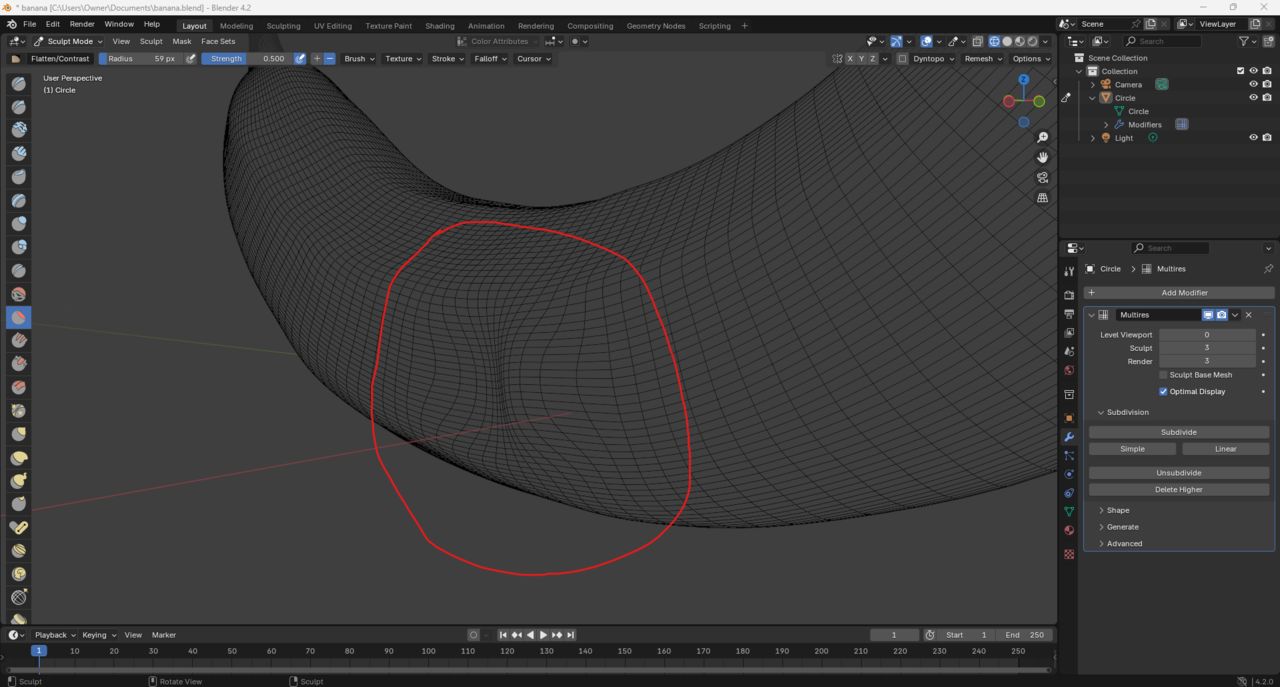
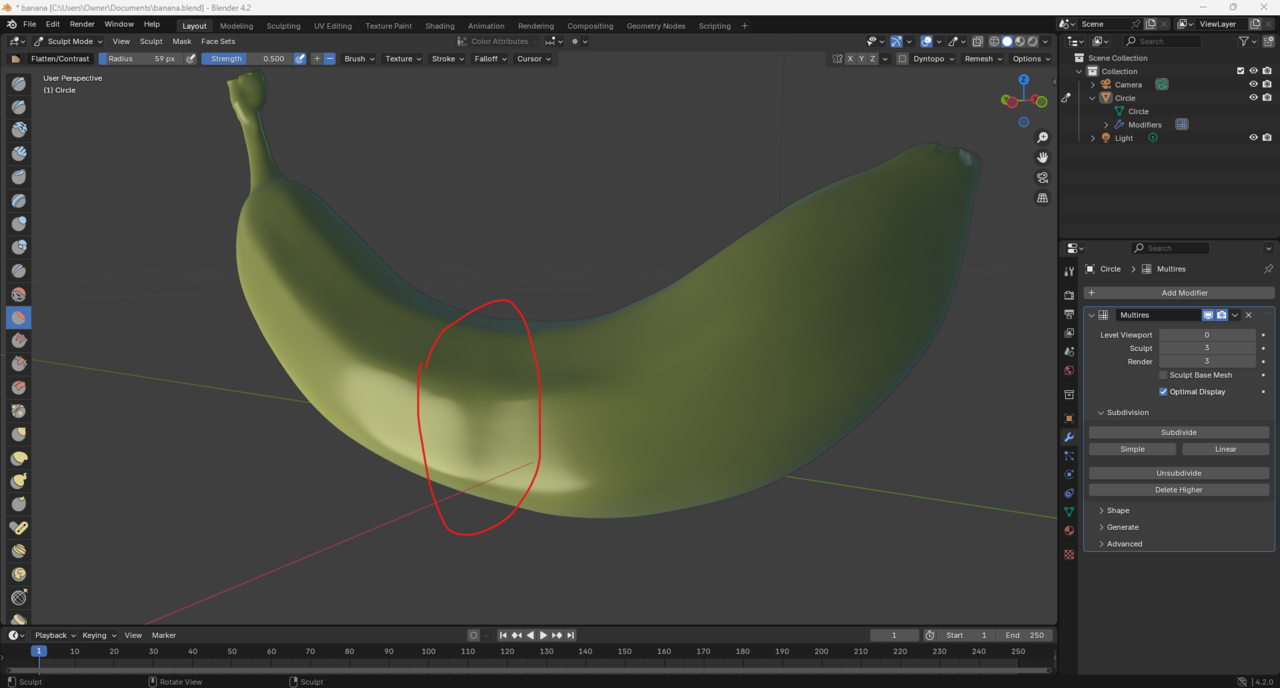
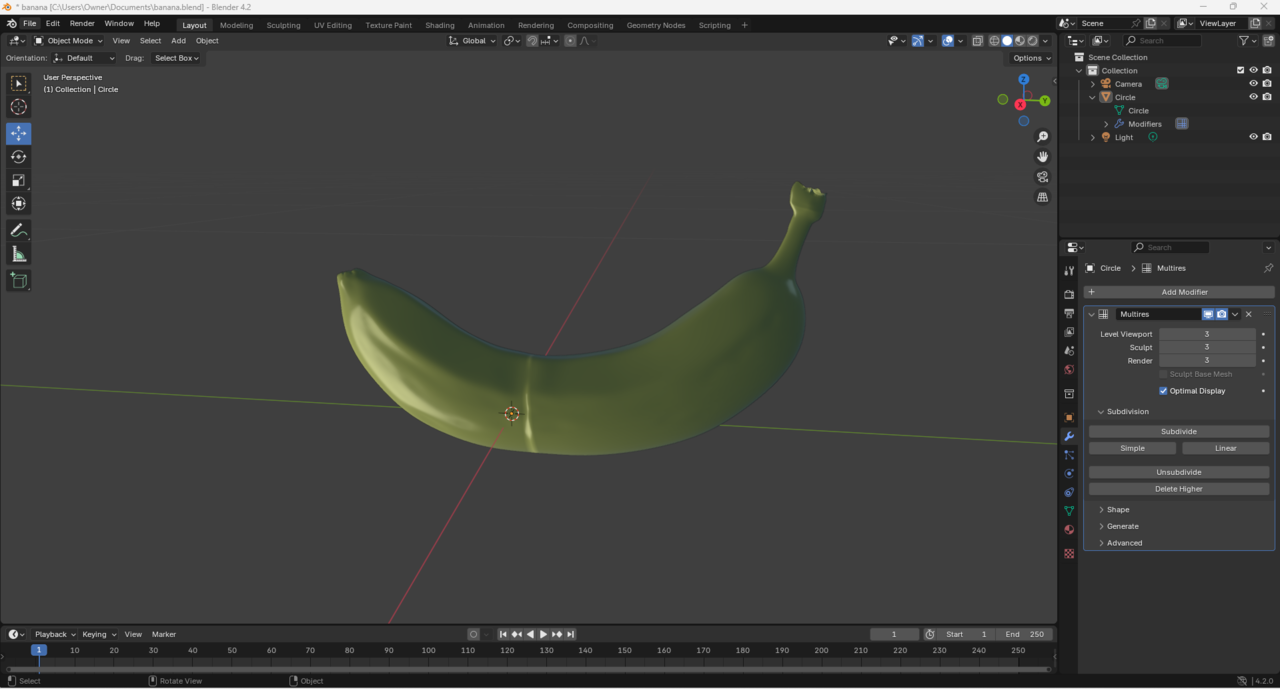
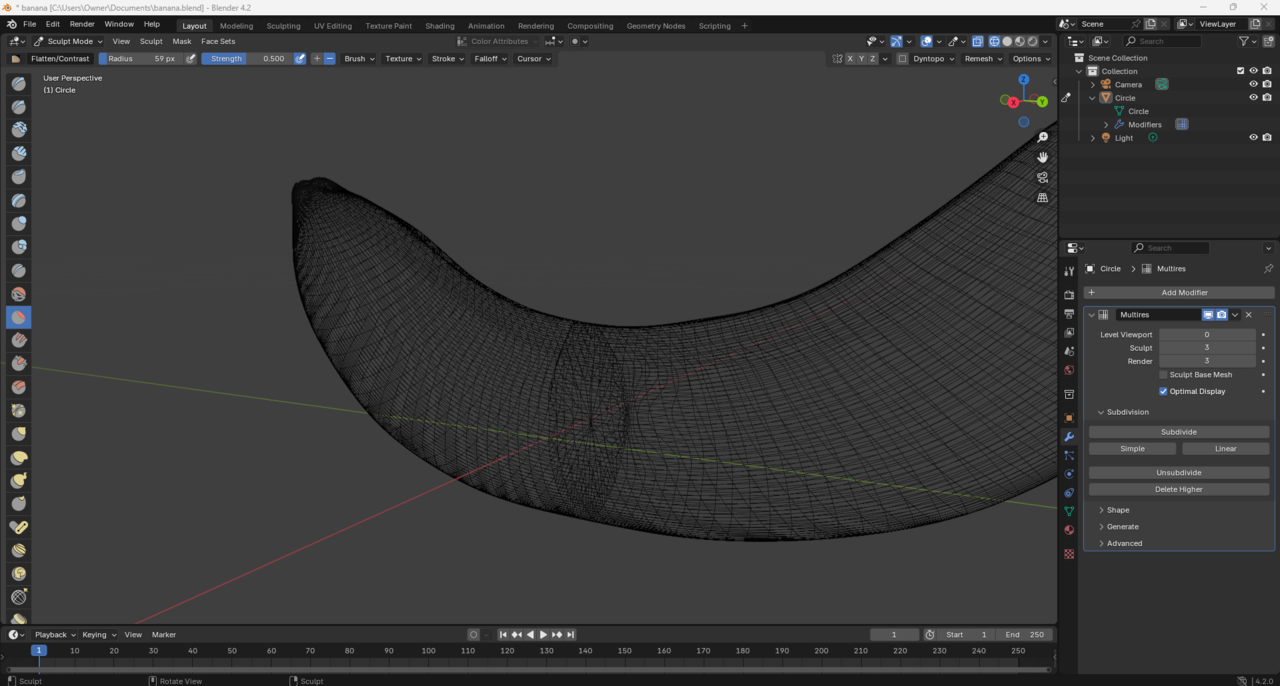
Hi there! So my banana that I shaped in edit mode was giving me this ring in the middle! But I discovered the problem was the ring had a face! So after deleting the face it fixed it a lot, but not sure how to get these pinched mesh (if that's the right term) un-pinched, it's doing weird stuff on the banana, all help appreciated!

Hi Ford Ford ,
I assume the top two images are the current situation.
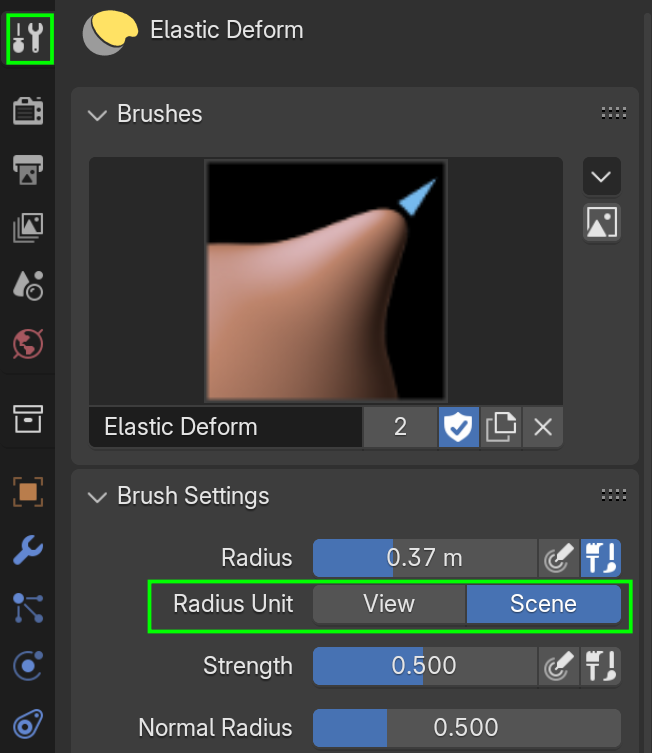
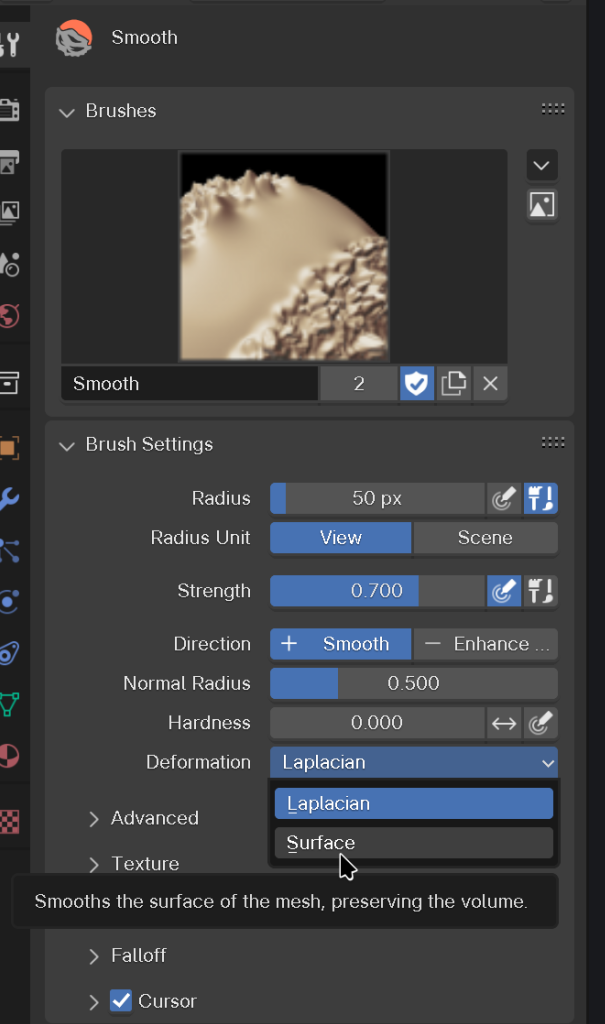
There are several thing you can try; there is a Slide Relax Brush, and you can try the Smooth Brush, with the Deformation changed from Laplacian to Surface:
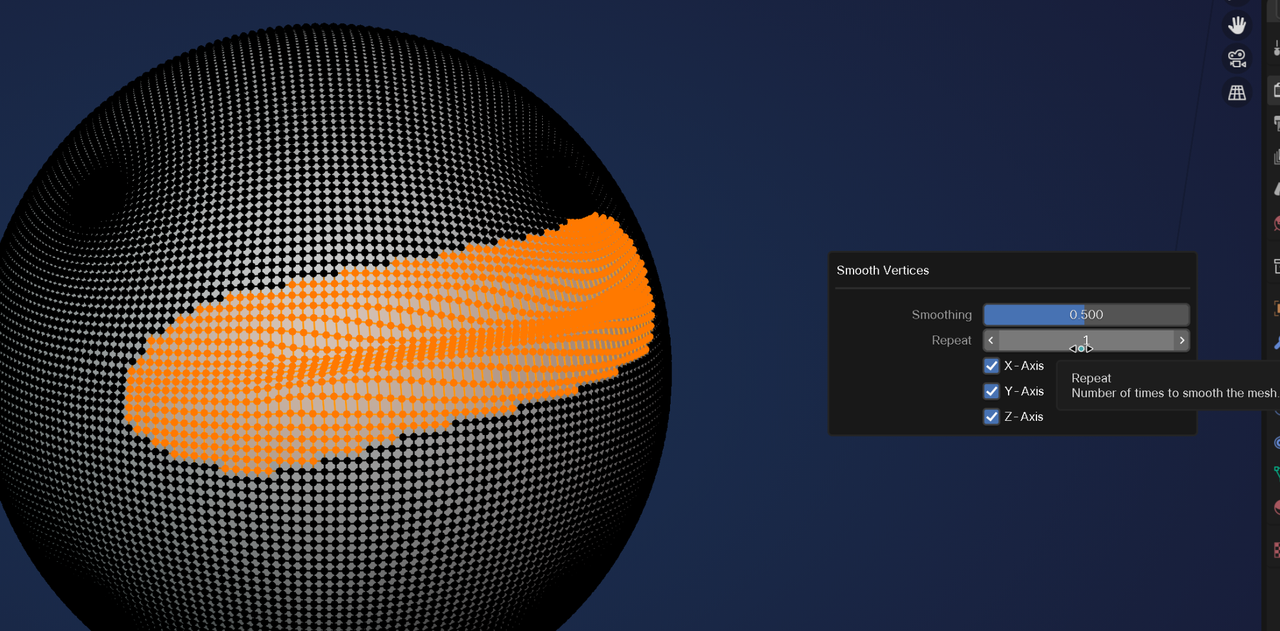
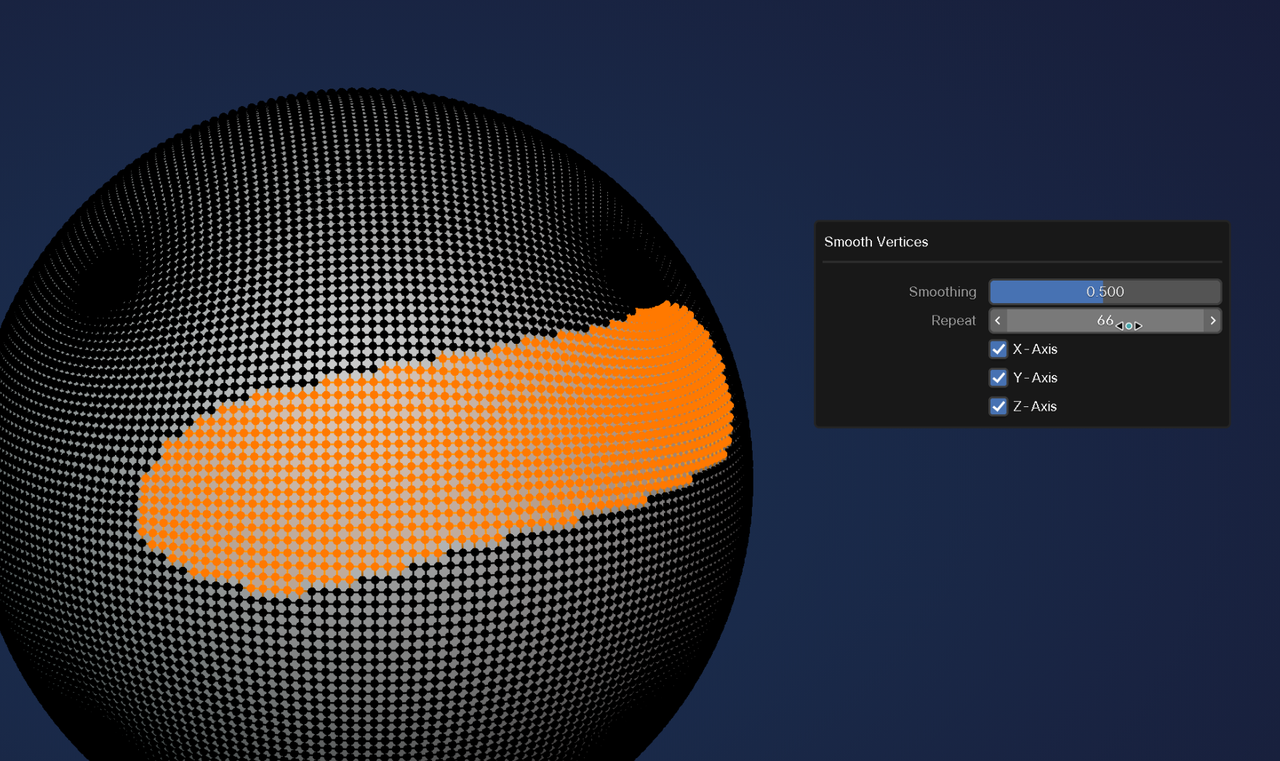
But the probably easiest way, is to go into Edit Mode and Select that area and its surrounding Vertices and then (right click or in the Vertex Menu) Smooth Vertices:
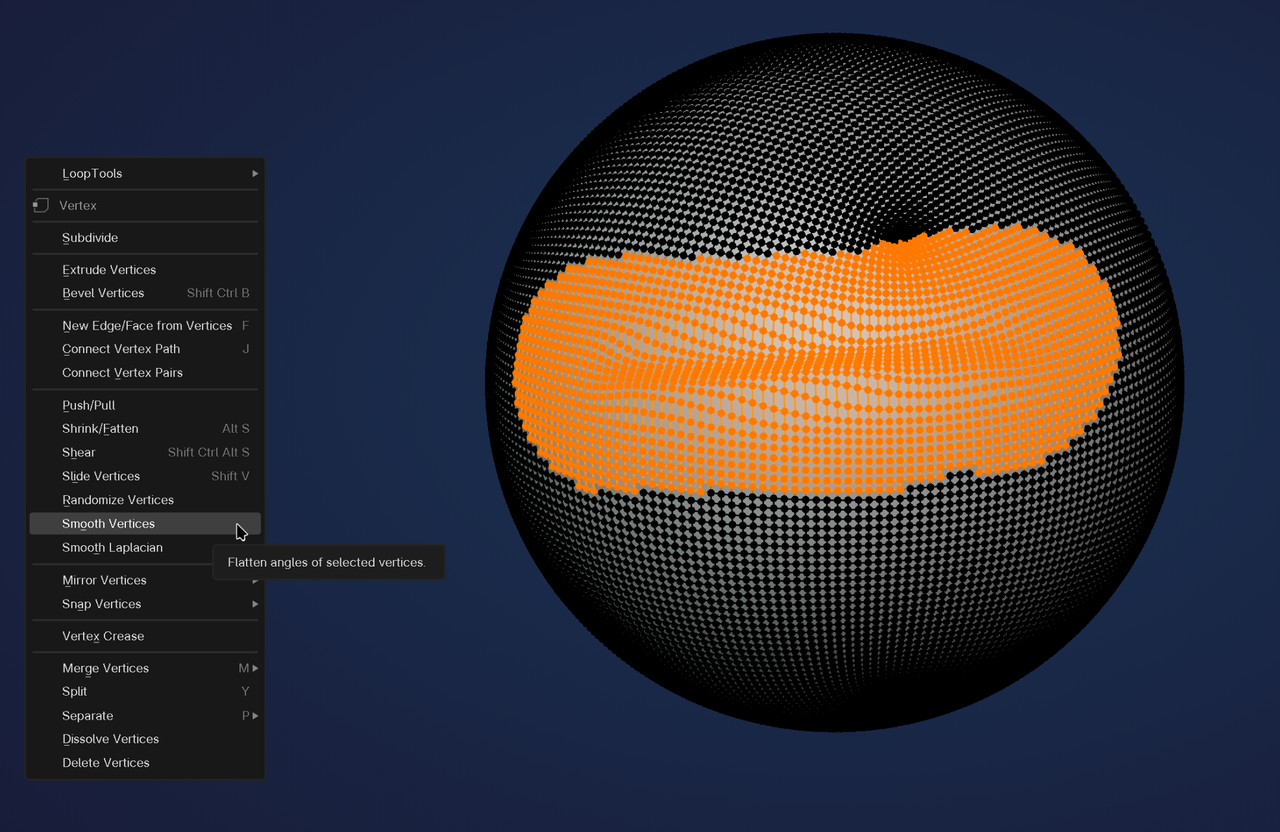
Then in the 'Adjust Last Operation' Panel, you can increase the iterations until you are happy with the result.
Maybe you need to use a combination of these techniques.
oomar I tried both and unfortunate Neither worked, the face has been remove like in the top two pictures I added.
@Martin Bergwerf I will definitely try smooth vertices! But I'm not sure how to see the mesh in edit mode like you have here, all I have is the very basic circle like I drew originally
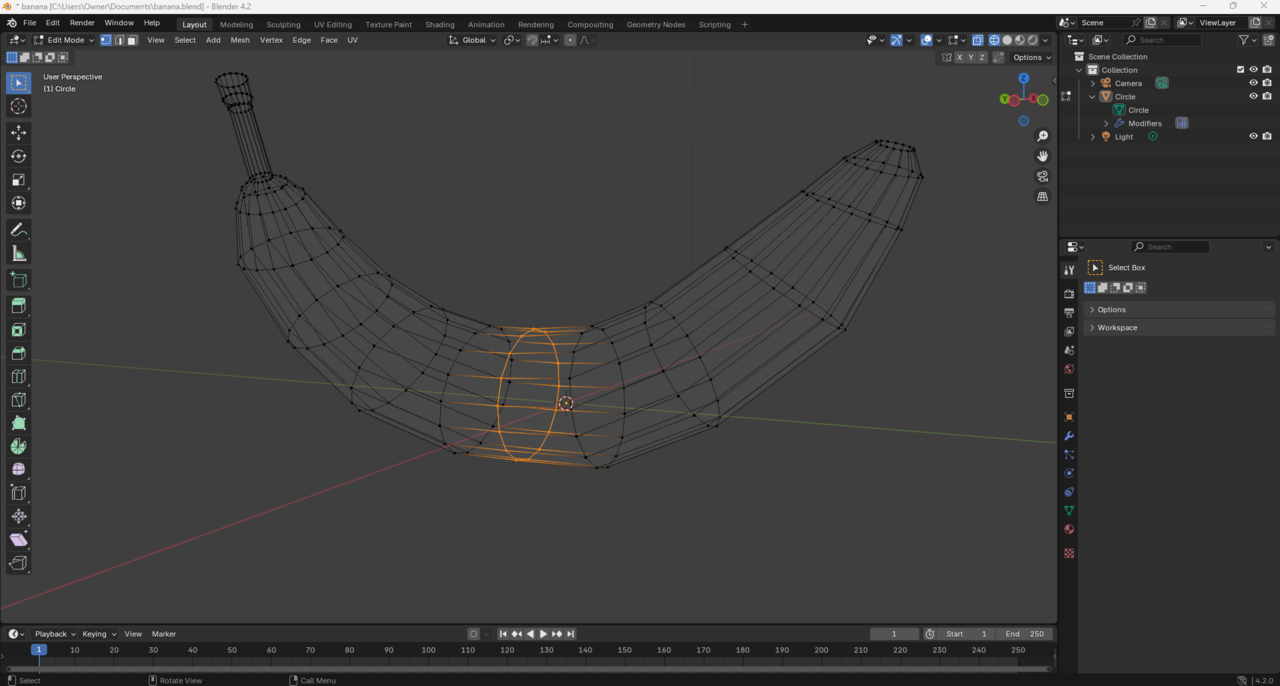
Oh wait Ford ,
I wasn't paying attention; you are using a Multires Modifier.
Then that Edit Mode Smoothing won't work. You could go back a few Sculpt Levels in the Modifier until the problem area looks okay and then slowly go up again, Smoothing each Level.
Or just start over and Delete Higher Levels.
Mesh Modeling mistakes are often fixable, but with Sculpting, it is usually easier to start over. Get into the habit to Save Incrementally often, especially when Sculpting, so you have 'recovery points' and you don't have to start from scratch each time.