
These courses should help you get up to speed in no time.
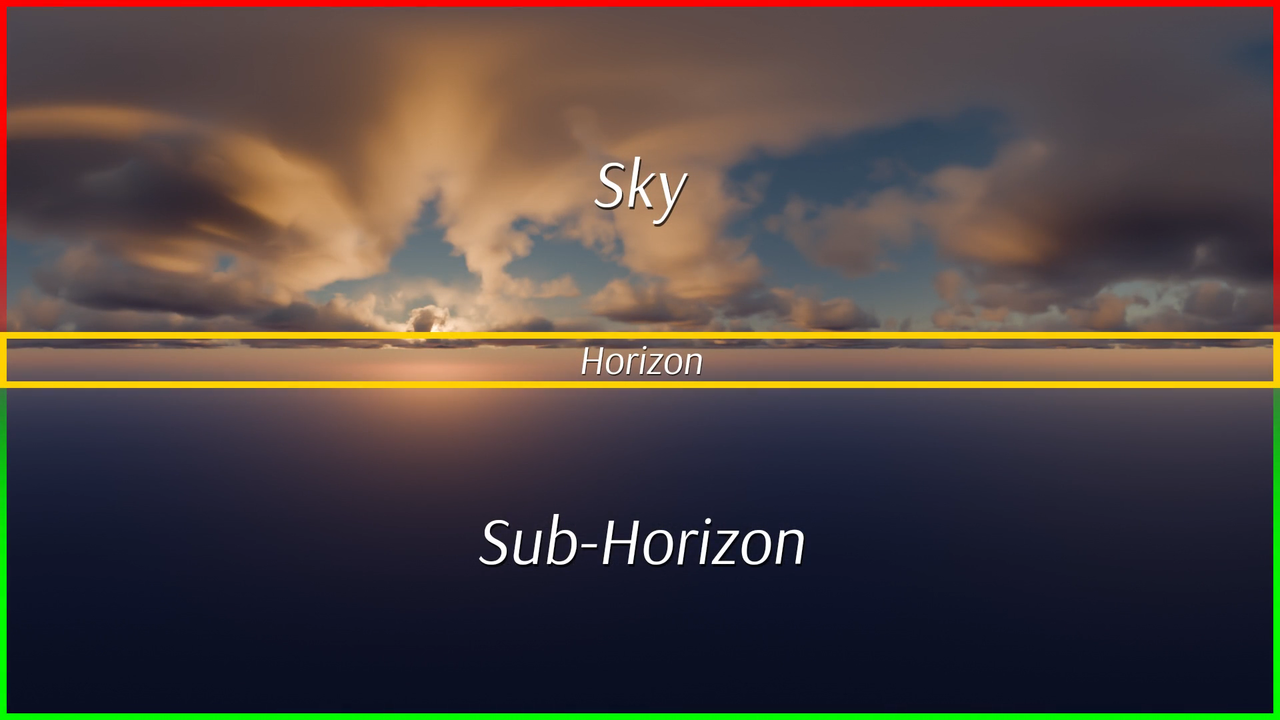
We begin with the essentials: What is a Sky Box? What are they used for? What is equirectangular projection? Once we're on the same page about what we're creating, we can make it!
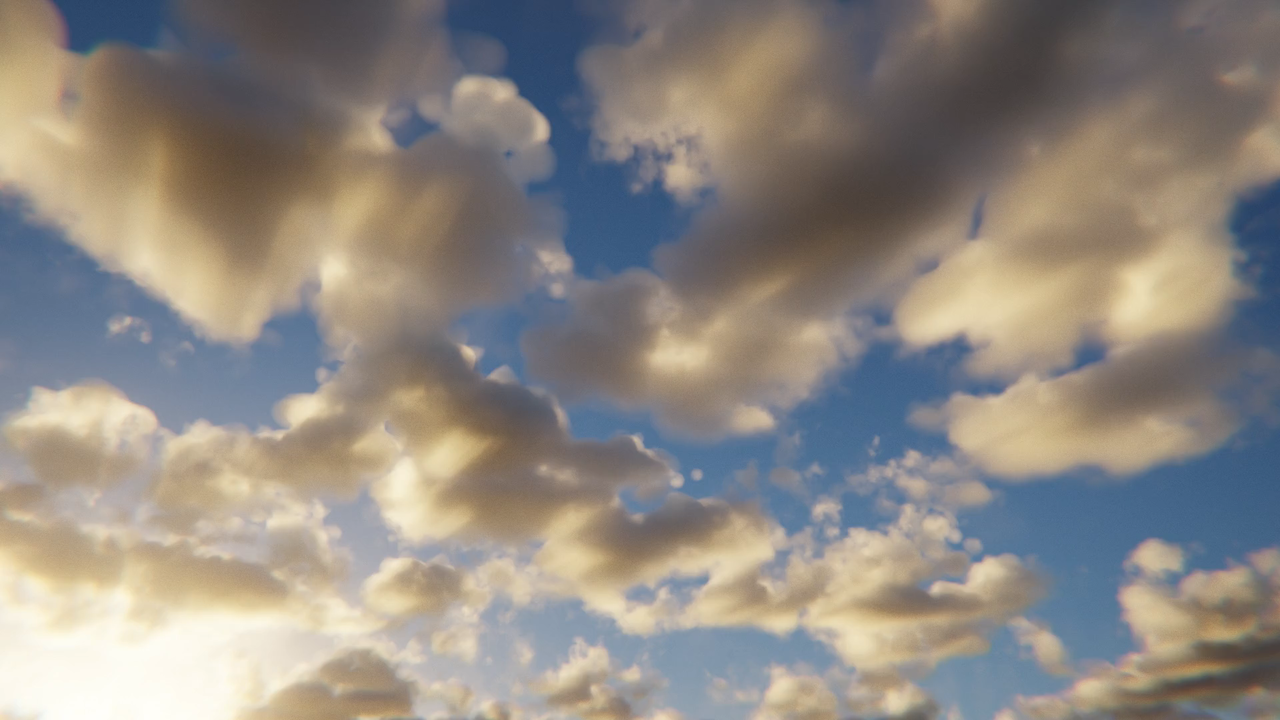
There are two critical components to making a sky: Blender's dynamic Sky Texture, which covers the sun, light, and color hues. Second is clouds. We'll build a custom cloudscape shader to produce realistic, volumetric clouds with tons of controls.
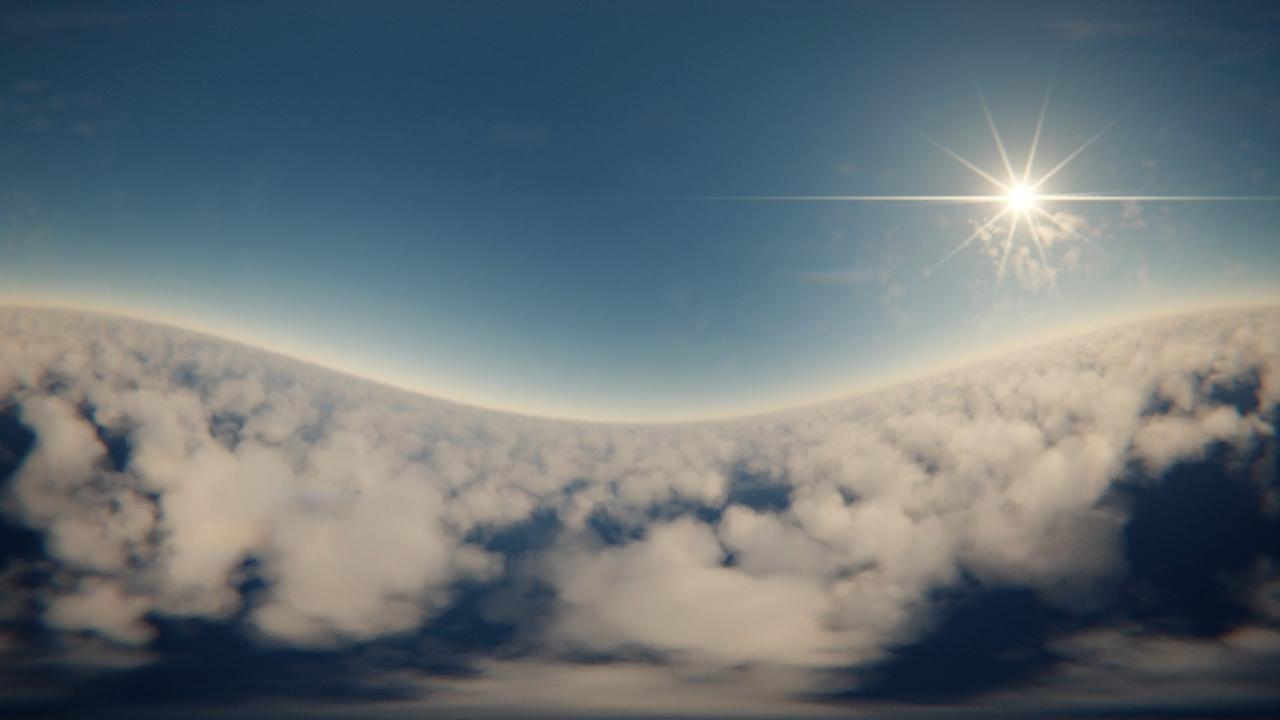
Rendering equirectangular sky textures often results in noticeable discrepancies along seam lines. We'll correct those in Blender and then import the finished map into the Godot game engine.
Get this course and 291 others by joining CG Cookie


Great teaching style and very detailed without going too far into the weeds.
Thank you, that's greatly appreciated!
Thank you for checking out the course and for leaving a review, I'm stoked you enjoyed it and hopefully you learnt a couple things about skyboxes in the process. 😁
I had some issues with my own skybox but I got all the pointers I needed to solve the problem. I would recommend this course to everyone.
It's been my pleasure! Thank you for checking out the course and for sharing your results with me. I'm glad we were able to find some form of solution to your issues. 😄
Thank you tremendously for the recommendation, and happy blending!
This course was useful and easy to follow. Explanations were clear.
I'm glad that you were able to follow easily enough, thank you for checking out the course! :D