Hi DDeadmanstroll ,
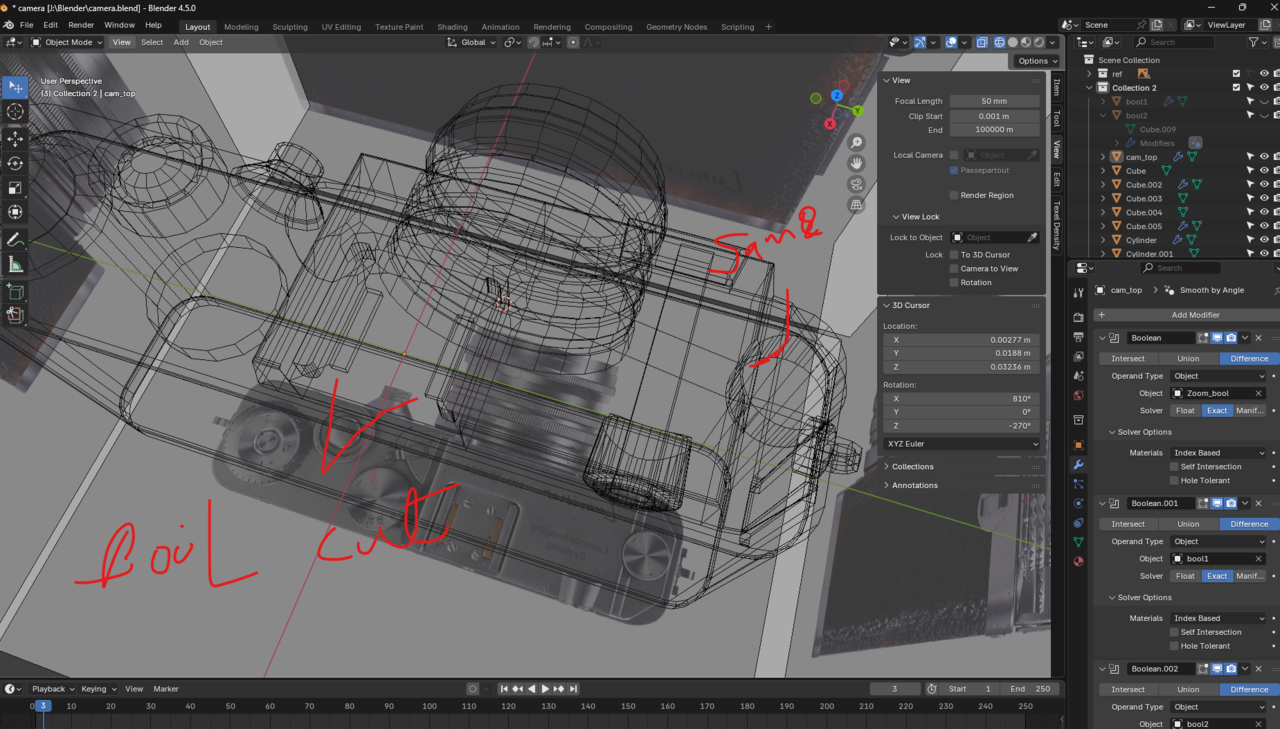
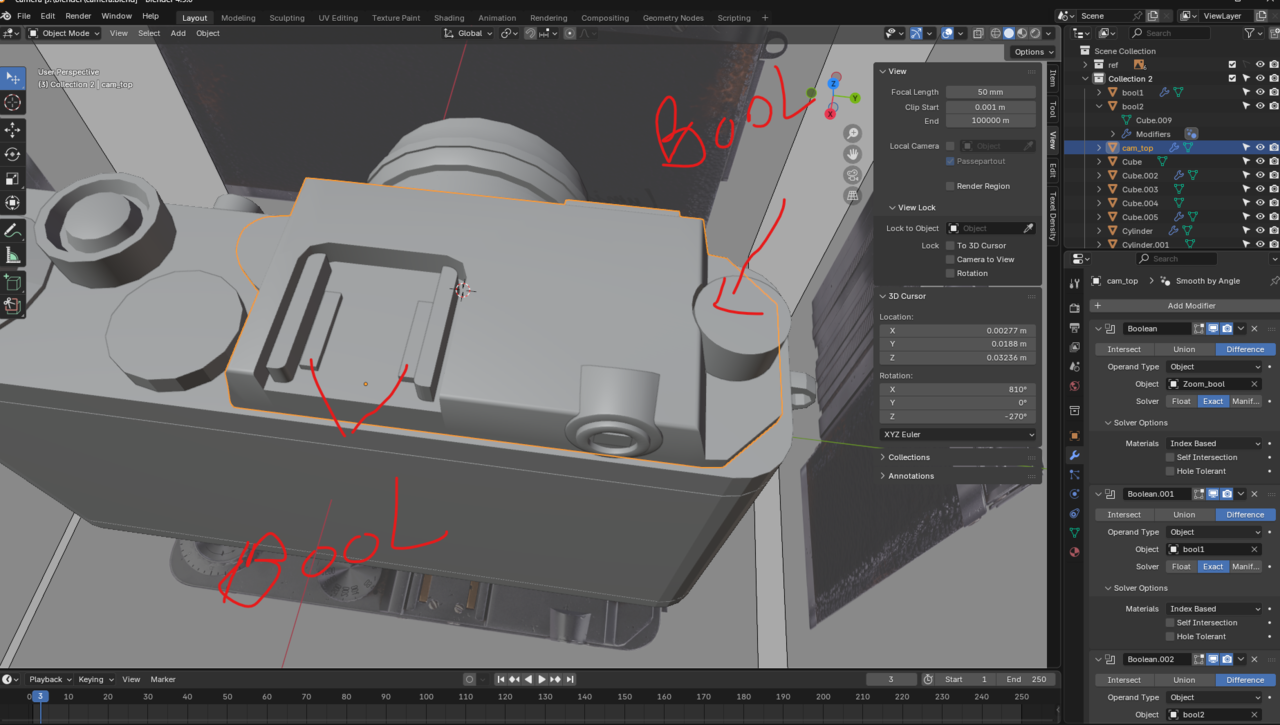
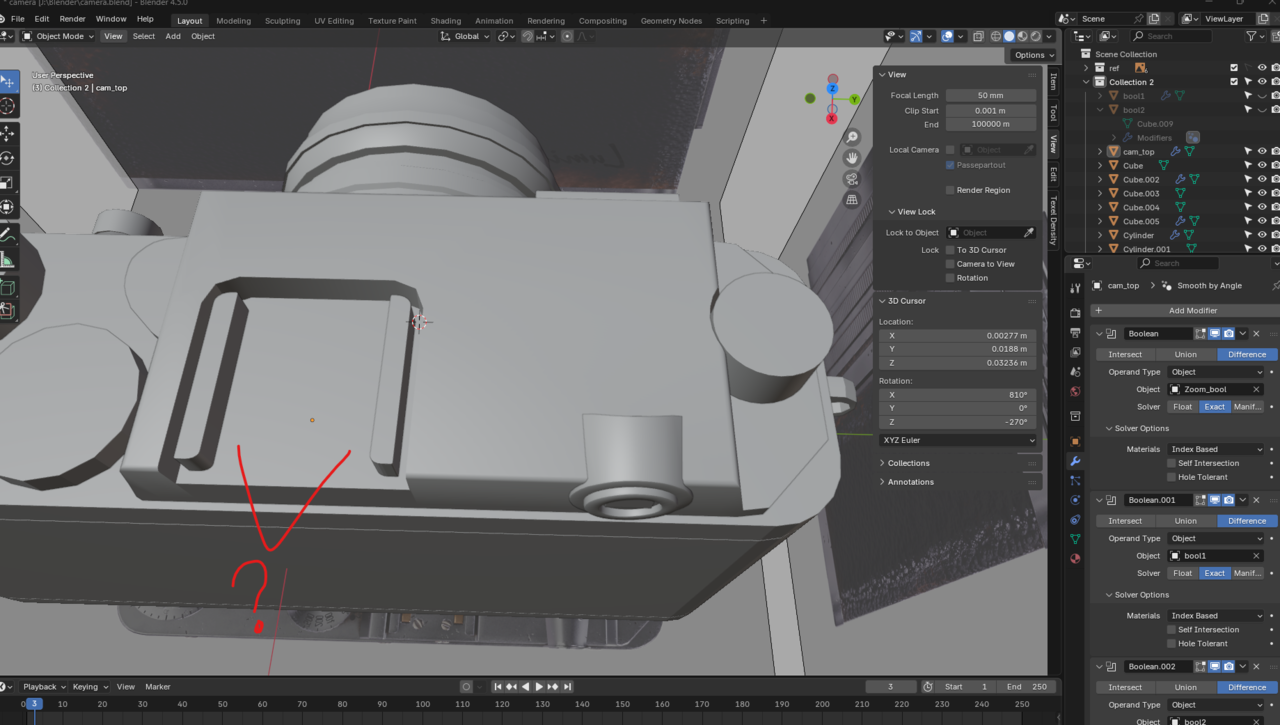
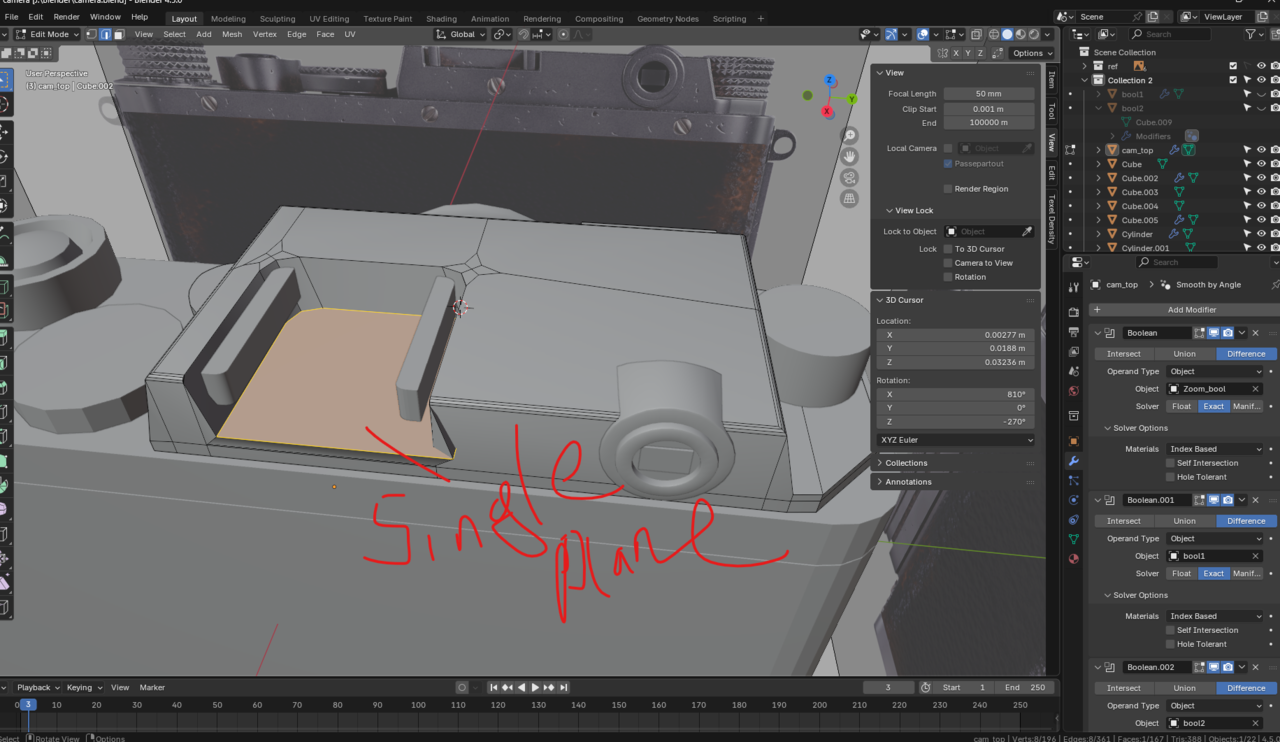
Love the addition of the screenshots, but it's not clear to me, what they mean here, without context.
Could you add a Timestamp and tell us what Lesson this is in (I know what Course, but you don't even mention that).
Hi DDeadmanstroll ,
Right, that cleared those screenshots up for me, thank you.
Still, I don't know exactly what's going on. Booleans are very finnicky, but a difference between Solid and Wireframe is weird. Maybe a Face that is Hidden (in Edit Mode), that is covering the holes? Far-fetched, I know.
If you could upload your .blend (Dropbox, Googledrive, or so) and post a link here, we can have a look.

Hey,
The Boolean Cutter objects should be hidden in the viewport, I can see in the outliner the objects named Bool1 and Bool2 are hidden in image 1, 3 and 4, but in image 2 they are not. You'll want to disable them in the viewport (eye) and render (camera).
Also I would suggest renaming objects as soon as you add them, you seem to have quite a few objects named cube and cylinder, anyone of these could be a duplicate Boolean cutter added in error.
hello, i tried all suggested way nothing worked here is the file link please can you guys check it and see whats wrong - https://drive.google.com/file/d/1xOQOHGhW4o4Tue8H4U5mDIx7u4u1nf-R/view?usp=drive_link
Hi DDeadmanstroll ,
It's a classic: wrong Normals:
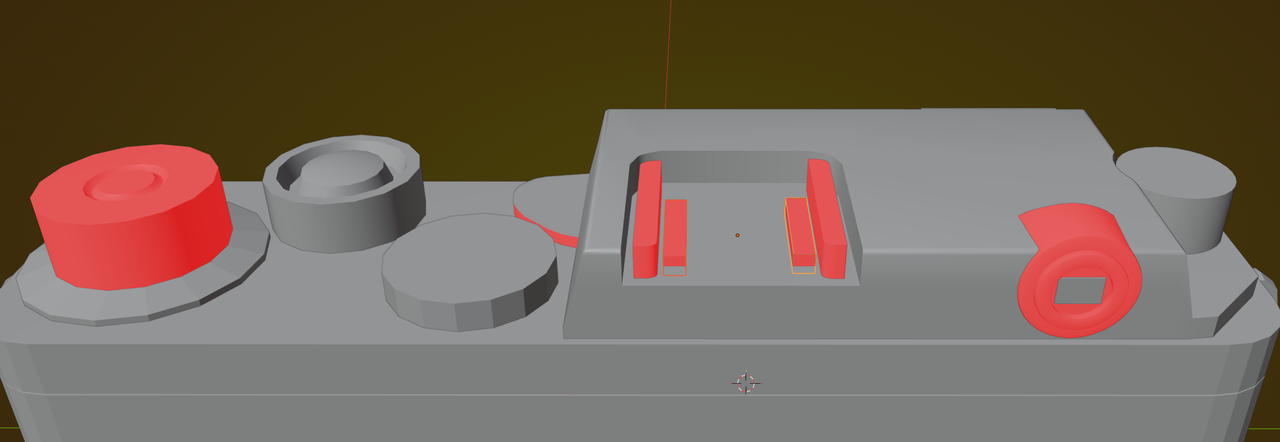
Flip the Normals of the Boolean Cutters and:
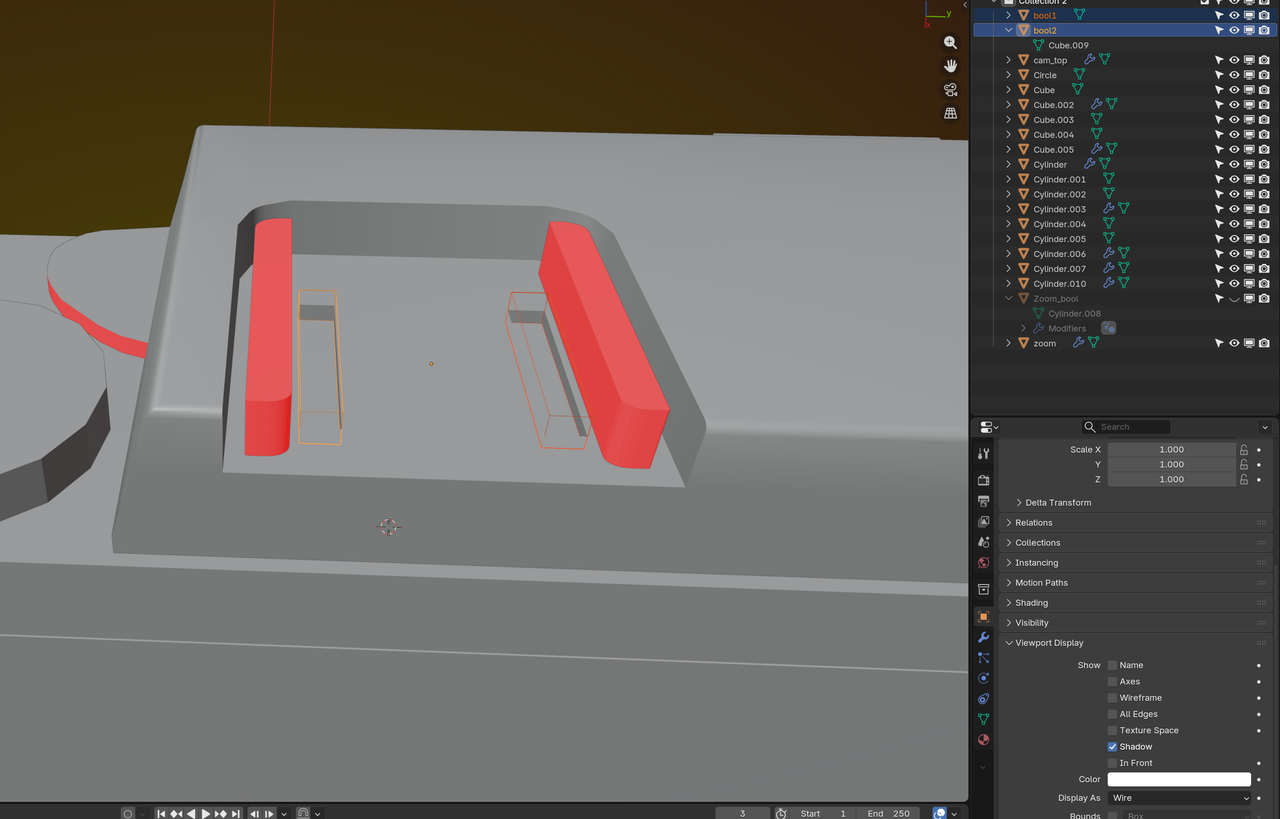
I hope that it goes without saying, that you should fix the other Normals as well. And as Adrian already pointed out before: name your Objects!
hey it worked wonders thanks Adrian thanks Martin, yes ill also make a habit to name them properly will help in long term, thanks

In addition to making things easier to use in this project, it makes them much easier if you go back and look at a file later and/or want to link/append something from this project in the future. :D