

I'm following the tutorial but there was a cross dissolve when we got to adding the scratches 2 image for the wood grain. And in that cross dissolve, in the tutorial suddenly the silk and wood materials/images appear in the image window. When I click the image icon to bring up that window, I'm met with "no image loaded" and I don't get the tools on the left sidebar of the image window as I see in the tutorial. Any guidance would be greatly appreciated. :)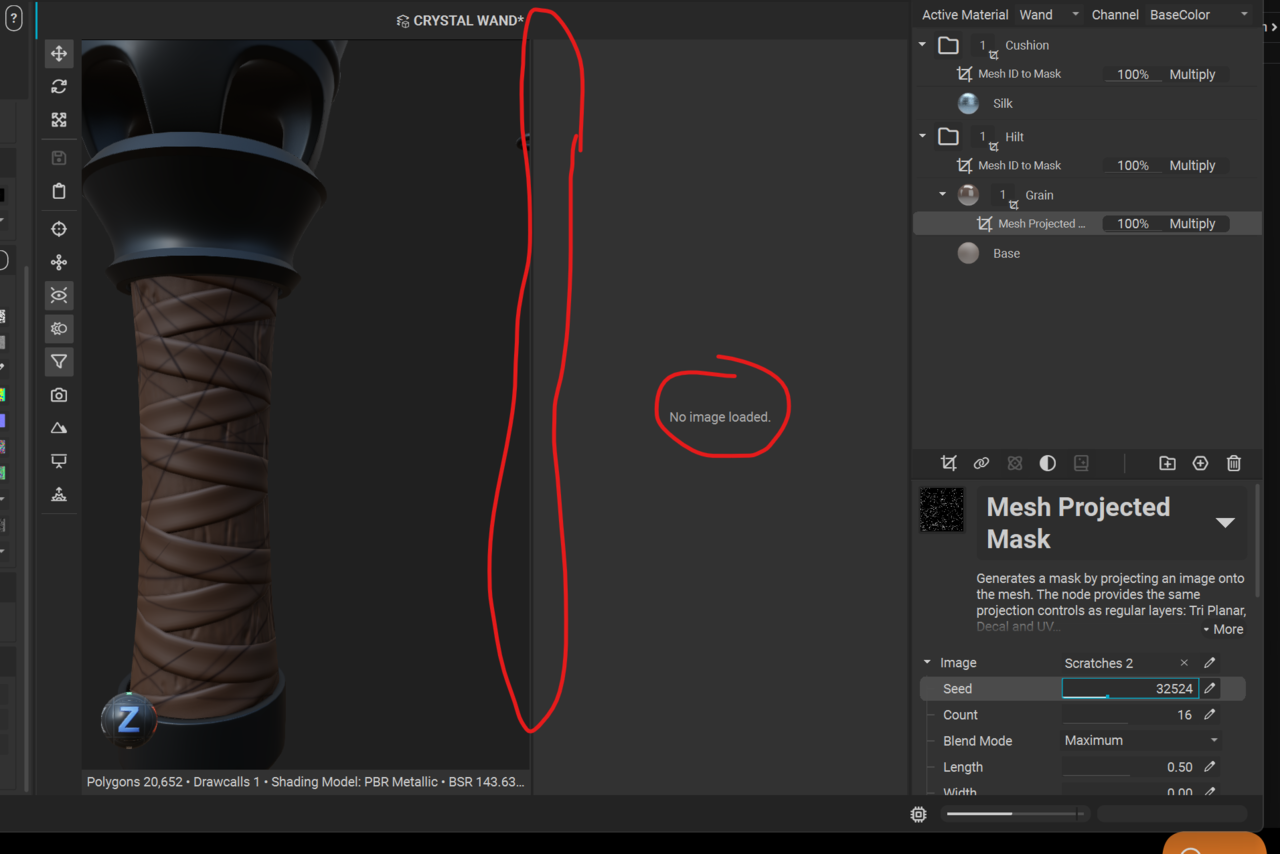
... Right Click on the material folder and select "view composite output". I gots it now. Sorry I jumped the gun, but it was eventually mentioned for the leather straps 'cavity' part of the tutorial. My apologies for jumping the gun with my question. :)


Not a problem! Thanks for updating the thread with the answer. 😁
I feel the UX in viewing the images in the editor is a little wonky with InstaMAT, so I will agree that it's not immediately obvious why something isn't showing up. But this is a great thread now for anyone facing that same issue! Can't wait to see your final creation!