This is my link of my project: You can download my project in my drive
I am In the PRESS START: Your Simple First Blender Project, in 2. Renderiing - Assigning Basic Materials.


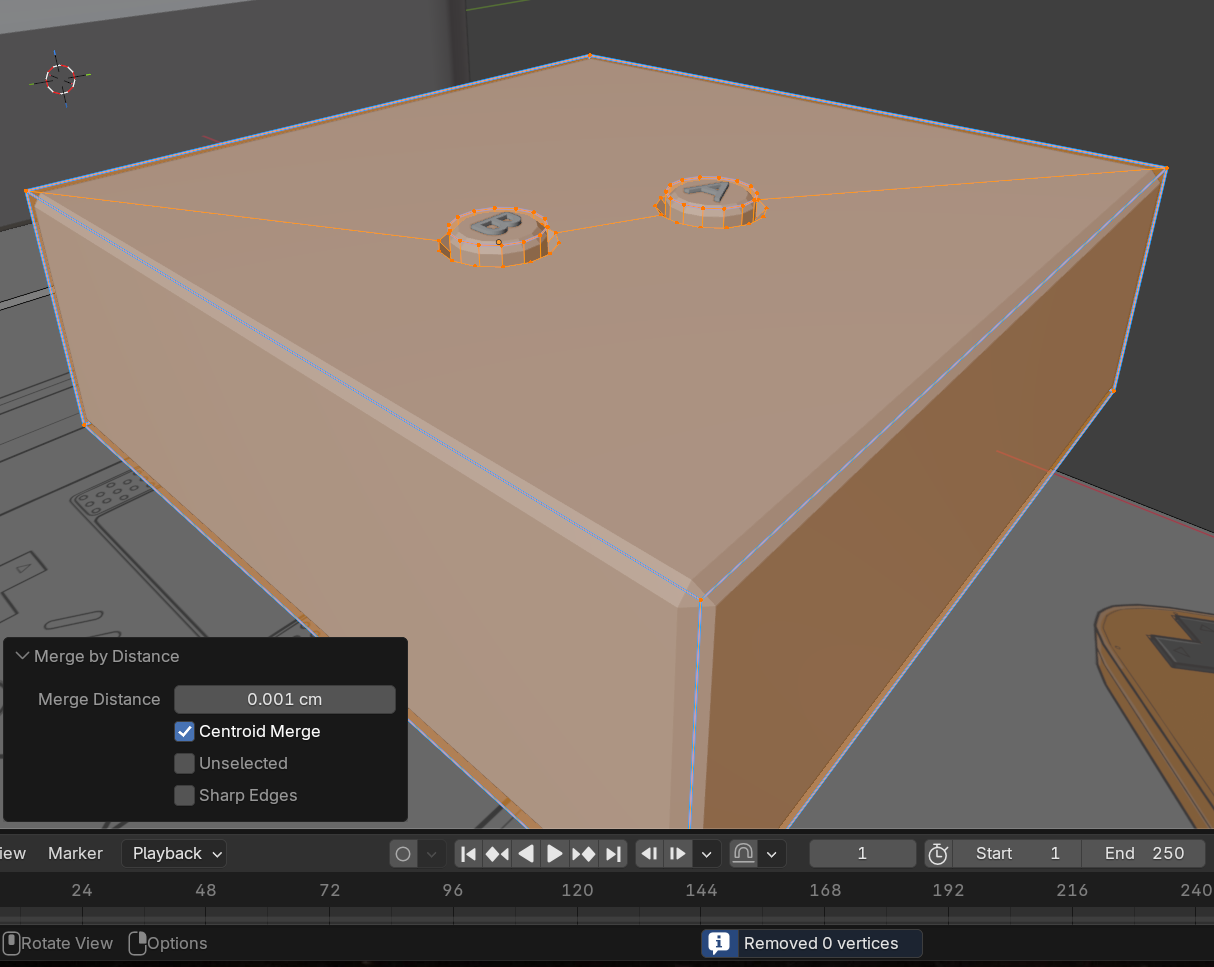
That may be caused by the boolean modifier not being first in line when you applied it. Note the little blue message on the bottom.
Try undoing the operation if you can and move the boolean modifier to the top of the stack and then apply it.
When applying modifiers you should ideally always work from top to bottom.

For some reason it makes a difference if you apply it in material preview and on normal viewport shading view. But yeah, move the boolean last on the stack (so on the very top) and then apply it. But you have other modeling issues all over, due to the bevel modifier. You could clean it all up, or you can redo the whole thing and start over, which is the option we all like, since you backtrack and see where you made mistakes and gain speed.

Yes,
As Sascha says: "When applying modifiers you should ideally always work from top to bottom."
The easiest solution is to not Apply the Modifiers.
The second easiest, is to first Apply the Bevel and then Apply the Boolean.
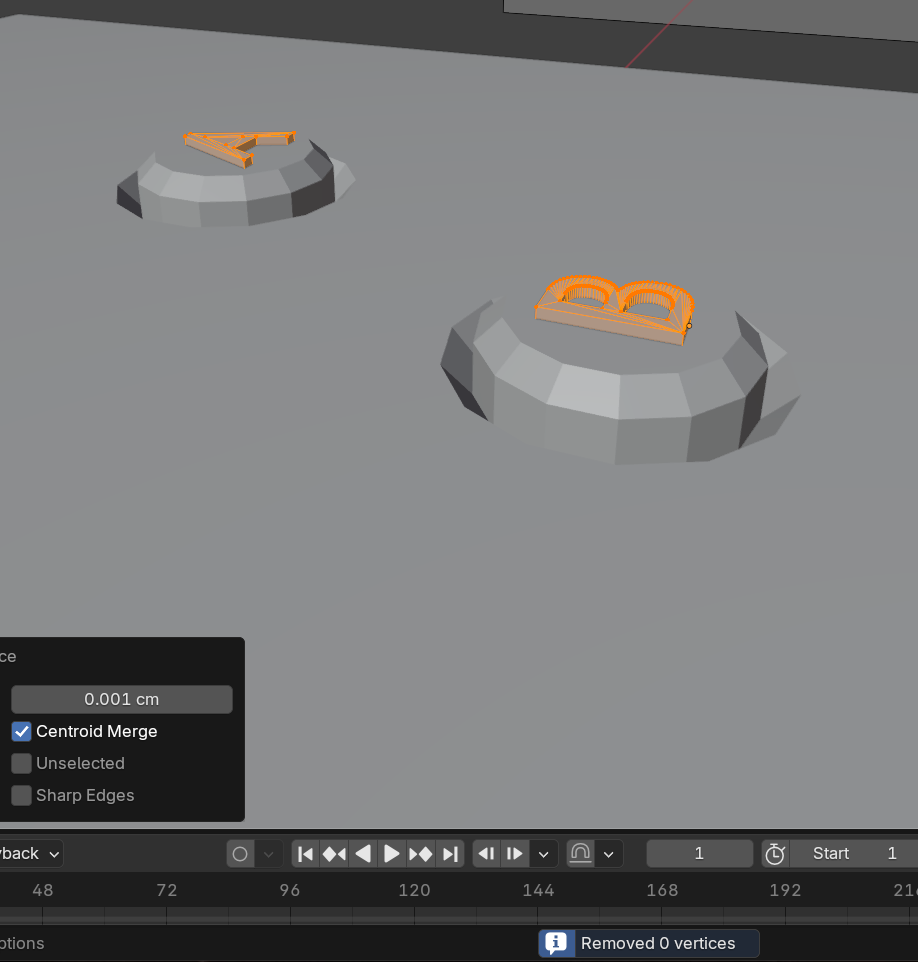
Hi, I found the error, it's in the letters—they are the ones responsible for that happening, the A and B.
I Press X and Limited Dissolve. And now it’s like this with the boolean in front. But now I don't Know what to do.
Thanks to your advice, I realized that it's clean, but what causes that break are the letters. Apart from that, if I apply bevel and then apply boolean, everything is fine :). But ...


Hi Jesse AstroHammer101 ,
The Bevel Modifier needs to be before the Boolean, because the Boolean creates more Geometry, that then (partially) may get Beveled as well (when the Boolean Modifier comes before the Bevel).
Like I said, the easiest thing is, to not Apply any Modifier. And not change the order. It's fine as it is.
I can't remember why you'd want to change anything; I'd have to re-watch this Lesson. If it's because of the Material, you can just change the Material of the Letters.
I keep remaking the console and continue to have the same problem. The only thing that has fixed it for me is changing to Float or Manifold Solver in the Boolean settings. I'm being quite meticulous about applying scales, merging, and face orientations. (+merging the letter's verts)
Made a simple square with a bevel modifier and two buttons on a surface with the A B cutouts and that broke too when applying the bool.
I just don't see what I'm doing wrong and it's keeping me curious. Sorry to drag this post on!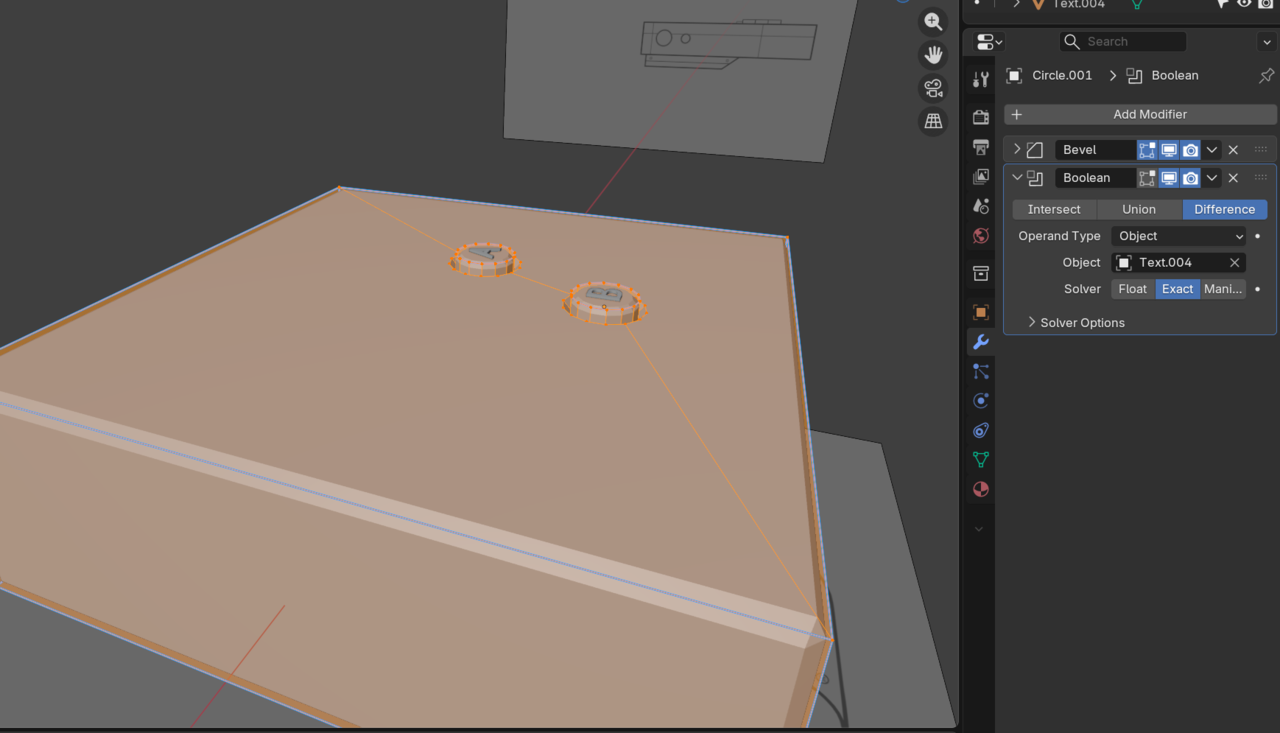
Hi Jesse AstroHammer101 ,
Don't move the Boolean above the Bevel!
(When that seems to cause loss of Bevel, then that's probably because you have Clamp Overlap enabled in the Bevel Modifier.)
If switching to Float or Manifold fixes it for you, then there is no problem, right?
Don't think you're doing something wrong, but Booleans are just super finnicky and for instance slightly Moving a Cutter, can make or break it.
Sometimes a Boolean only works with Exact for one person and only with Float (or Manifold) for another. Althoough both have visually the exact same models.
Thank you very much for the help Martin. I really appreciate your time.
I suppose it's more than what fixes it to me, but why it breaks in the first place. Especially when it doesn't in the course content and I remember not having a problem with it when I made this console for the first time a year ago. I kinda get hung up on it!
HI Jesse AstroHammer101 ,
I also like to know why and when something works or doesn't work, but Booleans are where I've given up. They just act weird. My guess is, that the calculations for Mesh Booleans are extremely complicated and are very sensitive to rounding and accuracy. Let's just say, Meshes aren't made for Booleans.
In CAD, for instance, Booleans are super easy to calculate and very powerful. Also, if you use SDF's (Signed Distance Fields), Booleans are almost trivial:.
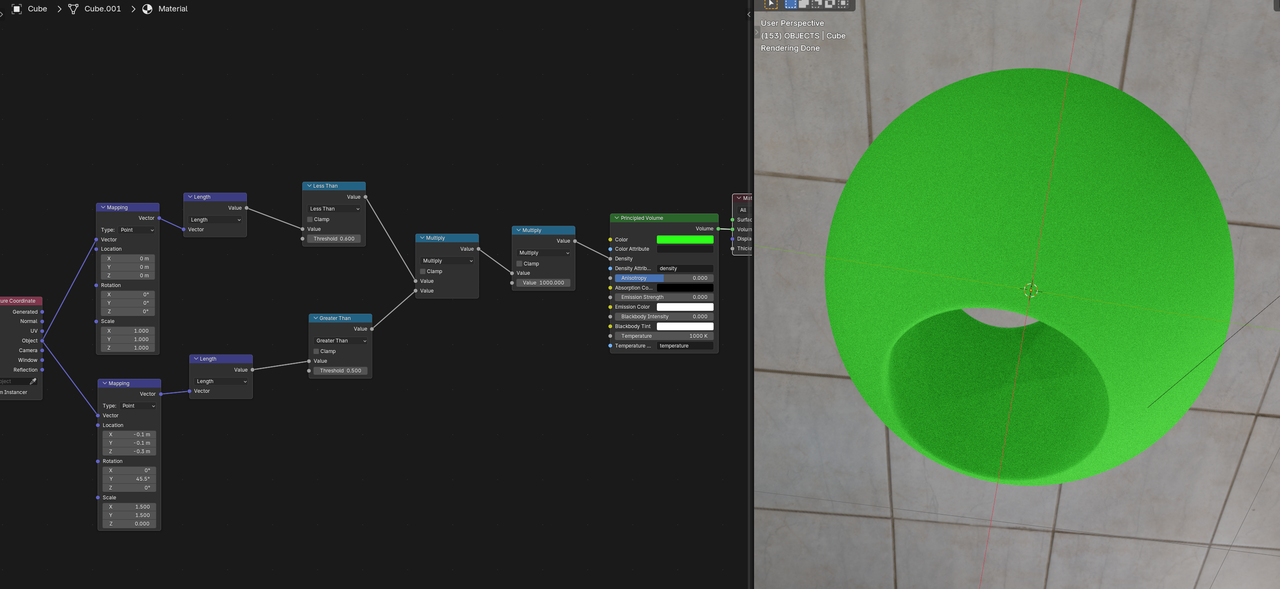
Example Subtracting one Sphere from another (you don't have to understand it, but look at how simple the Math is, when you don't have to worry about Vertices:
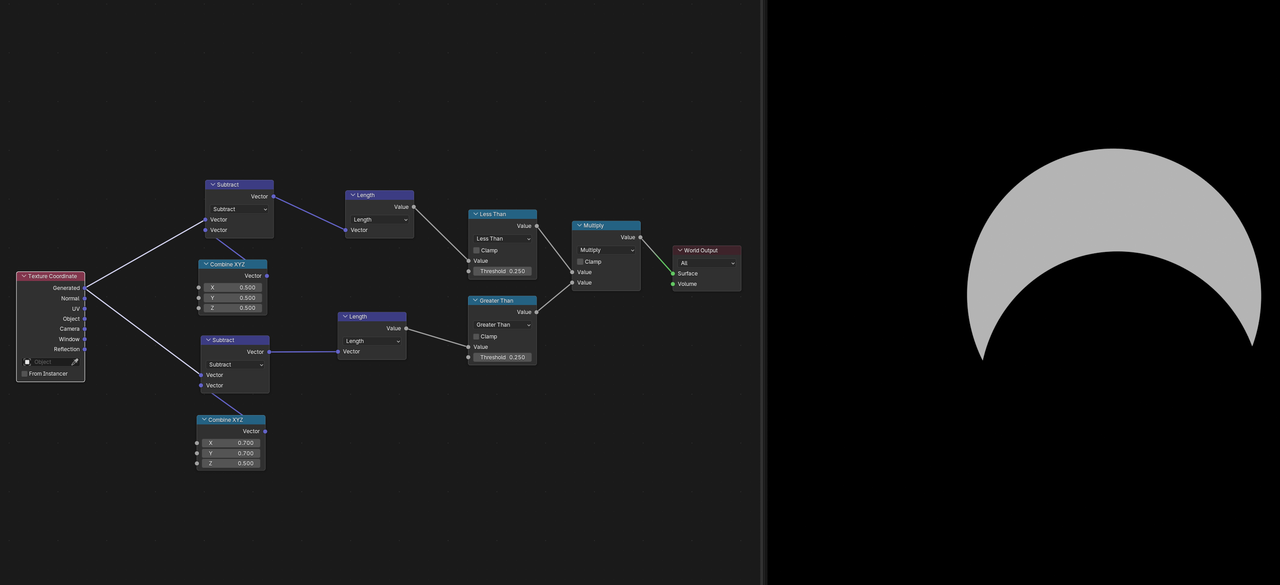
Ooh booleans.
I've never thought of creating cutouts through nodes, that's awesome! Some great food for thought.
Thank you for the examples and support!