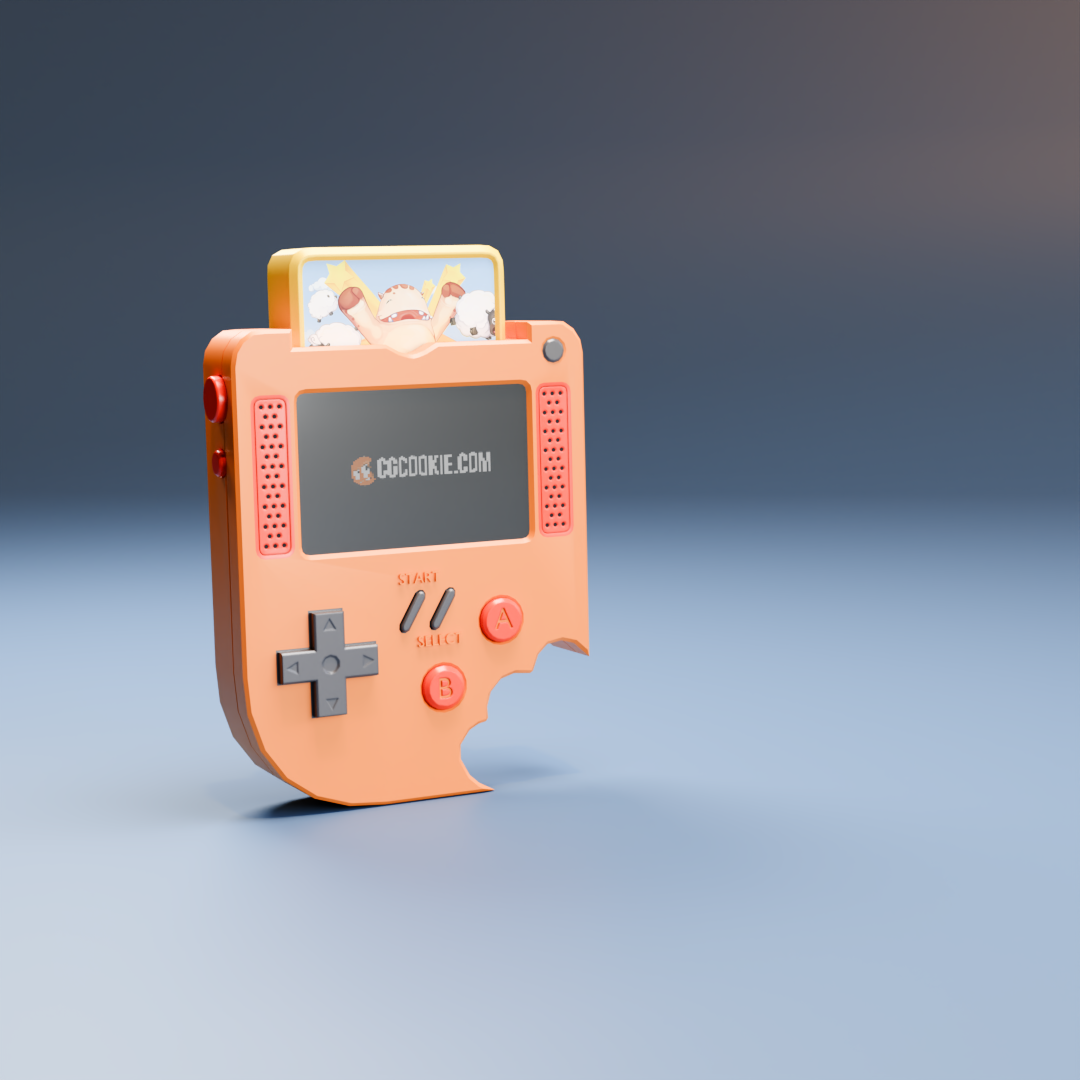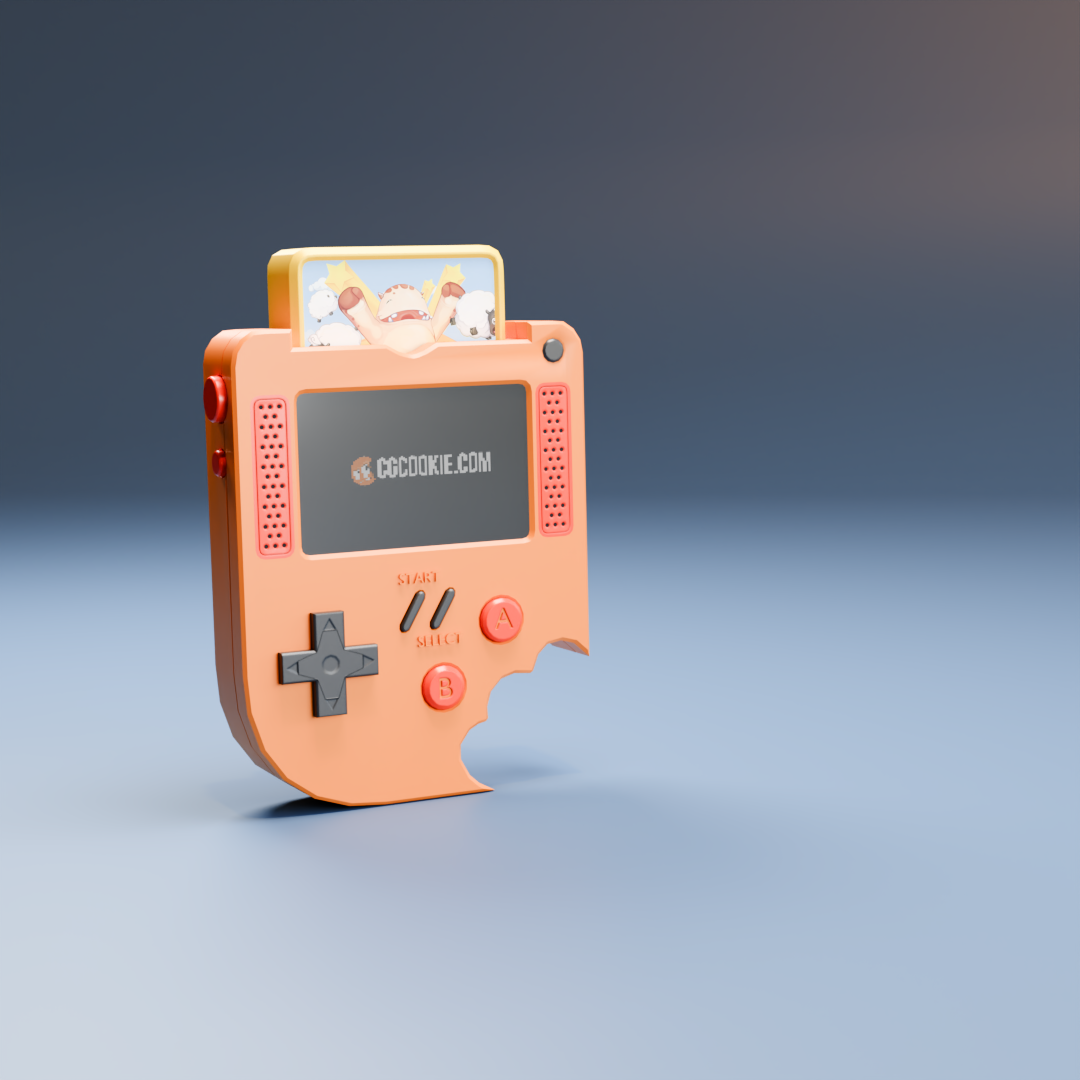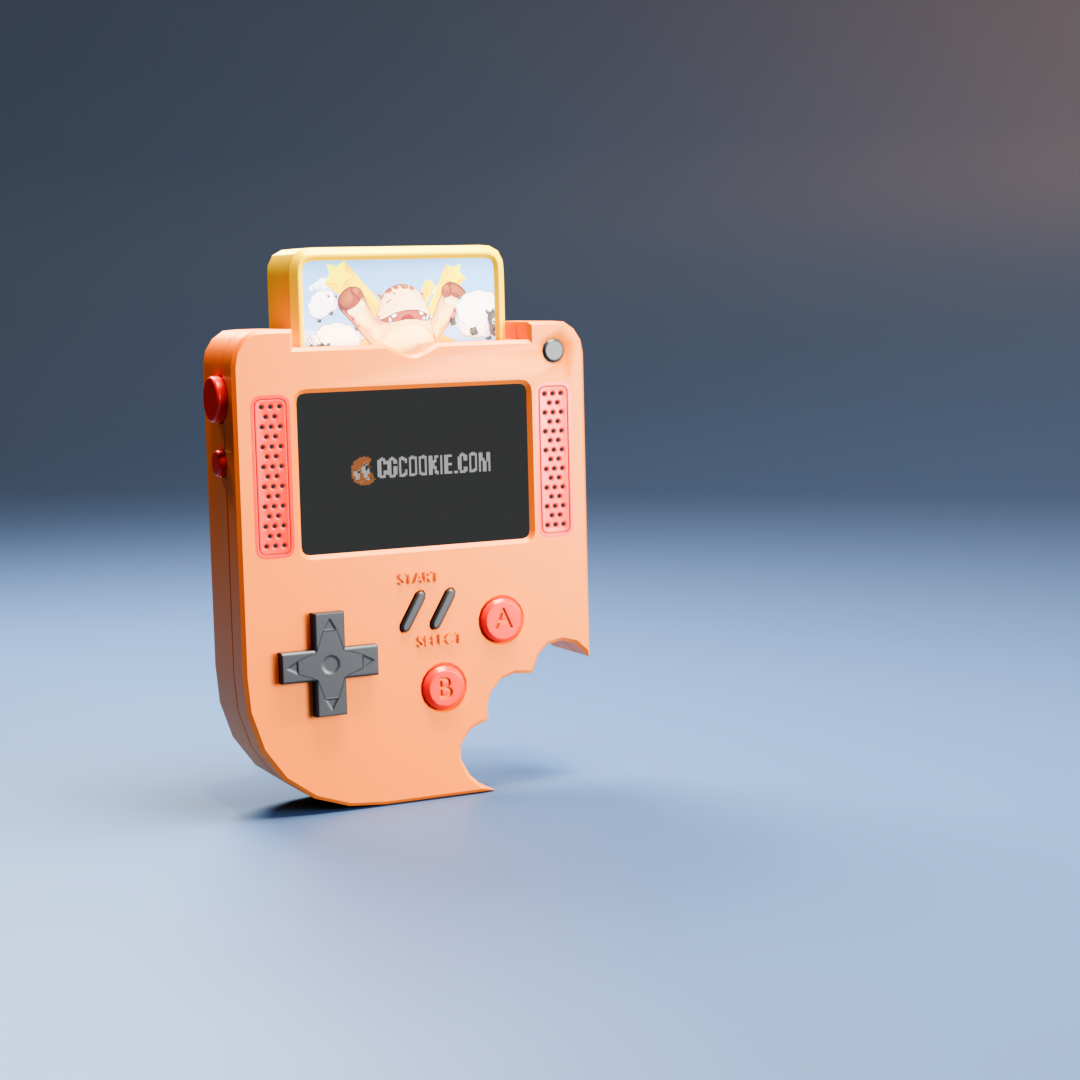
This was my first try at this project. My biggest problem that I am aware of is that I could not get the screen material to work right. No matter what I could not produce glare.

Good thing you rerendered because I was going ot mention the crease around the power button on the first one, but looks like that got cleaned up in the second :D Looks great!
Looking at the direction buttons, might check the creases on those.. the outer edge and around each of the indentations. That might help with the shading around them.
Nothing I try gets rid of those creases without destroying the d-pad. I don't know why they're there

Could be a lot of things. I'd just leave it, as it's already a good result.
If you really want, you could upload the .blend file (go to File > External Data > Pack Resources. Then Svae that and upload it to Dropbox, Googledrive, or so and post a Link here), for us to troubleshoot.
Managed to fix it. I just changed which texture was active in the node editor and it got rid of the edges. Not perfect but definitely better.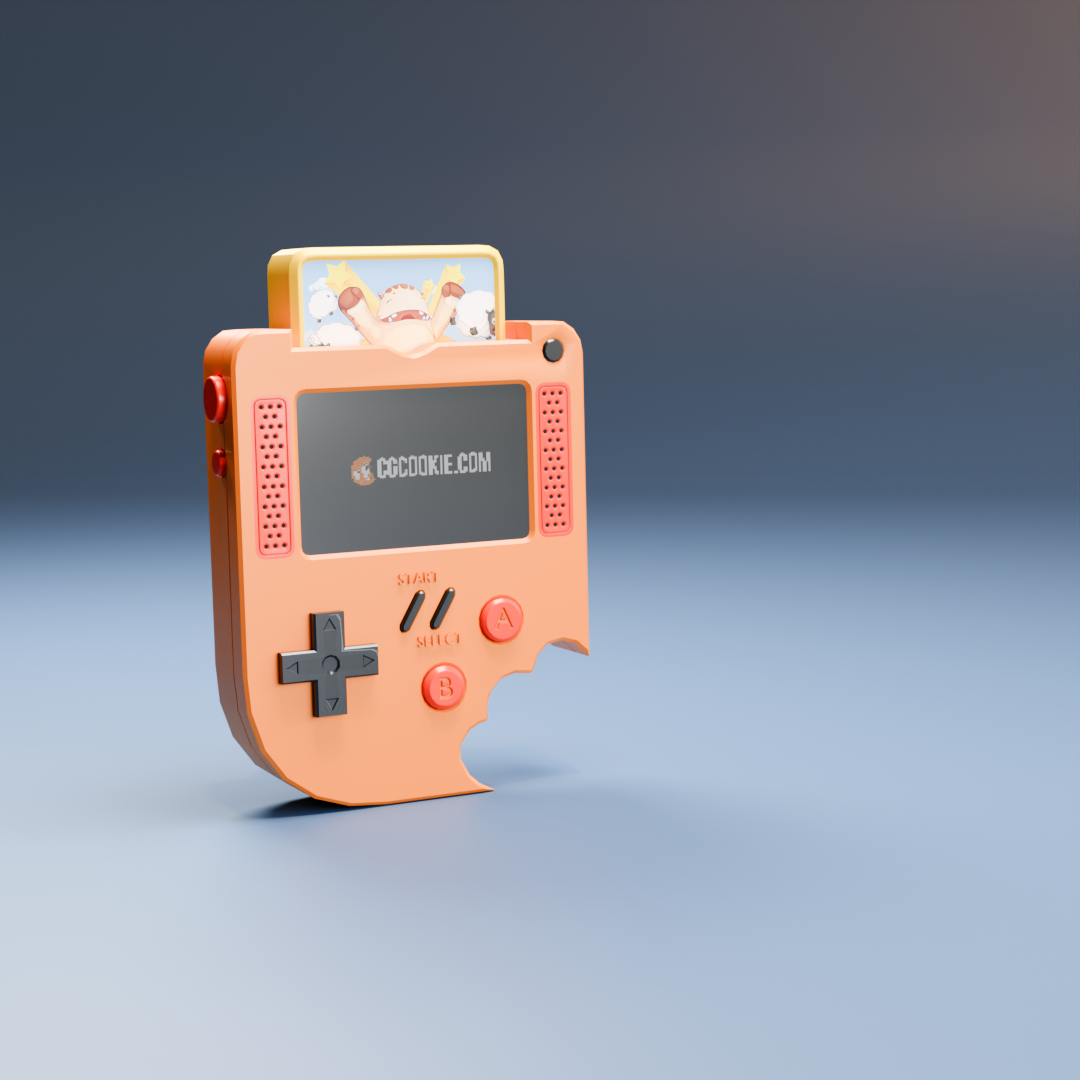

Looks good. Still some weirdness going on there. Like Martin said, if you want to upload the blend we can point you in the right direction.
That little thing aside it's a great result.
Just above the text box, the one after the one that looks like a chain is for pictures and will let you embed in the post. If it's a blend file, you can use the one like a chain to link to it.
Please let me know if you have trouble downloading the link
yehochanan_press_start
Hi yyehochanan ,
Working now, thank you!
So, your Faces aren't completely flat:
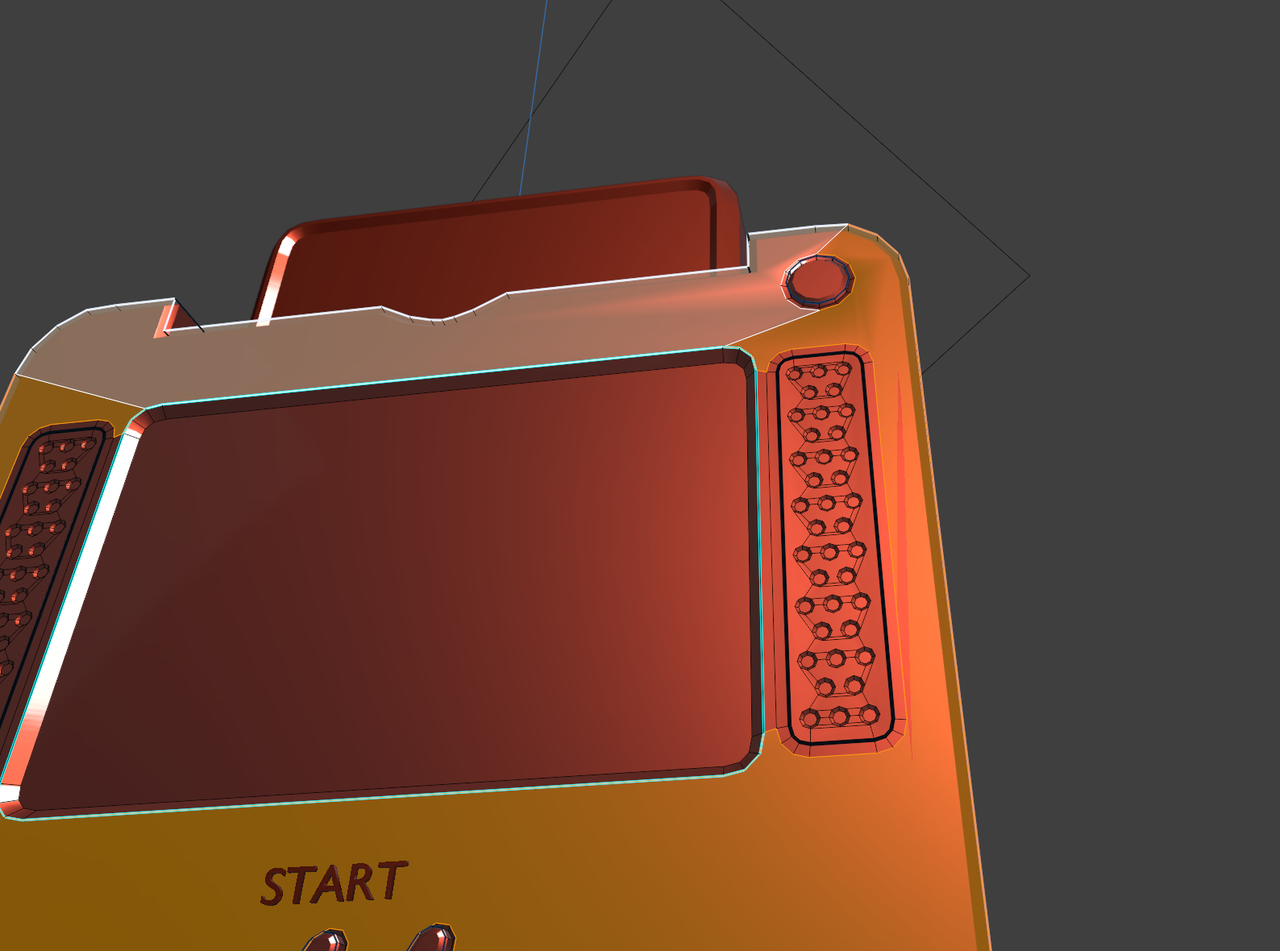
Select the top Faces and S, Z, Z, 0 (Scale them on the Object's Local Z-Axis to 0). Then force them to be Flat Shaded with CTRL+F > Shade Flat:
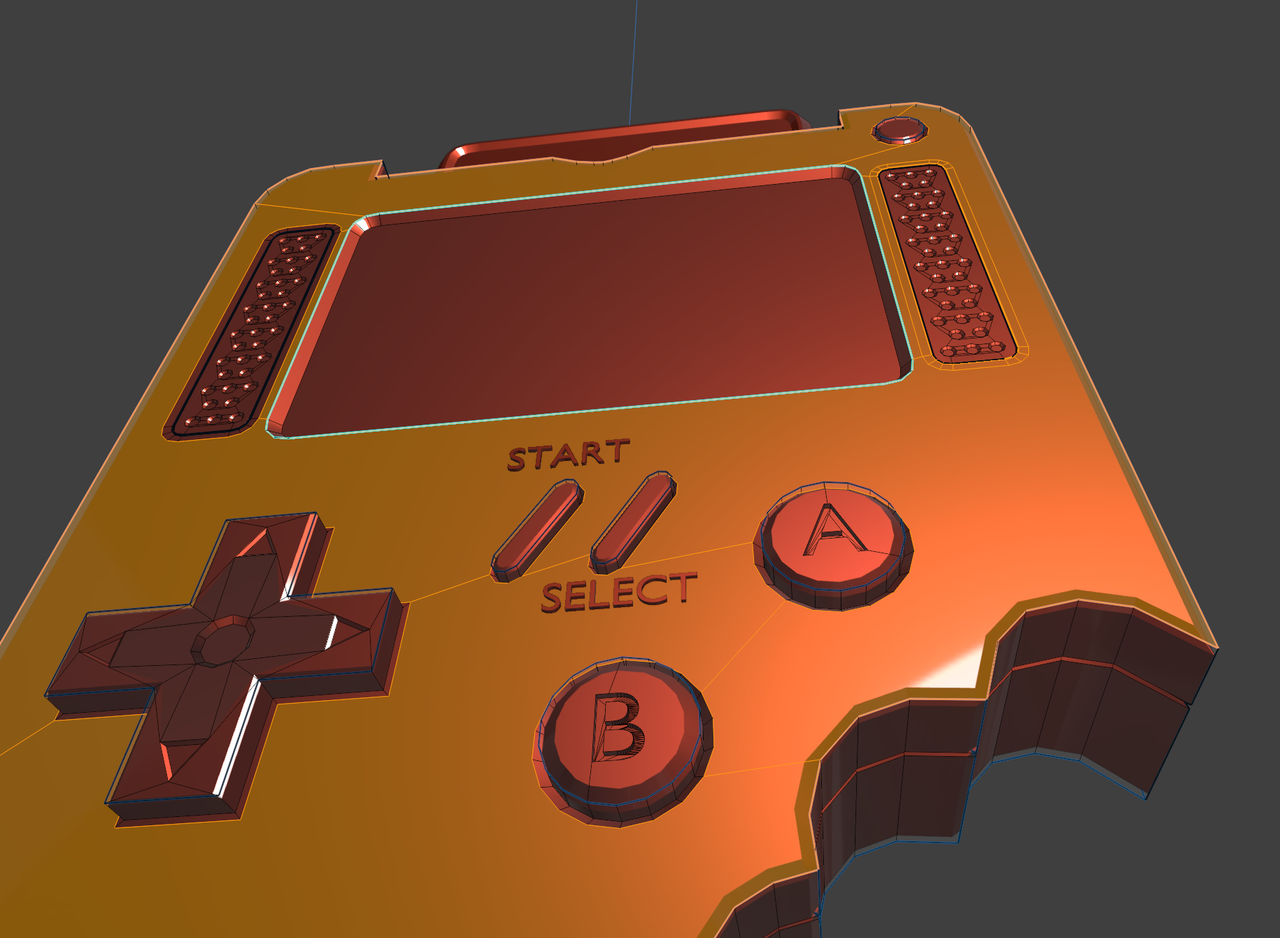
Now there is the weird Shading on the D-Pad. That's because of inconsistent Normals:
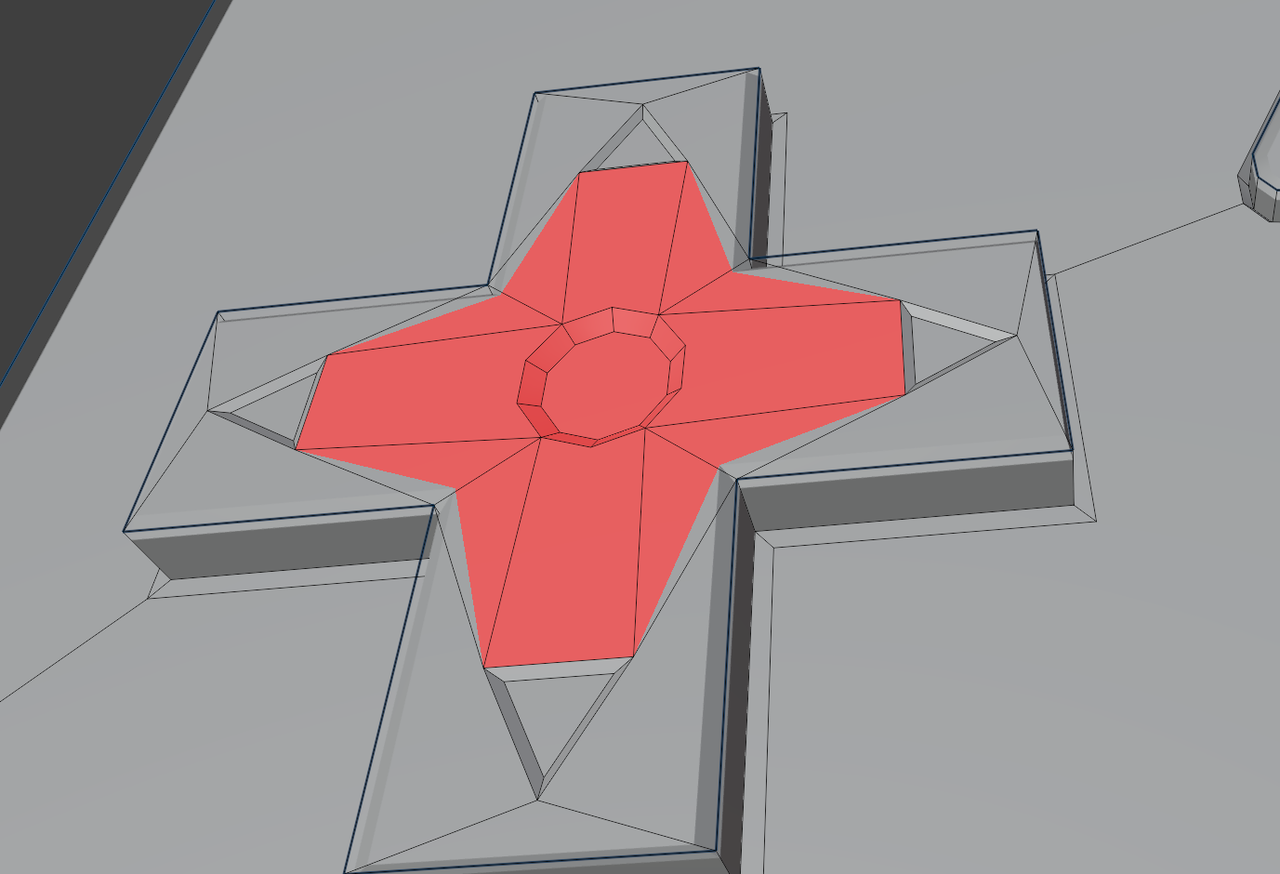
Select everything with A and then SHIFT+N. That should fix it.
Did I forget anything?
Yeah I thought I checked the normals but you were right. Also my plastic grey mat got swapped out with the screen texture some how. Once I recreated and assigned the grey mat the weirdness on the right went away.