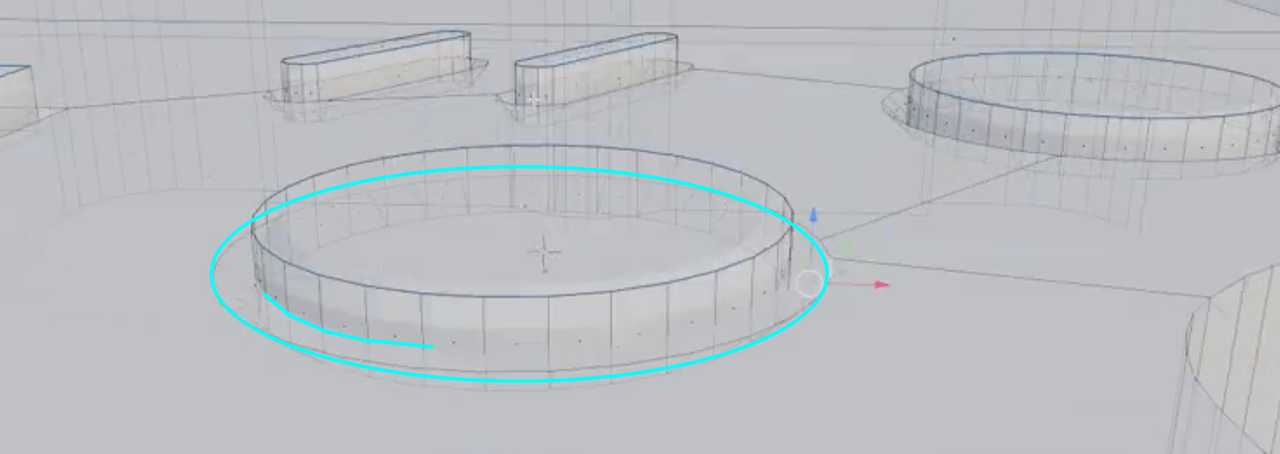
Hi there, I've had something confusing happen. When indenting the two A and B buttons, one indent is showing, and one isnt. However when I go in to wire frame mode, you can see that the indent is there. I've attached a video
So I solved this and I don't know why it worked, but incase anyone runs into the same issue- I had to delete the big face surrounding the indent, and press F again to fill it. The indent has now magically appeared. I'm glad it worked, but if anyone can shed any light as to why that happened in the first place, I'd be grateful!

Just to add to what Martin said... if you look just under the crosshair cursor in that blue circle, you can make out the square for the face that he's talking about.
I almost never use Xray mode either... If I do need something that i can't see, I'll switch to wireframe to get what i need, then back to solid view :D