
Hello CGcookie team! What an honour to be sharing my progress with you for the first time.
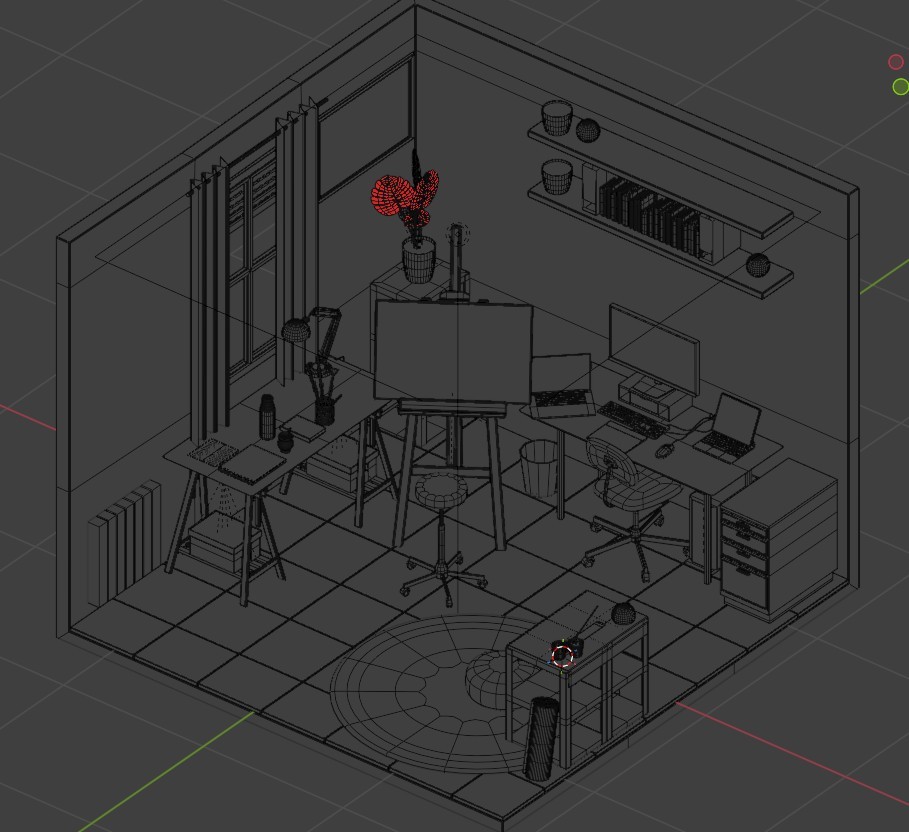
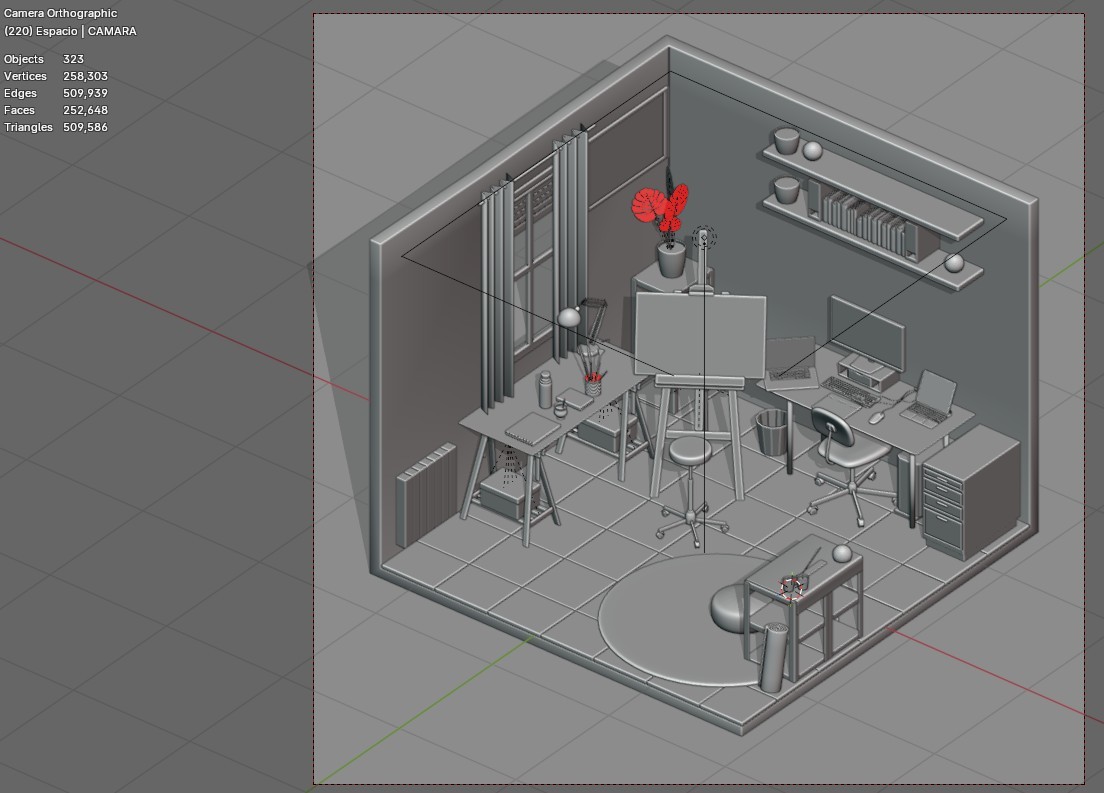
I have been modeling my studio room with some tweaks that are desirable more than a reality, and I love that!
I'm strugling between adding more objects, or more details to the already created ones. For me it's really hard to stop there, but at some point I need to consider this project finished as well!
Thanks a lot for passing on your knowledge!

Hi Sonia,
That's looking great!
I wouldn't worry too much about whether it's Low poly or not, but I'd say that Objects with a Subsurf Modifier (like the carpet) are not considered Low Poly.
Neither is modeling all the keys on the keyboards.
Also the vases, the desk lamp and so, seem to have unnecessary many Polygons for such relatively small Objects.
But aside from things not being Low Poly, it's great and I can't see any real Modeling errors.
The plant looks good to me as it is, but you can always try to Add a Displace Modifier (with low Strength) or use some Proportional Editing.

Along the lines of what Martin said... As a general rule for a scene like this, if you're going to do up close shots of something (like the keyboard he mentioned), modeling it is probably more okay, but if you're not going to be super up close to anything in particular, the more you can get away with a simpler model and putting the details in the texture.