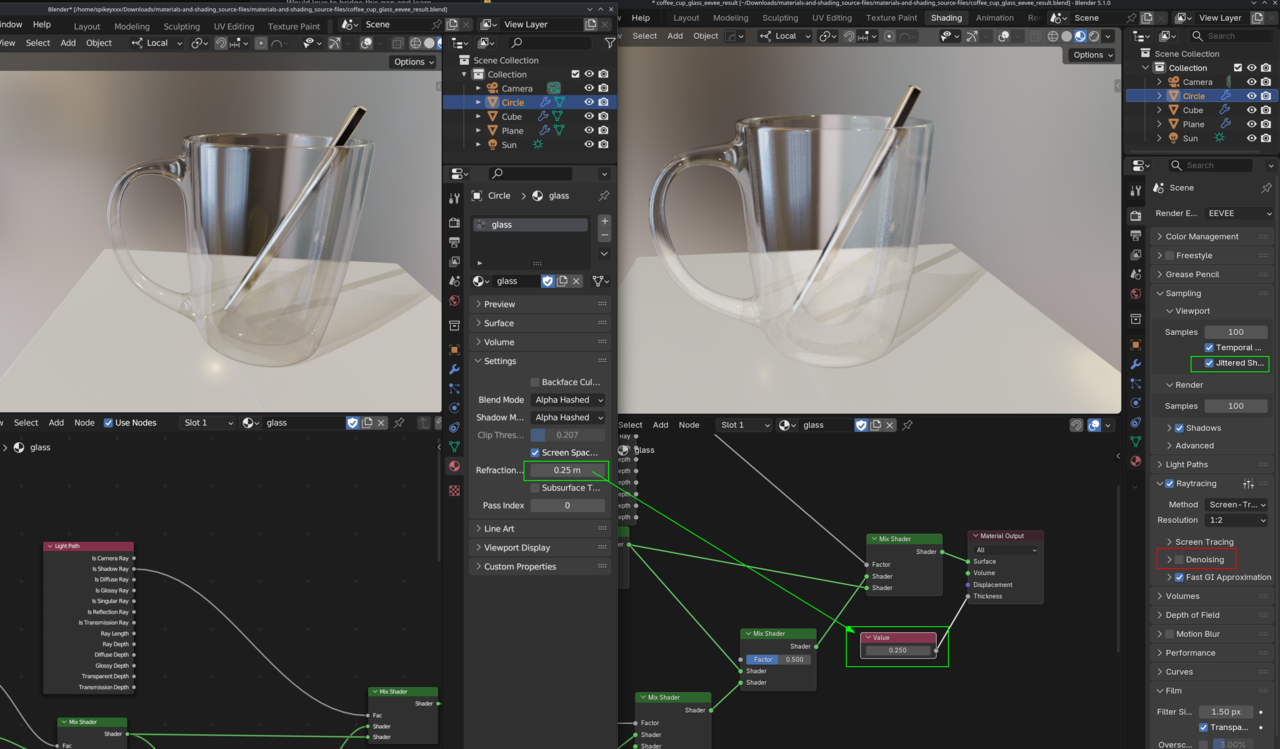
I've been trying to get the glass back to looking exactly as it does here at the end, but it's been hard. If you have version 5.0, load the course file in and check it out for yourself if you're interested and got the time.
Would love to bridge this gap and learn.
The Thickness socket on the Material Output node seems to be the trick to get the "bendy" refraction of the object inside the cup back, but I'm having a tough time making it look good. I can't get the glass to look as clear either while keeping the refraction bend affect. I'll keep trying!
Any insight would be much appreciated, thank you.
(ignore the math node)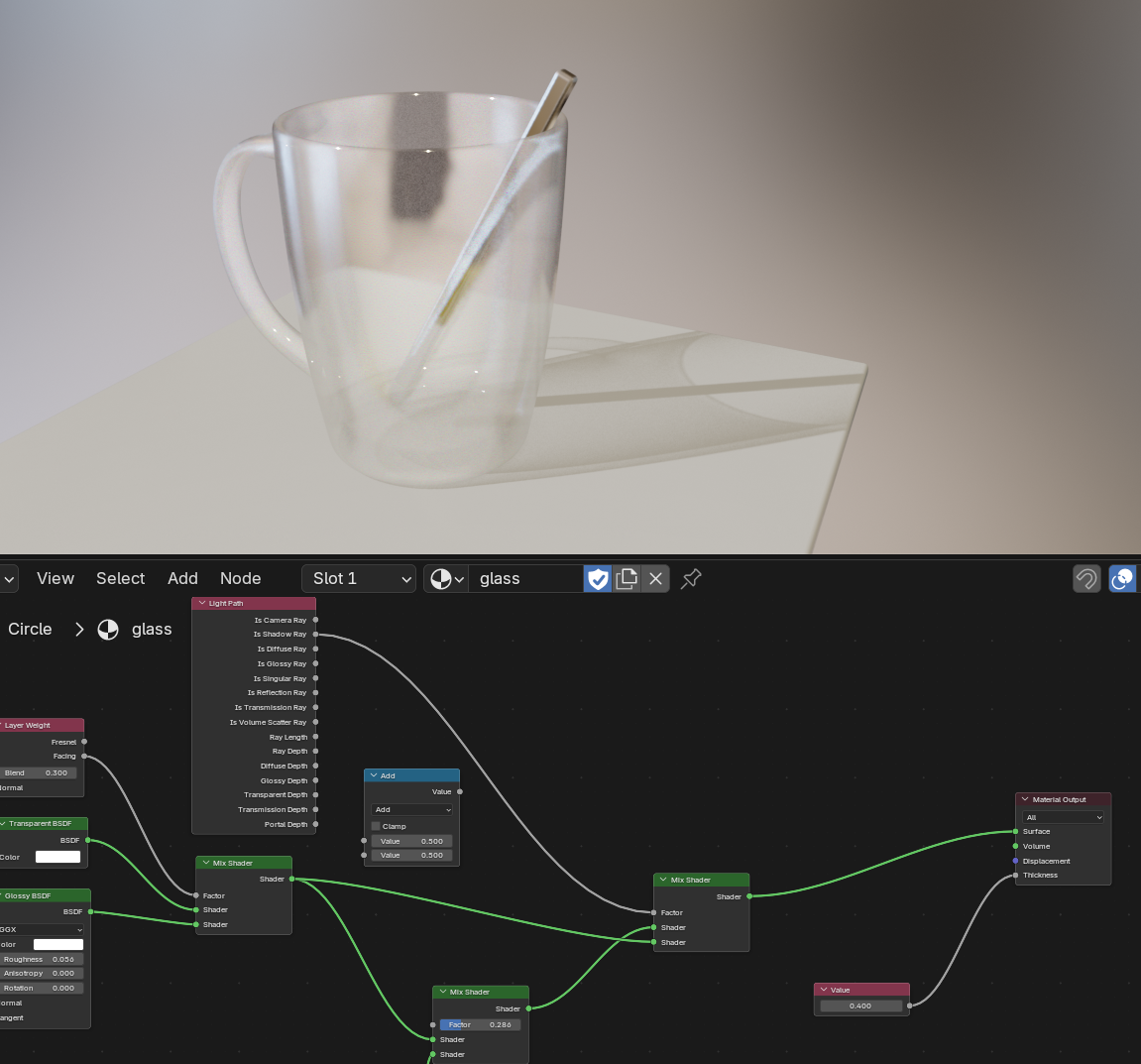
Thank you Martin. Disabling denoising certainly did help. !
I wonder if even more can be done through that thickness socket...

Hi Jesse,
I don't use EEVEE thtat much, so I'm not an expert.
It might be helpful to have a look at this page: https://developer.blender.org/docs/release_notes/4.2/eevee/