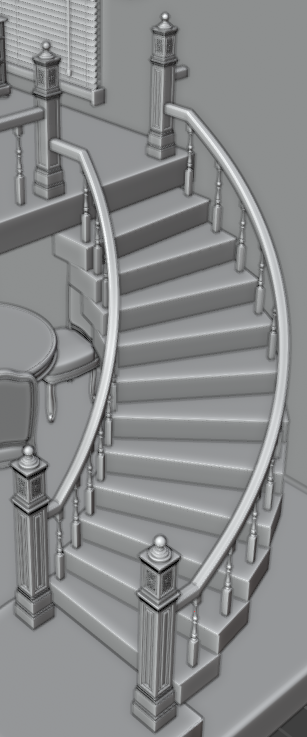
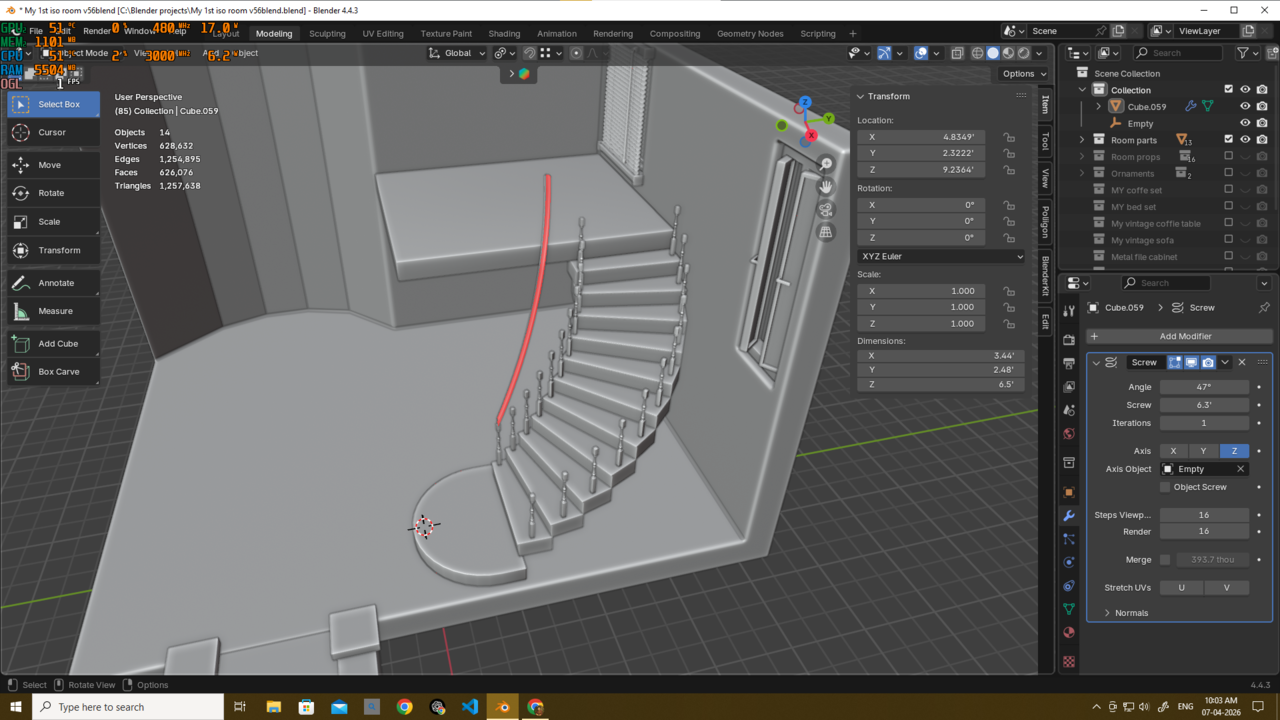
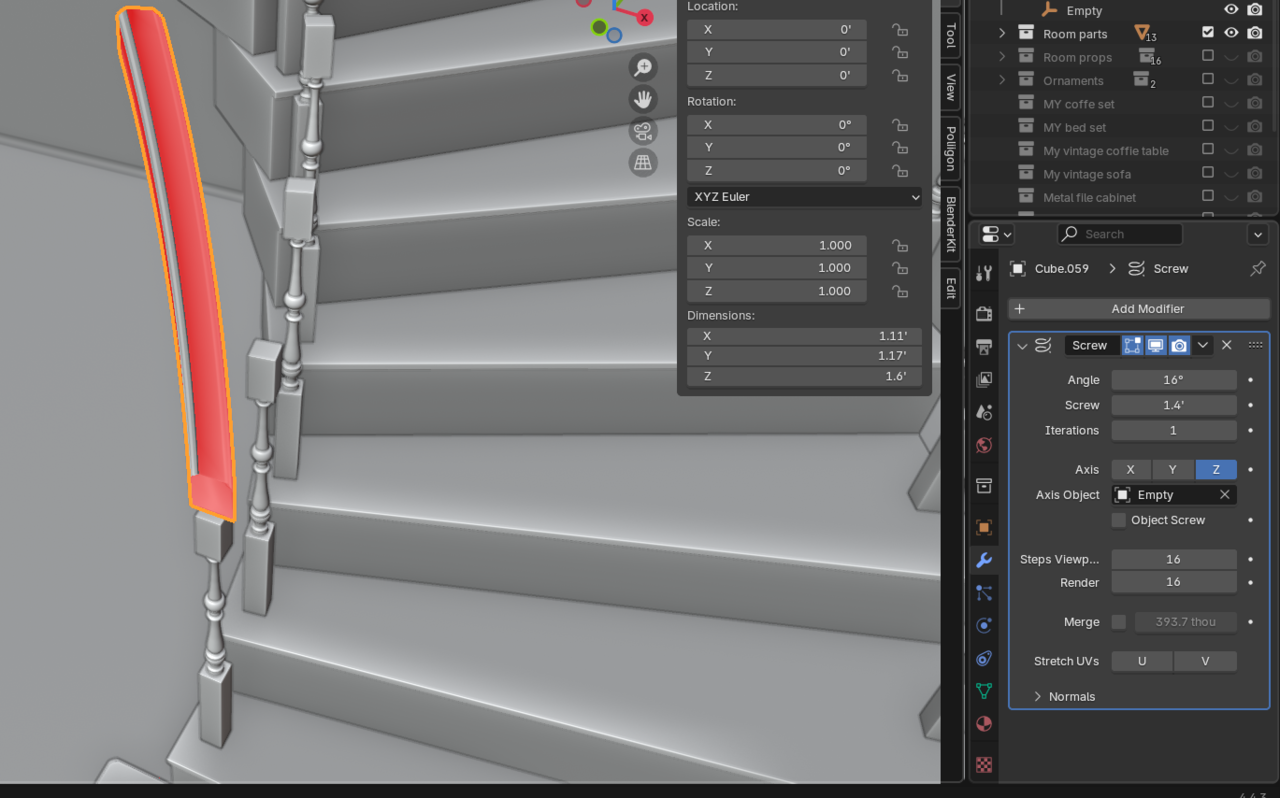
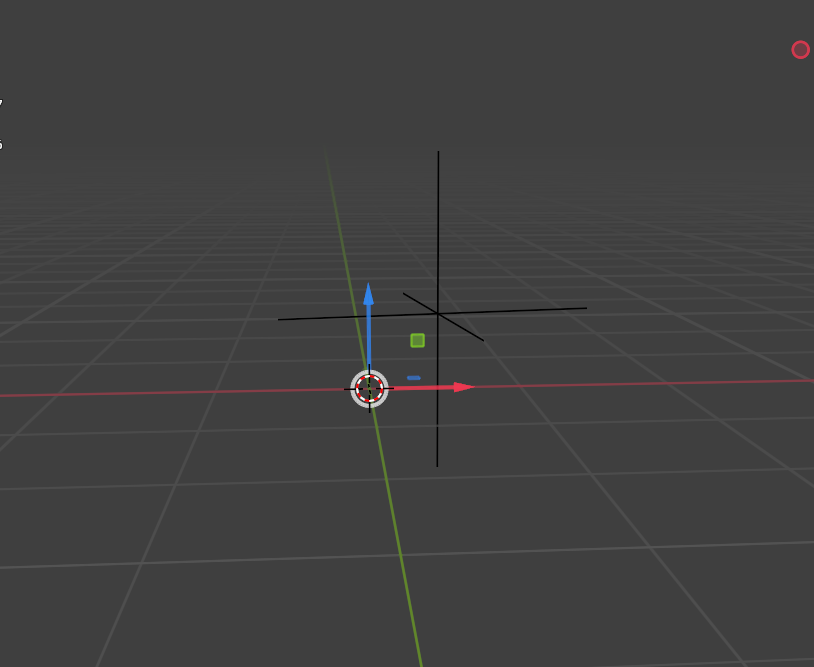
I am trying to create a handrail that perfectly follows the angle of my staircase. I’m currently using a Screw Modifier with an Empty as the axis object. However, because I had to move the Empty along the XYZ axes to align with my stairs, it is no longer at the world origin or the 3D cursor.
This seems to be breaking the modifier? (i really dont know), and the handrail won't follow the stairs correctly. I also cant move my empty because if i do so my stairs wont be correct anymore
Does anyone know a way to make the handrail follow the staircase perfectly? I want to avoid "eyeballing". I’m also looking for a non-destructive workflow—I’ve seen a few tutorials, but most of them use destructive methods.
Any tips on how to fix this?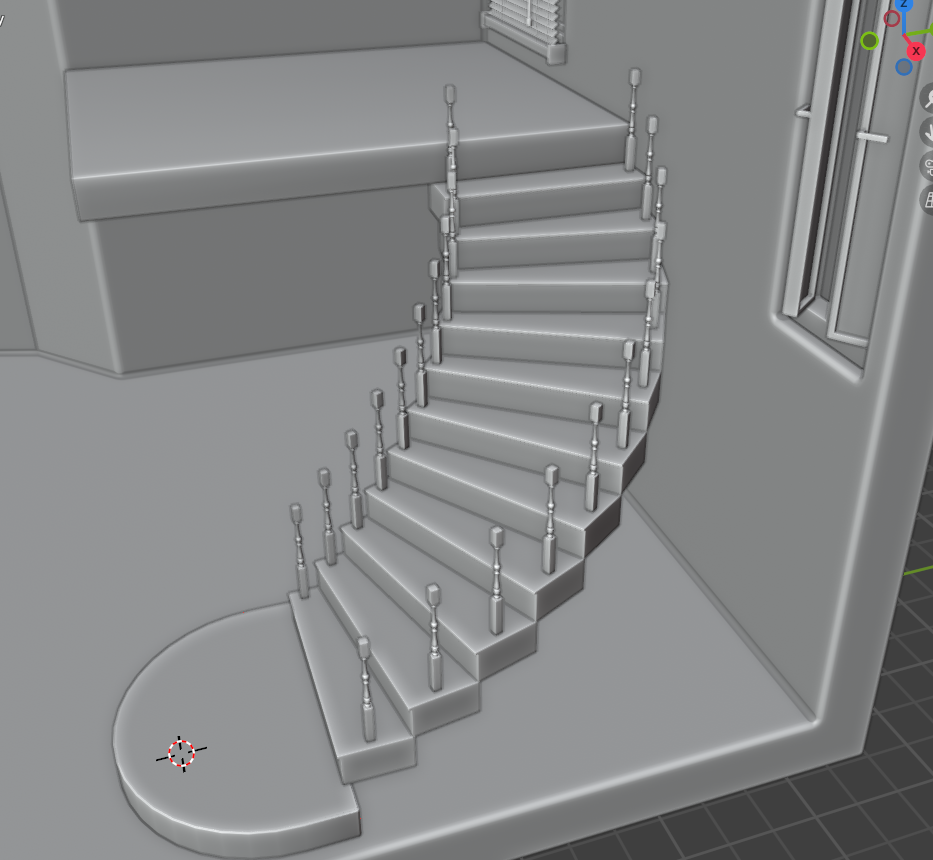

Hi Deb,
I am not sure if I understand you correctly, but if you used an Array with Object Offset for the stairs and it's about the height (Screw) of the Screw Modifier of the handrails, that you need to get right, you should take the Height of 1 step, times the (number of steps minus 1), so in your case, times 10.
Ohh thank u martin..
but i am not able to do it with screw idk what is worng with it..
but i figure out another way to do it...
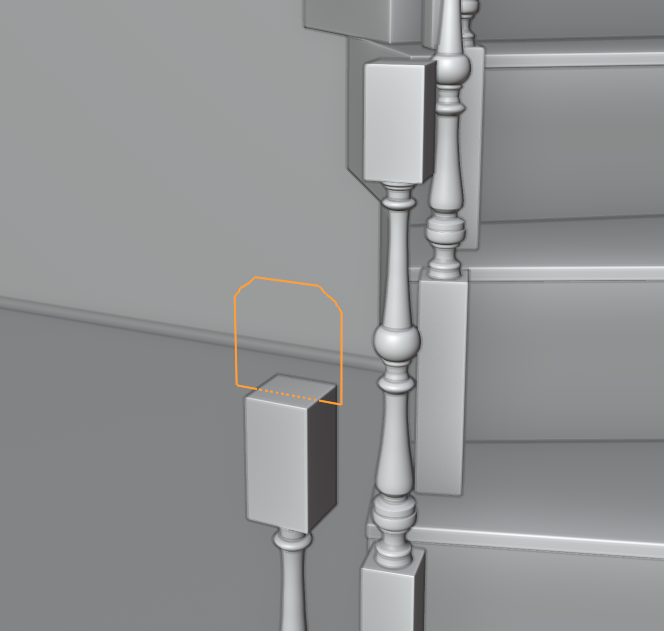
i just created the initial shape with verts..then array with the same empty as the stairs and stair case( those vertical bars) then just bridge edge loops manually and then add subd and bavel done...looks the way i need it..
Thank u again martin...