
Hello,
Me A-gain. The empty movement creates movement. That is nice. Grass (hair particles) is moving as I press play in the Dope sheet. Was wondering, I know how to create PNG render animation of it, but how do I render that empty movement also? At this moment the cube only moves my particle hair.
For sure you peeps got a quick tip up your sleeves for me!

Hi LLittlesheep ,
I'm not sure what you mean.
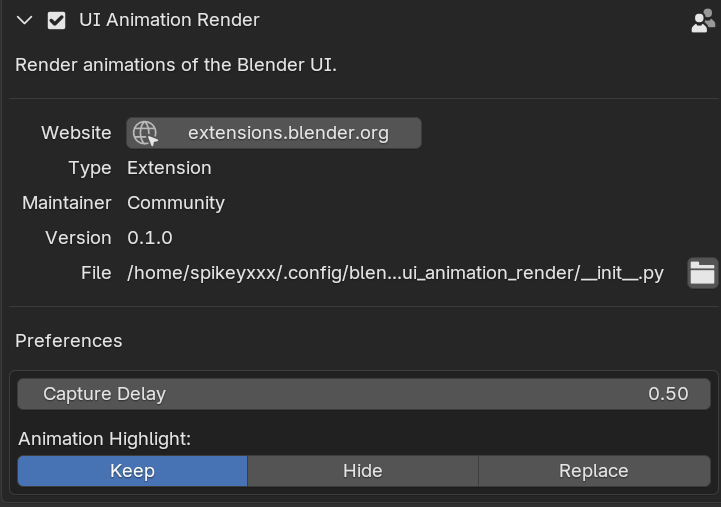
If you want to include the Empty itself in the Render, you could Install this Addon (from Get Extensions):

As far as I know, Blender won't render animation to a PNG format, but you can render the individual frames and seqence those into a video that can be rendered into a video format using Blender's editing tools or using whatever program you that can do that and might have more video file format options. (Not sure if I've heard of any animated PNGs though.) The frames will go into the folder listed in the output properties section.
If either Martin or I didn't answer your question, perhaps try re-describing what you're wanting.
Hello Martin and Grady,
My bad. My animation of the tall grass mesh ended while to soon, so I did not see it move in my animation render into separate PNG image files. Because I could not see both mesh and particle hair grass move. I thought I had to do soemthing with the empty. But in reality I placed the mesh grass key frames wrong. They ended to soon, and so were not moving at all.
But I learned how to move the camera along the path of the empty. A bonus.
Excuse me for the confusion. All is great now.
