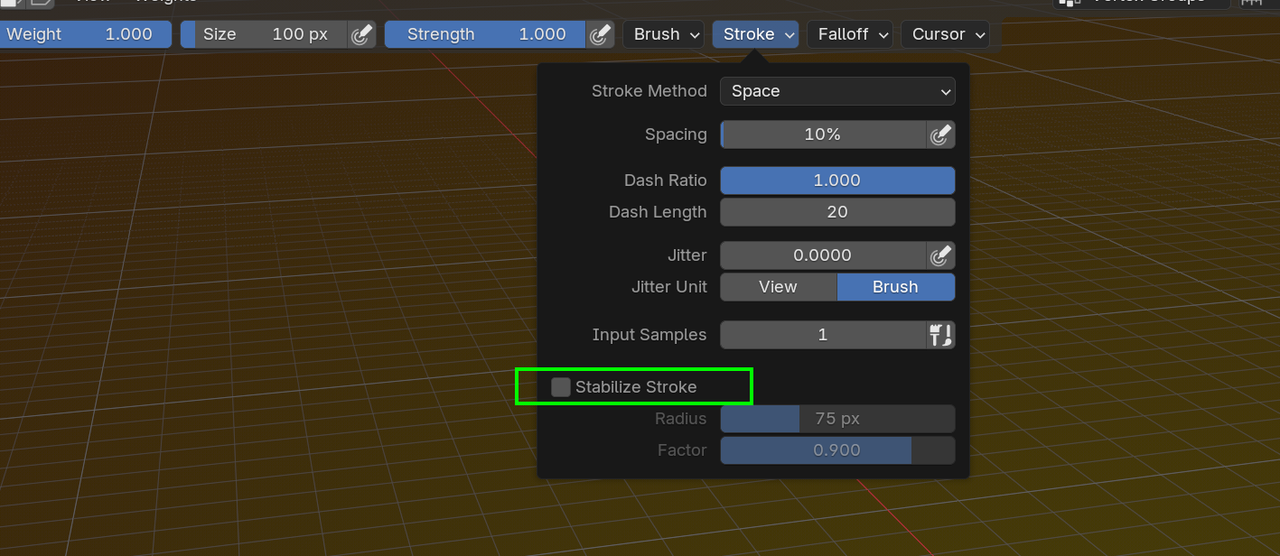
I have absolutely no idea what is wrong O_O
It seems to work, but in a weird way. I have to click randomly around the vertex so maybe it will be painted somehow.


Hi Matt,
I think I failed to mention that there is a mirror modifier on the mesh. This means that only the left side (his left side) of the character is real geometry and all the verts on his right are actually generated. This means that both sides are going to be exactly the same - but you can't paint the right side because those verts aren't actually "real".
The other issue you might be having is a common weight painting where you are splashing weights on the front facing verts but some of the others are being occluded based on the view angle. They then end up tucked inside the mesh and it becomes impossible to get your paint brush in there (if you know what I mean).
This is just an experience thing. You will learn how to angle your view when you work so don't leave some verts behind. Practise and experience will make this automatic for you. (You're already on your way)
Well not really Matt,
The rookie mistake is from me not explaining that part.
I added something to make it easier for the learner - but only if they know about it.
If they don't, I actually added something that makes it harder for the learner.
So the mistake is mine.
But mistakes aside. You now know more about Rigging and Weight Painting.
It's like mistakes, although being frustrating they actually deepen our understanding.