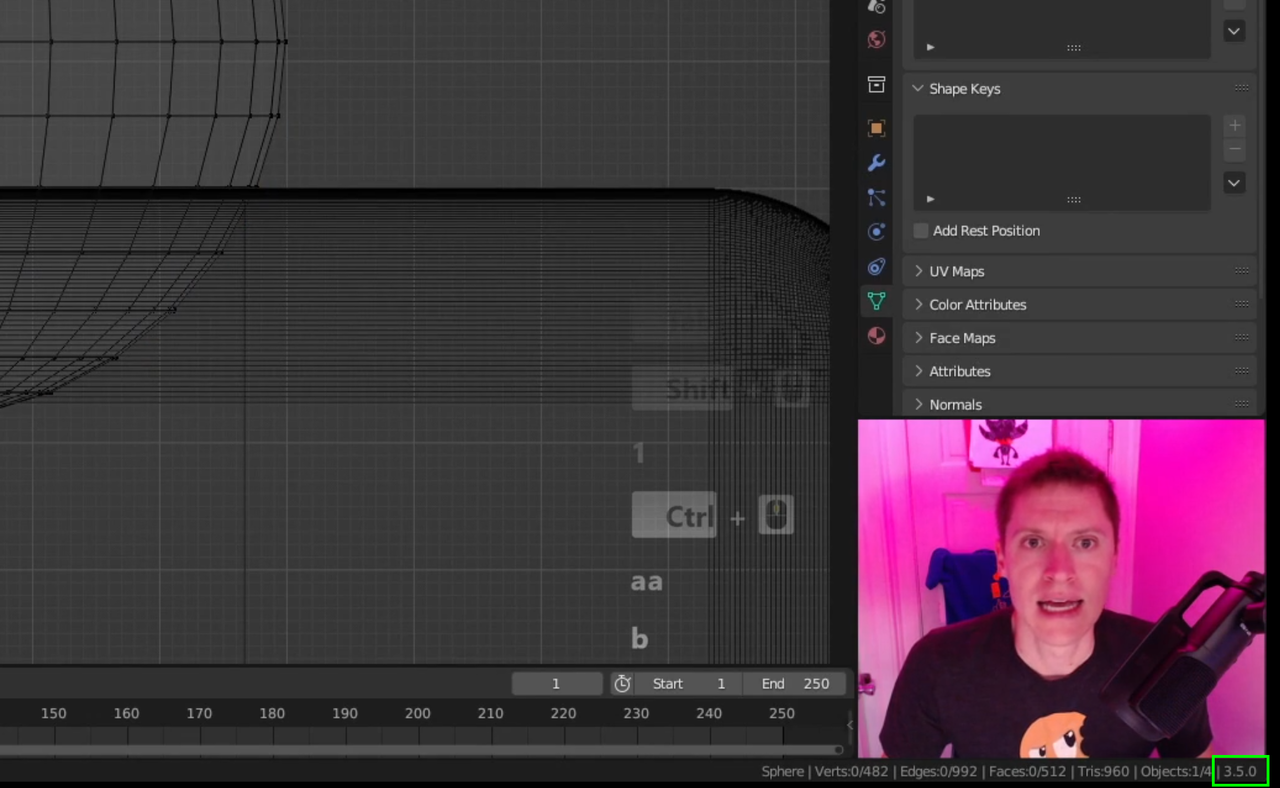
It would be really useful to know what version a lesson was record using. Trying to complete Macro > Dice which is a year or so old now and it's quite difficult using a newer version but I can't go back too far version wise or features missing not be have been created yet.

Also, if you click on the Blender Logo in the upper left hand corner of the screen and click on Splash Screen, that will also show the version number in the upper right corner of the splash screen usually.
(oh.. hard to do that on the video one :D Actually, most of the CG Cookie tutorials in at least the last 5 years, in one of the first videos of the course, they tell you what version[s] was [were] used to record the tutorial.)
Most of the tutorials, too, particularly CORE or Fundamental based ones, are using tools that have been around since at least 2.6 that have, for the most part, not changed too significantly. So if you're having trouble with something specific, you can always ask, telling us what you're having trouble with and what version you're trying this in and if there is a difference, someone can help you figure it out.
Perfect, I hadn't spotted the UI tip in the corner. Appreciated.