Hi Tian,
It's actually Wayne here...my admin account is temporarily locked out and all the devs are asleep (well it still is the weekend for them anyway)
Could you provide more information?
What doesn't work?
Does it load, fail to load, throwing an error when you are trying to do a specific thing?
More information is helpful.
The version that is used in the course is bundled with the course downloads. This will 100% work with the version that the course is recorded with.
Newer versions of the add-on also should be backwards compatible up to a point but not totally fool proof.
Other users haven't had issues - but I'm not always sure what version of Blender they are using.
If you update to 4.2 or above, you can always grab the latest version from the extensions platform.
https://extensions.blender.org/add-ons/bone-widget/
I know we encourage people to use the same version as the course was recorded with.
So my advice would be this.
1. Try to get everything working exactly the same as the course. (same version of Blender + add-on)
If that fails.
2. Update to the latest version of Blender with the extension version of the add-on.
There's hasn't been a lot of changes in rigging that affects anything I do in that course.
(I did fix a few bugs though - yes, me...I actually coded the fixes that have been merged into the latest versions of Blender)
If you run into problems just let me know.

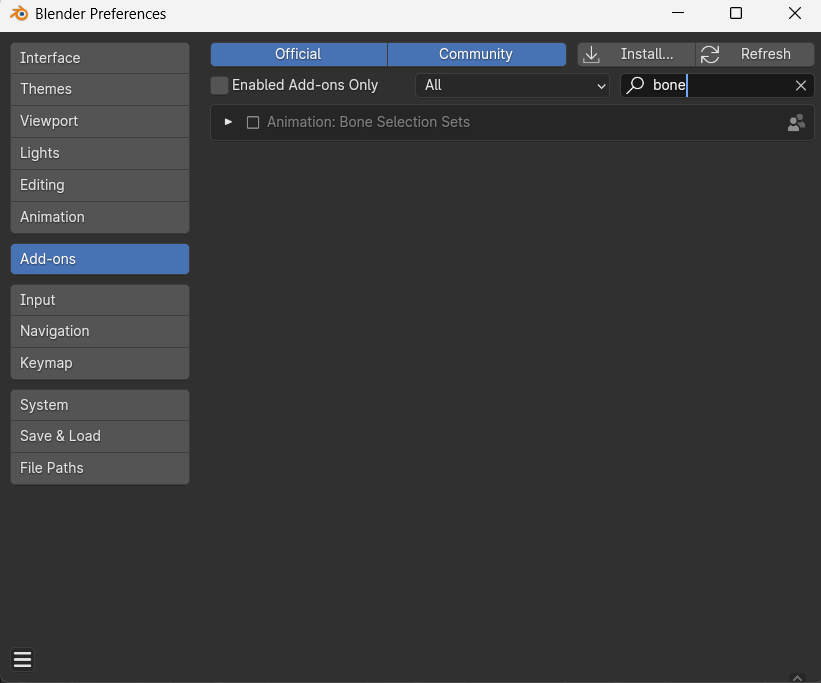
Hi Wayne, yes, I sent the photos. The issue happens when I try to download the bone weight add-on. In Blender it says that it’s installing, but when I search for it, it doesn’t show up. I’m currently using Blender 4.0—and in case you’re wondering why, it’s because the video I’m following uses Blender 4.0, so I want to match the same settings. That said, I’m also familiar with the newer version now, and I think that might be why I’m stuck. Thanks, Wayne—I hope this makes sense.

Hi Tian,
It's admin Wayne here.
I think I know the issue.
That version you downloaded is bundled as an extension. However Blender 4.0 doesn't know what extensions are - as they were introduced in 4.2+
So it will install it correctly, but 4.0 won't be able to see it (any version from 4.2+ will be able to see it)
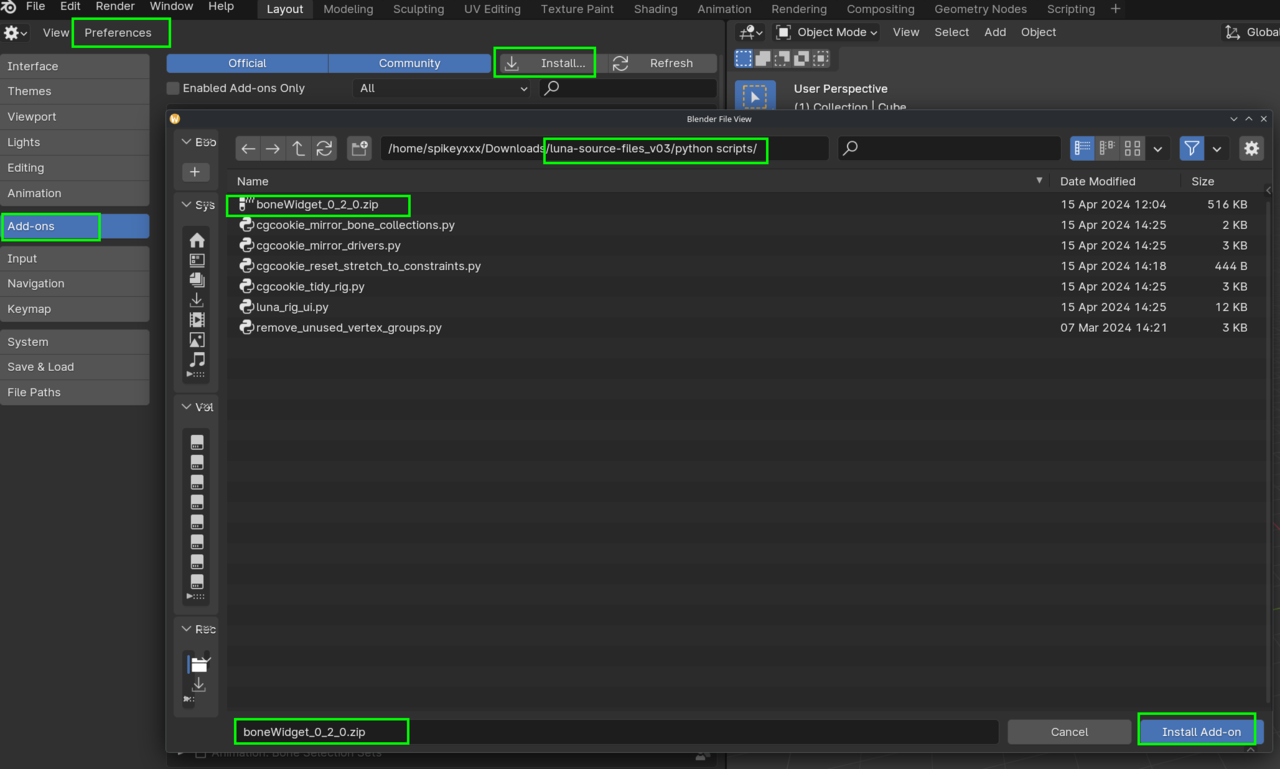
So you can install the version that is bundled with the course files as Martin showed - this will work with 4.0
Fun Fact: I forgot that extension add-ons are 'different' to legacy add-ons even though there's just 1 extra file.

i use 3.5 five and i have the exact same problem please help

Hi Francis FF_brodas ,
You'll have to be more specific. Same problem would mean same answer: use the Verson from the Source Files. That one also works in 3.5 (I just tested it).