Hello Jonathan,
I am enjoying the modeling course!
I have a question that is a little off the subject.
I watched your video in Blender Basic course on how to use the Grease Pencil in 3D.
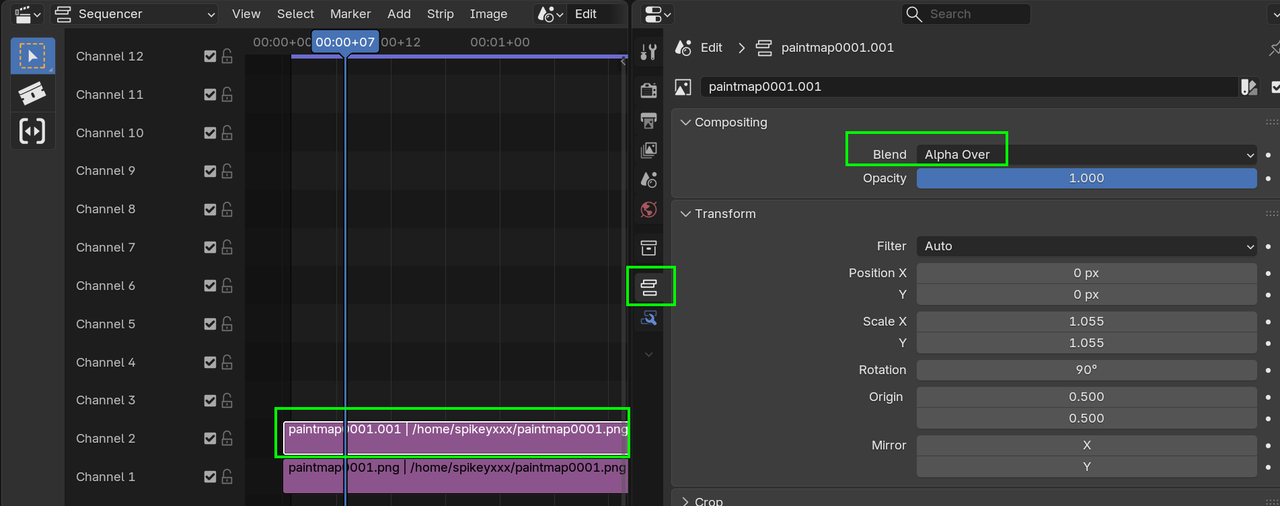
How would go about setting this 2D animation as an overlay to a video in Blender video editor?

Ok Martin, let me execute this, I will get back to you if anything.
Thank you for helping me with this 🙏 😊

Hey Martin, I didn't do overlay in Blender yet but I did it in Final Cut Pro and it worked.! The animation done with GP is transparent and is working fine on top of my video - Sun is shining baby 🌞. I thought you might want to know.

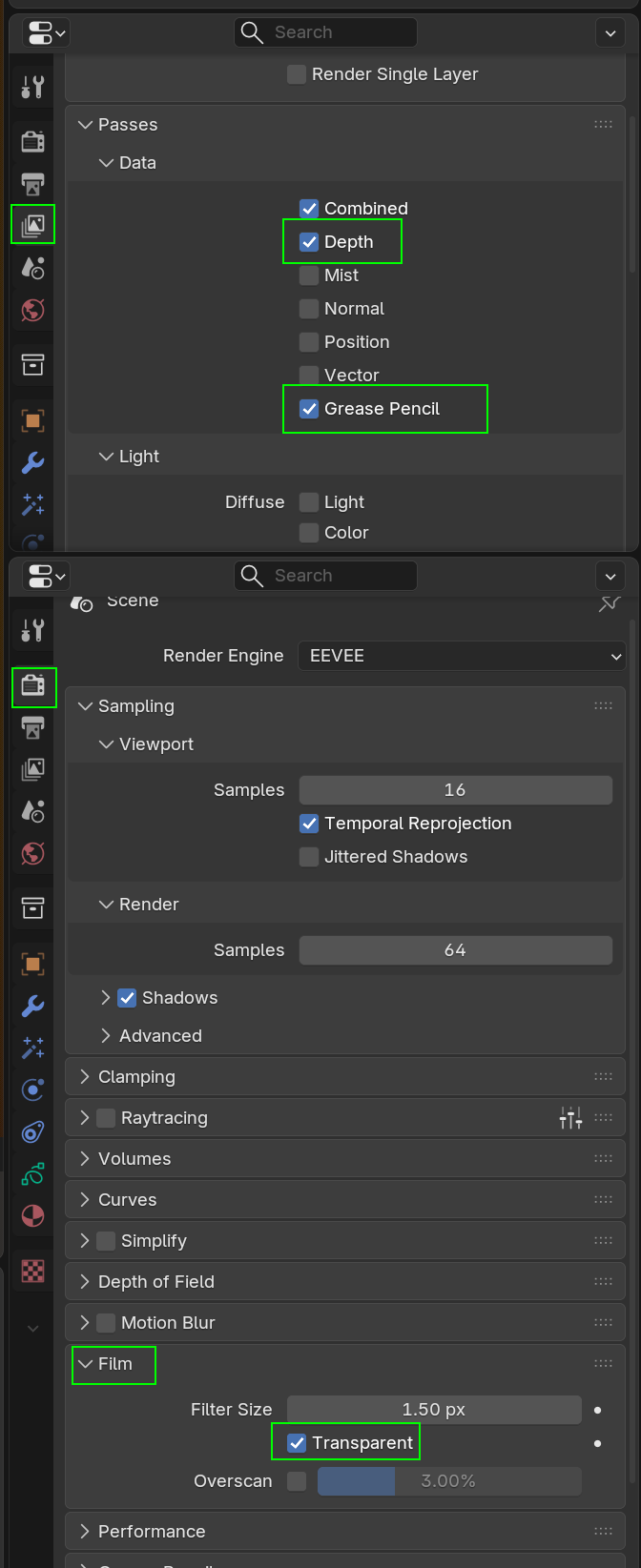
In addition to checkmarking 'Transparent' under Film like you suggested I had to select those settings in Output properties:

Thank you again man 🙏
P.S. I still couldn't figure out the issue with the video from the other feed. I couldn't find no nodes through.

For an animation, I have had issues with some programs not reading Blender's output when I've saved a video file trying to use transparency. The way I worked around it was outputting the transparent PNG images for each frame and then using another video editor (I forget which, but probably was either Hitfilm or DaVinci Resolve) to composite them into a video format with transparency that I could use.