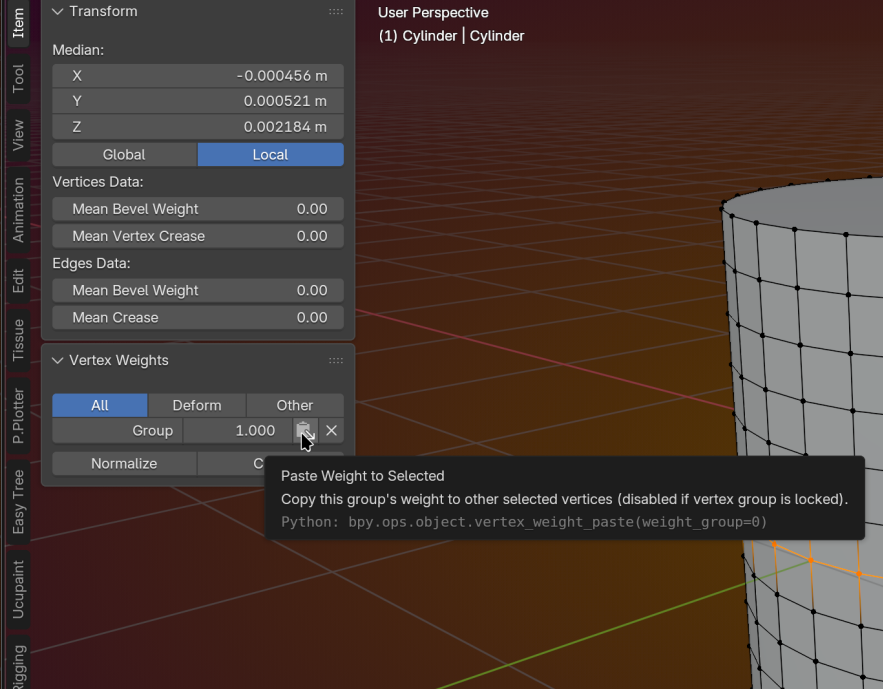
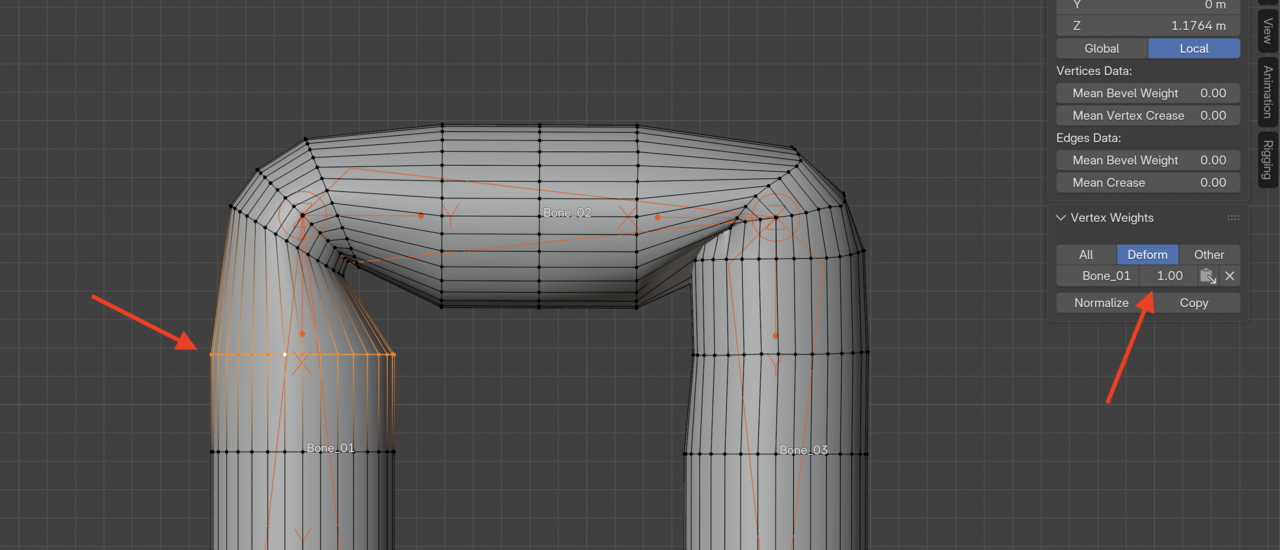
My tube doesn't bend like your tube, I probably messed up something in weight painting but I was wondering why that loop on the left is not affected by normalize and copy. It keeps going back to 1.0.

HI Eeugene,
I'm not exactly sure from the image what your issue is but I think I know the cause of your confusion. (btw you can post images directly here rather than linking to your iCloud ;) )
There info box can only show the 'active vertex' (that's the white one).
I can see that it is set to 1.0 and it is only a member of 1 group ("Bone_01")
Remember when I said that Blender will normalise things under the hood?
That means that if that vertex has a value above 0, it will always be normalised to 1.0
If you change it to 0.5 and then press normalize - it will jump back to 1.0 (because all the deforming weights must add up to 1.0)
Blender will always do this with every deforming vertex group (it has to because of mathematics)
So pressing the normalize button doesn't actually change what's happening under the hood- it is just changing the value to match the true normalised weight.
That might be part of your confusion.
The other part is what happens when you press the copy button.
Blender will copy the values of the active vert to the select verts.
But it only changes what it has permission to change.
The active vert is only a member of "Bone_01"
so it will copy that value across to the selected verts IF they also are already a member of the "Bone_01" vertex group.
This tool does not add the selected verts to the "Bone_01" group, and it does not adjust any of the other weights to 0.0 if they are a member of any other groups.
All it will do is set the values of "Bone_01" to 1.0 - if it is there. If not, it won't do anything.
And if those other selected vertices have weights for "Bone_02" or even "Bone_03", Blender will always be normalising everything under the hood. So the result might not be as expected.
I hope that makes sense in written form.
Thank your responses guys. I was trying to tighten that loop a little. I understand only some parts of what you are saying about normalize referring to active vertices.
Some of the information might take a while to sink in - don't worry that's normal.
But for now, regarding the active vert etc.
See the loop you have selected on the left?
See how there is a white vertex? That is the active vert.
The information about that vertex is showing in the area where you have the second arrow pointing to.
That area can only display the information for 1 vertex at a time (the active one)
That's the most important thing for you to understand at this stage.