
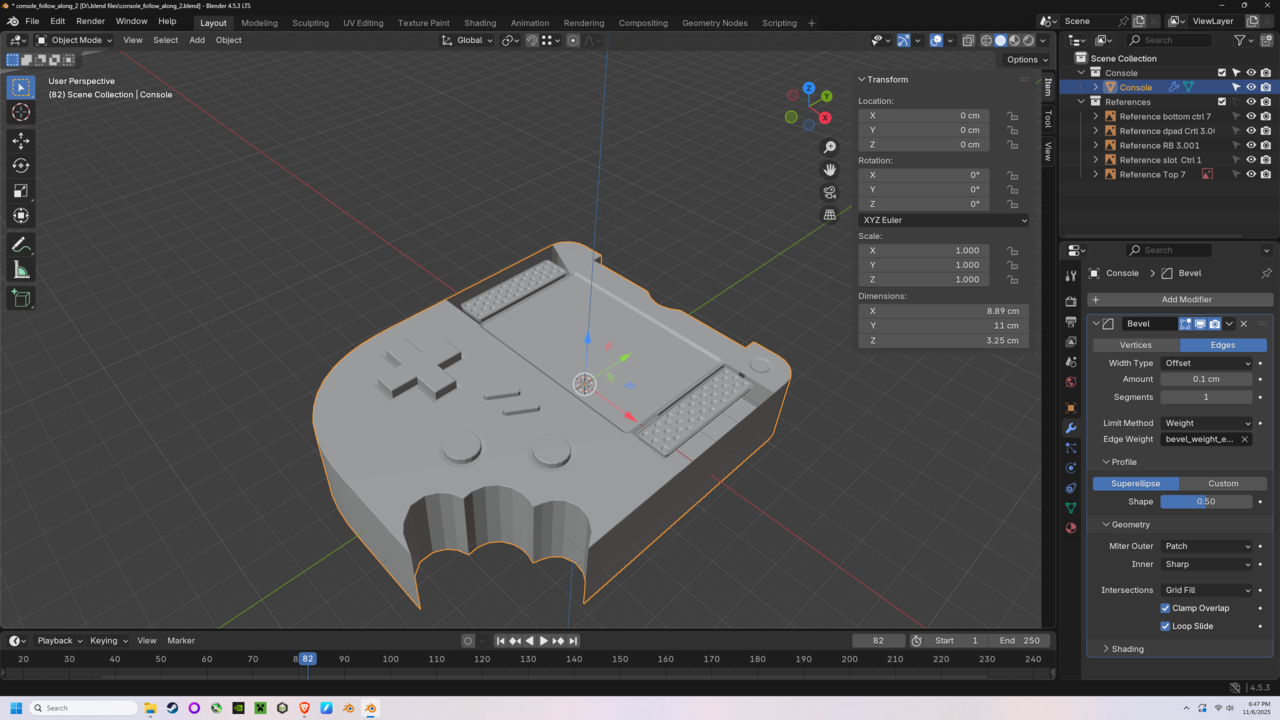
Hello all, at 16:15 in this video you select the speaker then shift-select the console and ctrl-j to join. When I Join these two objects in my file, all of the bevel is lost, leaving the original sharp edges. Attached are pictures of before and after join.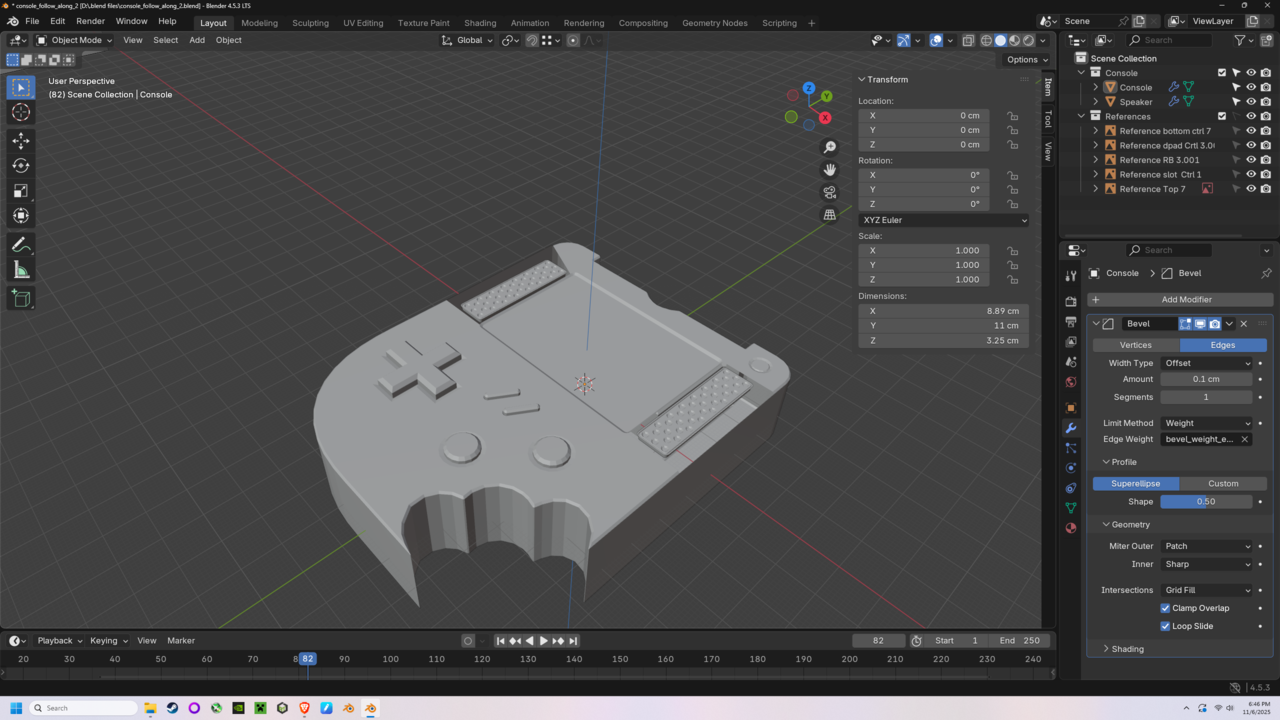

HiTriston SSwizzlekeys ,
That is most likely because you have Clamp Overlap enabled. The Speakers are now probably causing the Clamping to kick in (or kick in earlier) making the Bevels of the Console smaller, so it might look like they are gone.
