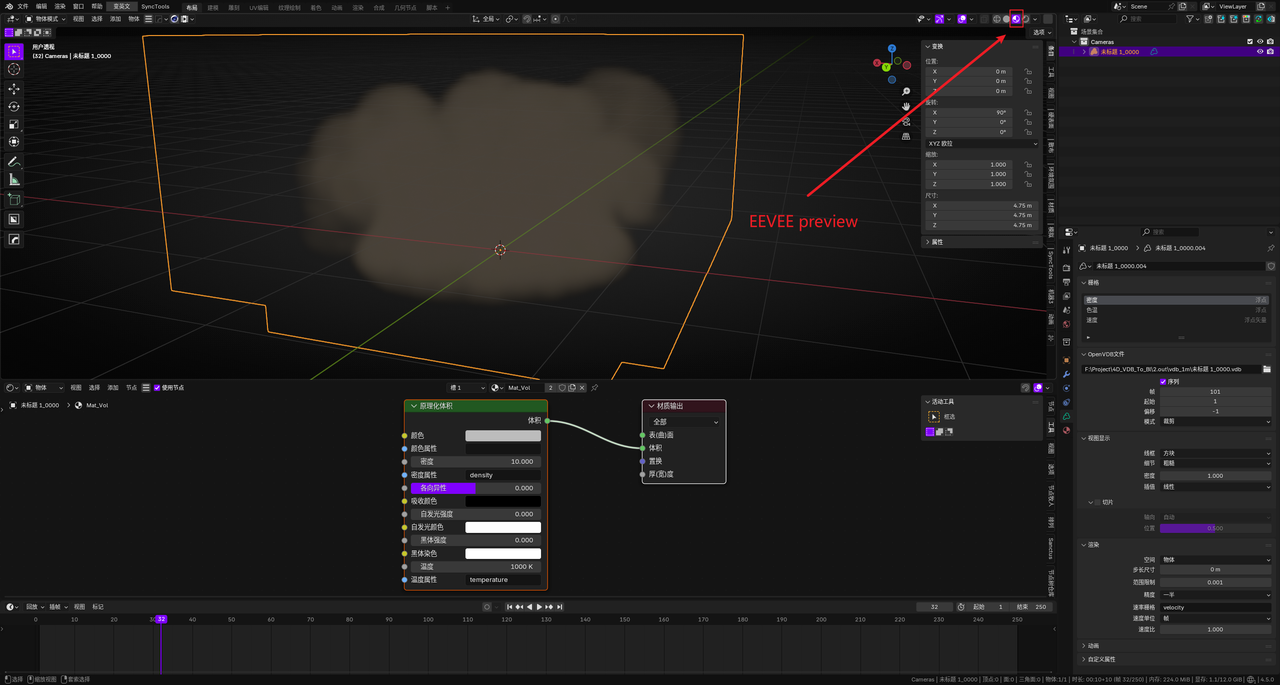
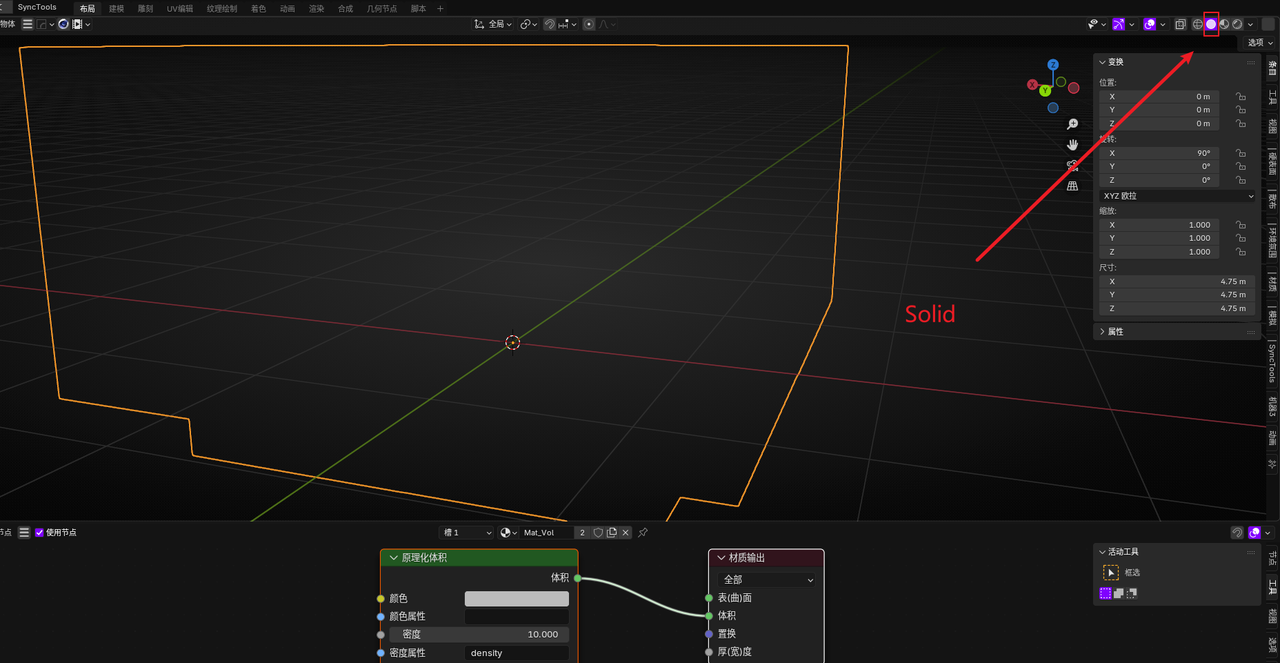
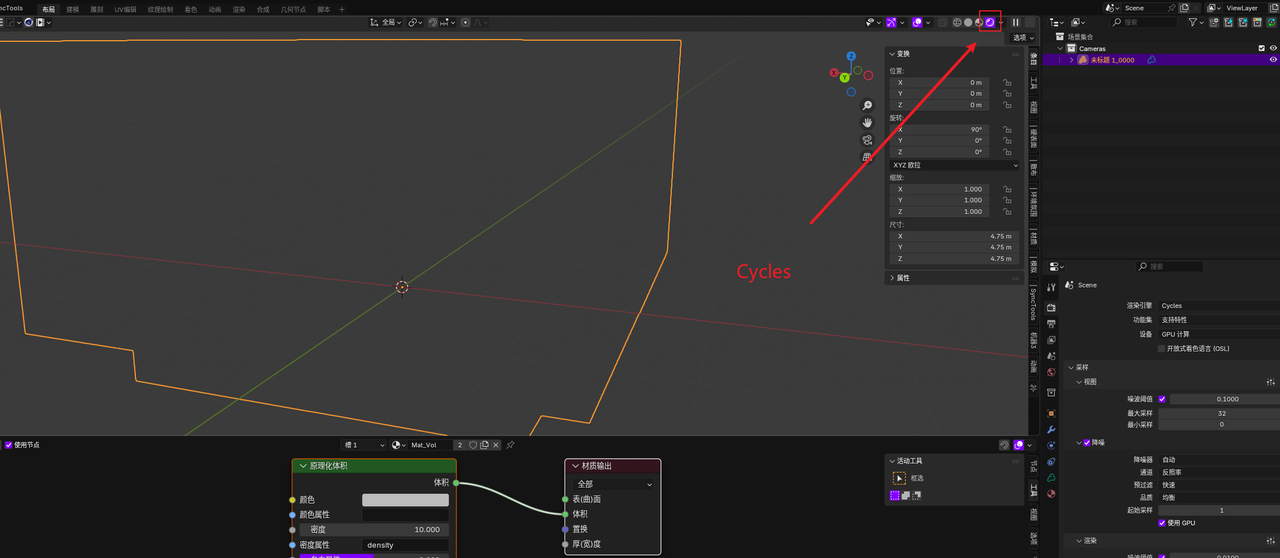
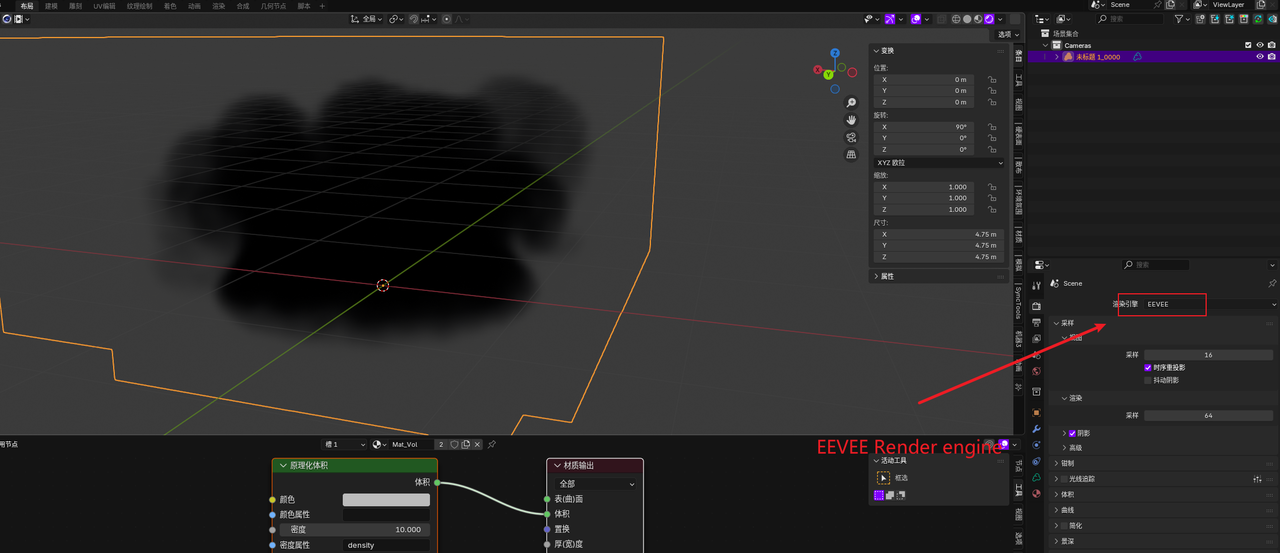
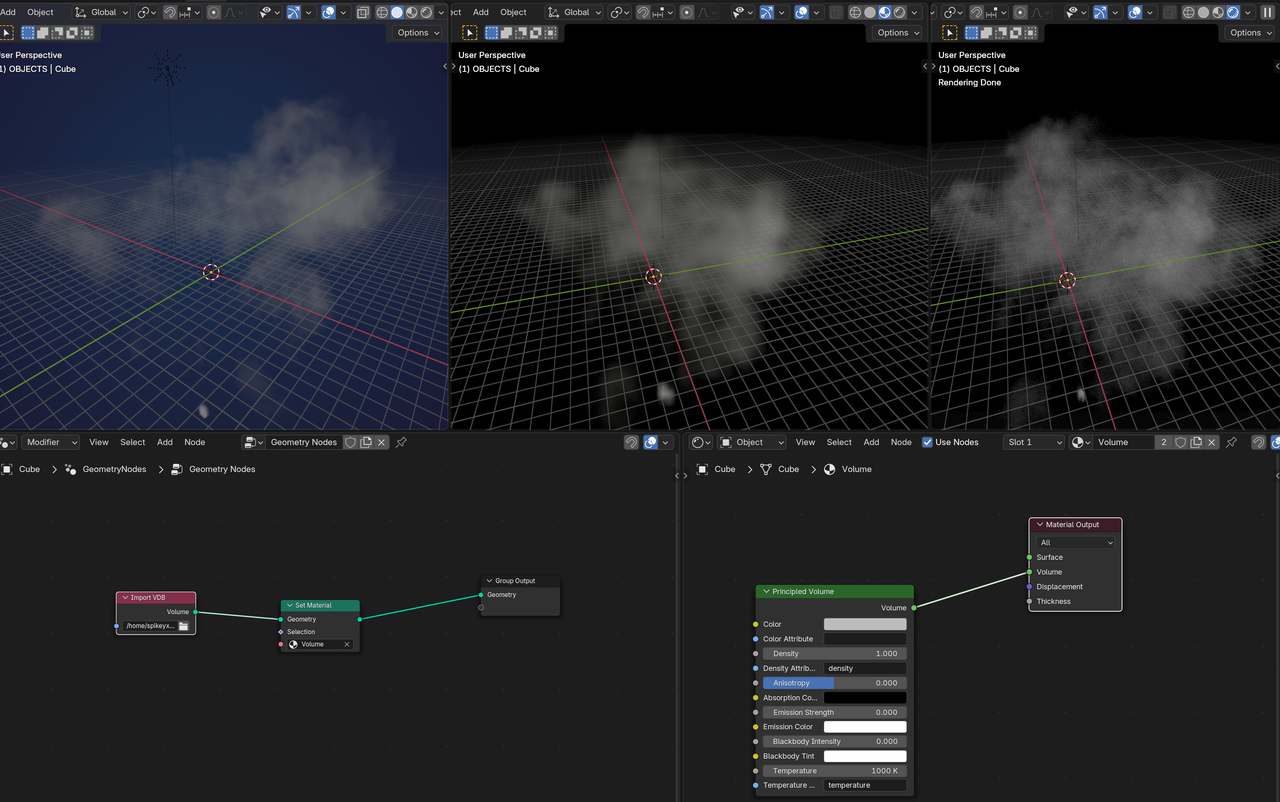
I assigned volume material to the VDB, it show nothing in solid model and Cycles,but it show in EEVEE

Hm, I don't know (yet); it looks like corrupt data.
I can get something with Cycles, but it's not pretty:
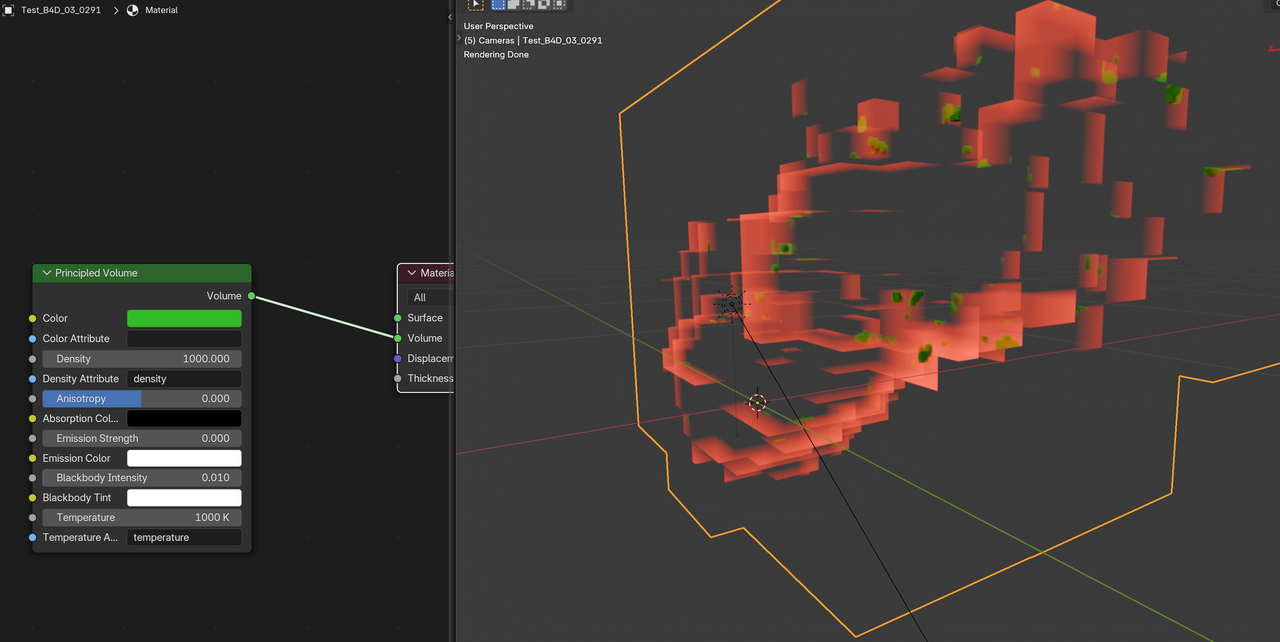
And with very specific Settings for Focal Length, and Clipping, we can get something in Solid Shading:
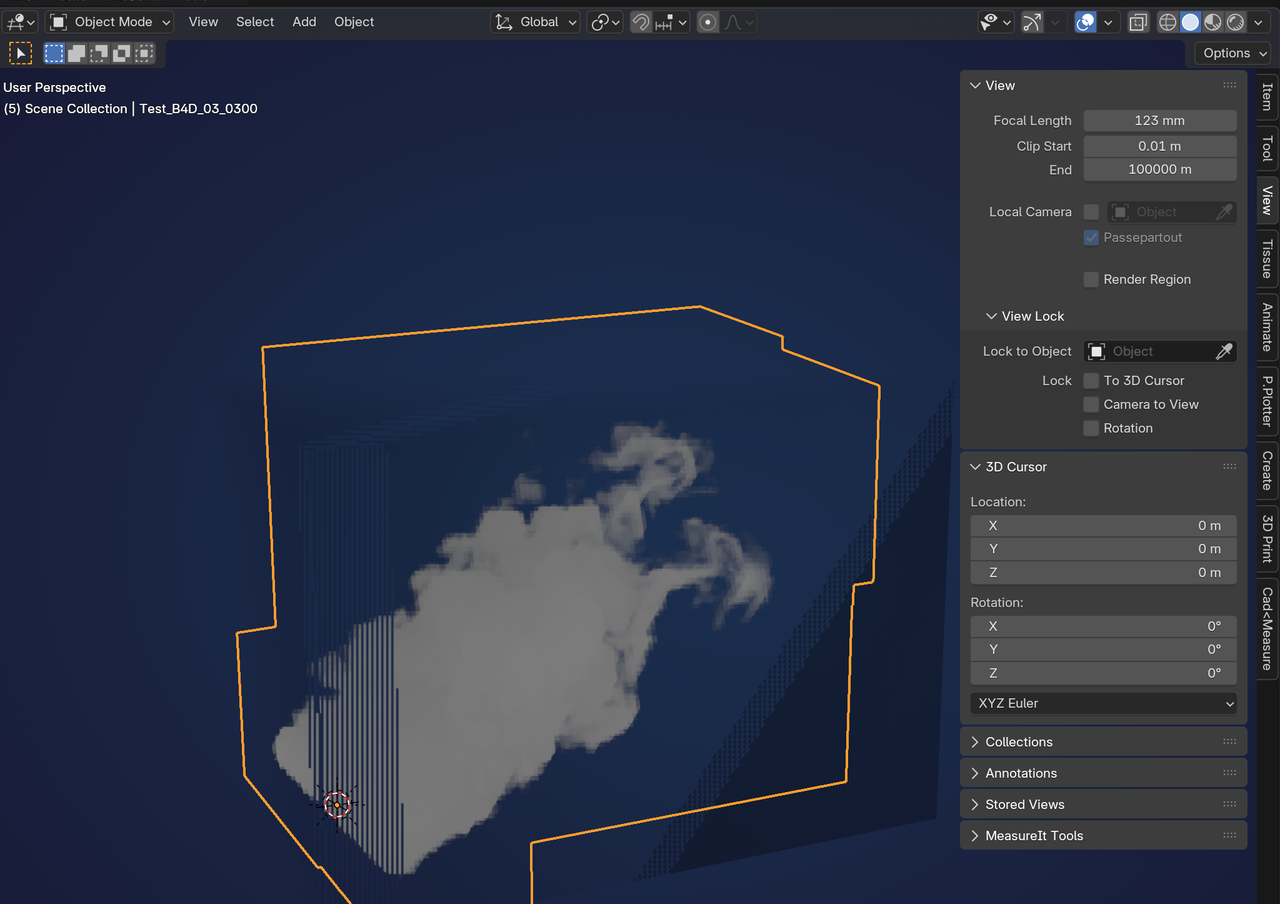
So, my guess at the moment is, that it has to do with the Size. It is in the order of 10 km. That might introduce some precision errors in Blender.
Or maybe the problem is in the line length in the VDB files?
I get this warning: "The file /home/spikeyxxx/Downloads/original/Test_Vol_Sq_FromC4D/Test_B4D_03_0291.vdb was opened and contained lines longer than the configured Line Length Limit (10.000 characters).
The longest of those lines was 266.462 characters long."
Thank you, my friend, for taking the time to help me find out waht caused the problem. I think I'll give up using c4d for smoke simulation for now.
Now, when using c4d for smoke simulation, caching the smoke will cause the software to crash, but there is no problem with cloth simulation caching or other simulations.😢
Well, I don't have C4D, but I just watched a video and you should be able to lower the Scale in the Export Settings
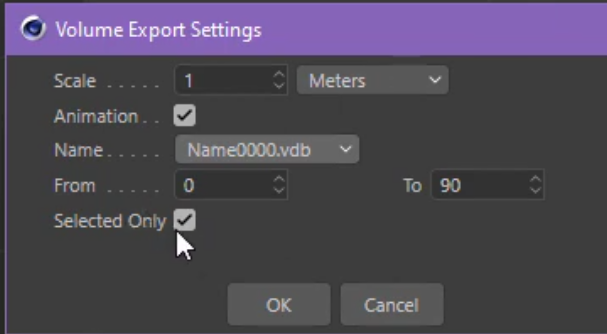
Mind you, in the video, it Exported it still huge, with a Scale of 1 Meter, so you might need to set that to 1mm or even less. I'd be interested if that would improve the situation in Blender.
I found that exporting at 1 meter is exactly the normal size in blender,but the same problem still exists