^

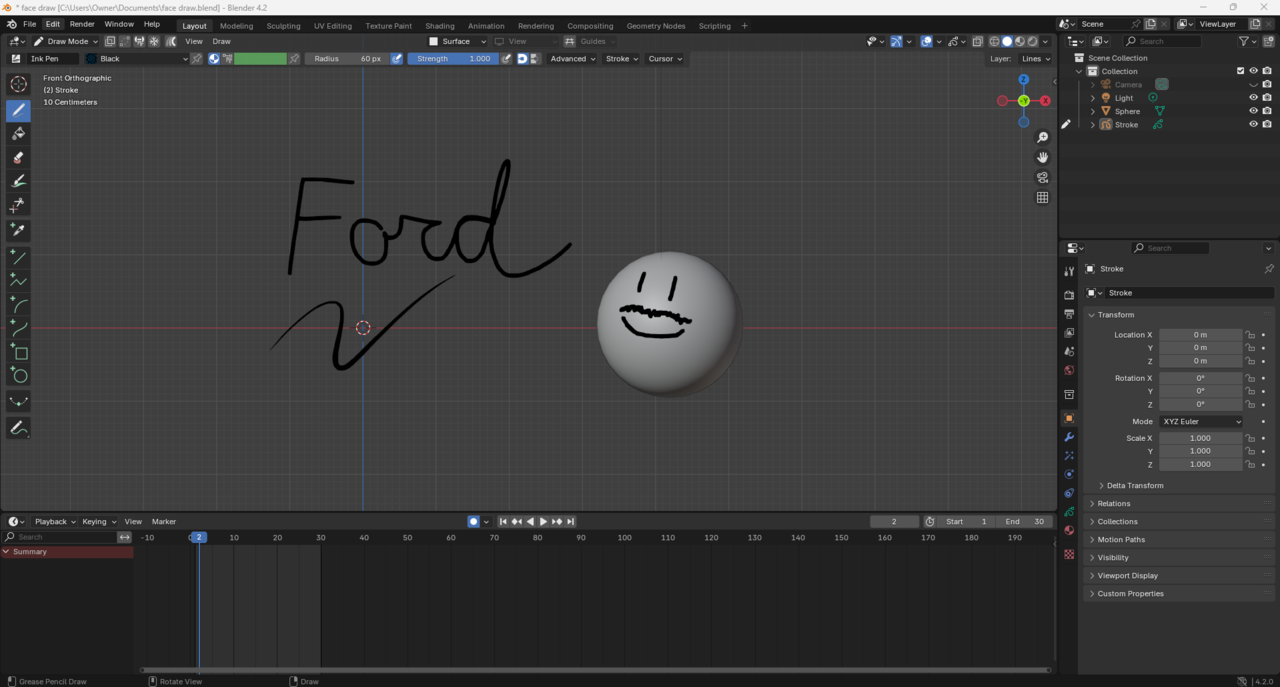
Sorry this is what I mean this is the keyframe I don't see in blender, in the bottom left hand
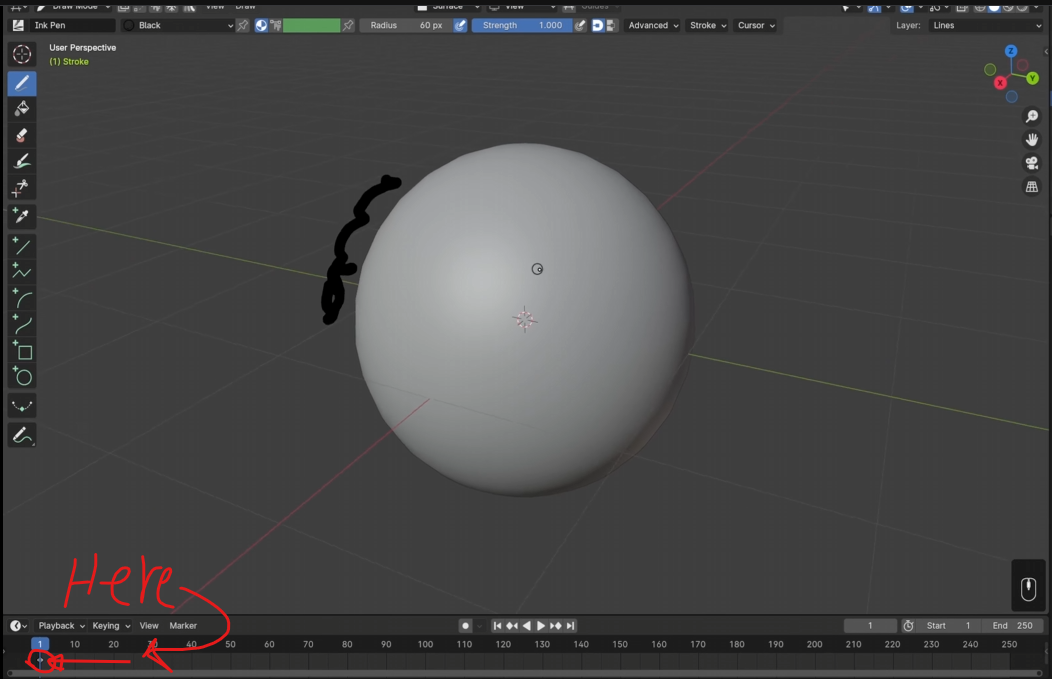
I'm not sure how you managed to do this, but the Grease Pencil object(Stroke) is active, but isn't selected. Click on the Stroke object in the outliner(It should highlight with blue) and then you should see the keyframe. If you don't then you may have filtering in dopesheet. With mouse cursor over timeline editor press Shift+F12 or change the editor type from timeline to dopesheet in first icon on the header. Click on the funnel icon and make sure that grease pencil is turned on(Blue).

Dwayne that's what it was, I didn't have the stroke selected, thank you!
Hi Ford,
Thanks Dwayne dillenbata3 ,
Here's what I think has happened:.
There are some default Settings, that made this weird situation possible, the one I would recommend to turn off immediately and leave turned off forever, is the Edit > Lock Object Modes.; I don't knwo of any advantages, only disadvantages, of leaving that on. Because of that Setting, you were able to Deselect the GP Stroke, by Selecting the Camera and because of the Only Show Selected Button, you couldn't see the Keyframe anymore. And you couldn't Draw anymore either.
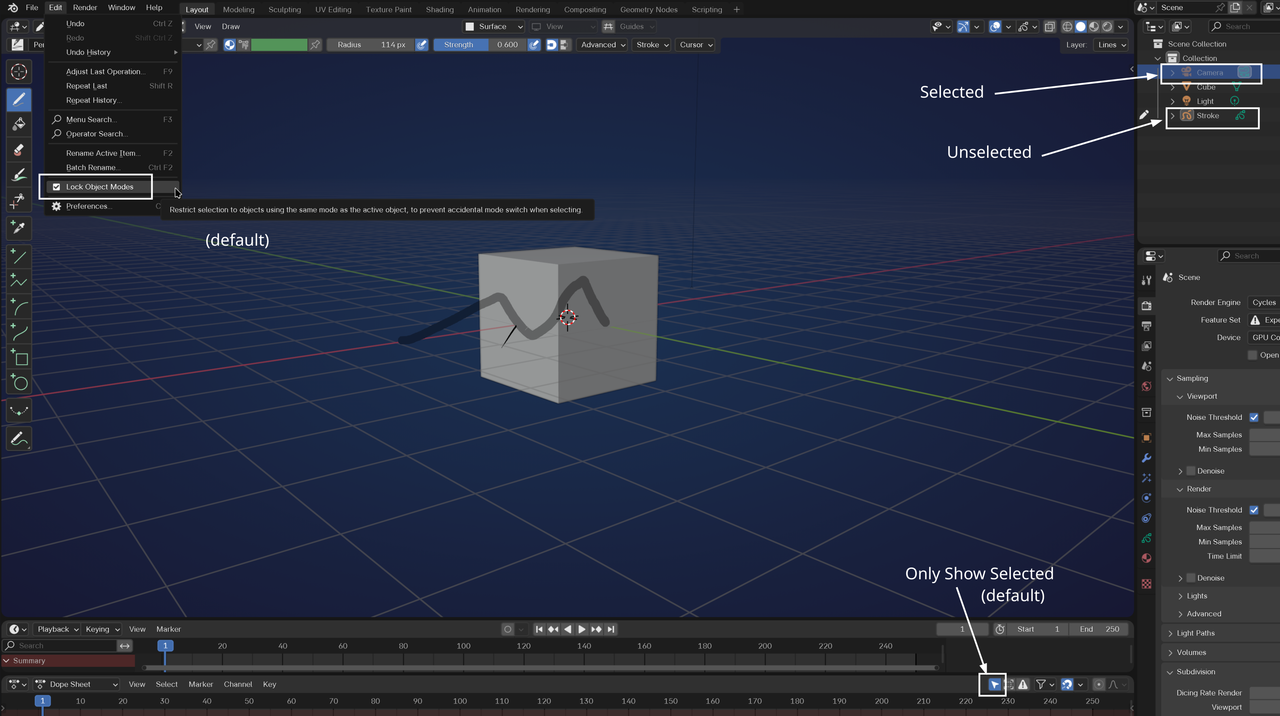
Martin Bergwerf it claims "to prevent accidental mode switches when selecting" but I turned it off! Thanks for the advice! Every little thing helps!