Hi. This is more of a techy question. This is the device I have now for Blender.
It is brand new and it runs way better ... SO EXCITED... however I want to start using GPU compute for Cycles which I never ever done before but that would be lovely to get that set up but currently struggling on how. I am using Linux Ubuntu 24.04.2. Really striving for the best render experience with the specs I have now.
I go to preferences > Systems > CUDA > "No compatible GPUs found for Cycles... Requires NVIDIA GPU with compute compatibility 3.0"
I did install nvidia-driver-570 on my device and rebooted and results still show the same. Anyone else with Linux or if you know how to work around this? Thank you.
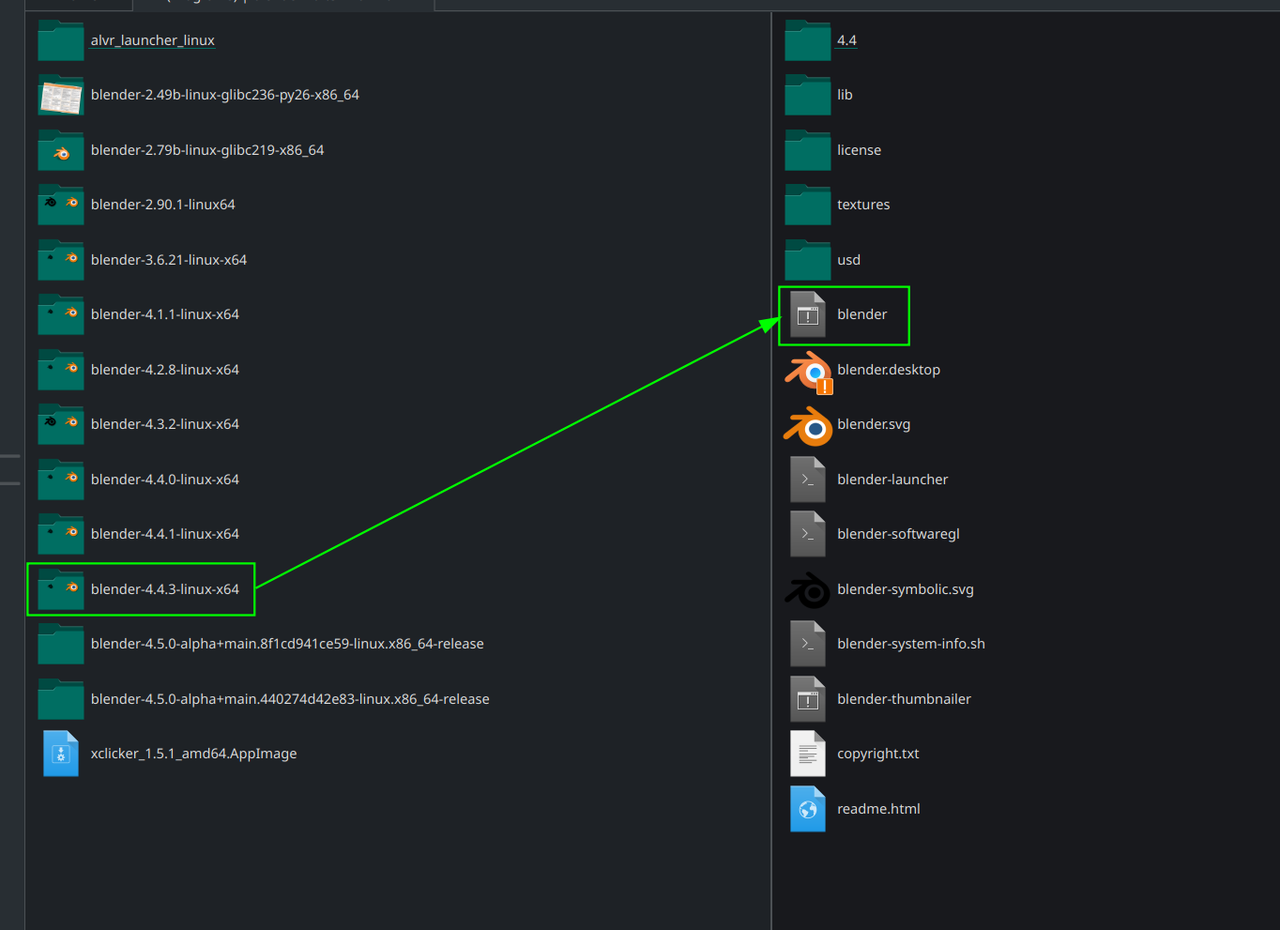
I did download from the website itself and it's still showing the same result. I went to download 4.1 through https://download.blender.org/release/Blender4.1/ with blender-4.10-linux-x64.tar.xz. Still it says "No compatible GPUs found for Cycles... Requires NVIDIA GPU with compute capability 3.0"

Dang, that's bad!
Did you try another Version, like 4.2 or so? Don't know if that'll make a difference, but it's worth a try.
Make sure that the Laptop uses the GPU for Blender, because I think they often (if not always) default to the internal graphics.
Also, you installed the NVidia driver, but did you tell Ubuntu, to actually use that driver? Maybe it's still using the Nouveau, I can't think of anything else at the moment.