

My dashes are curved instead of straight. After masking they have points at the end. I have no clue where the error stems from

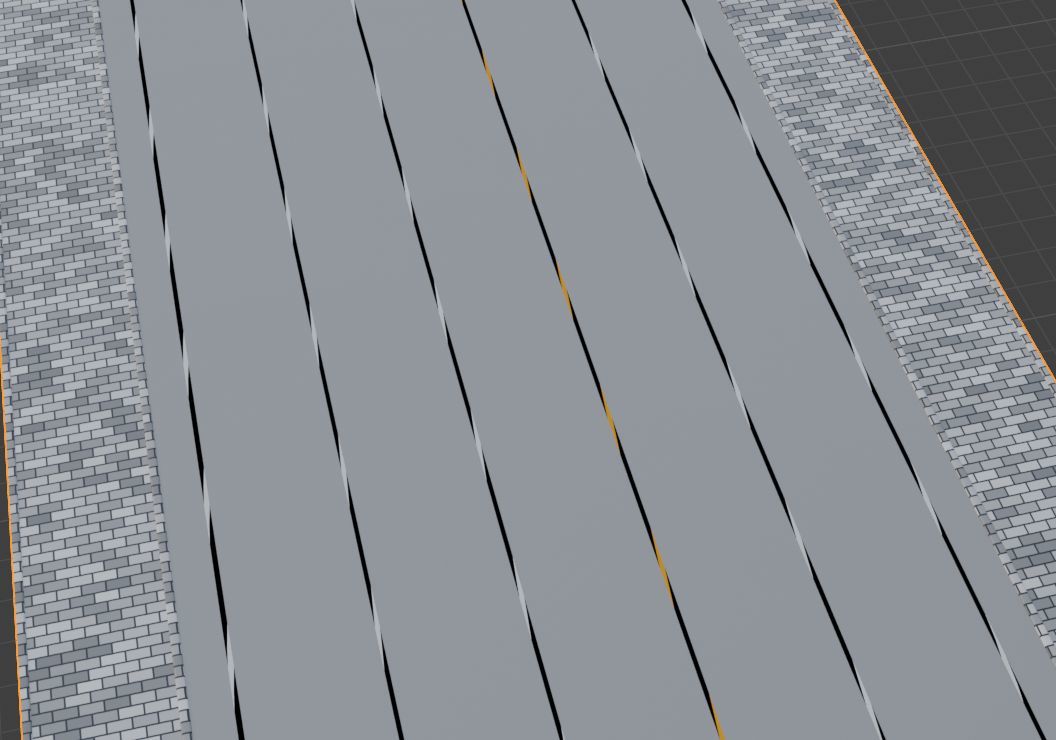
alas that wasn't it, but I found out that flipping the combine xyz node makes the pavers look a lot nicer, lol
I've uploaded my file to google drive. https://drive.google.com/file/d/1AvFZJtStBNgtgluLBUI7iGd2K4J0sd0h/view?usp=drive_link
Found the problem! Inside your lane markings group, after you've joined the cyclical and straight lanes together and convert them to a mesh, you've got the Curve Line node that's providing a "Profile" to skin the curves. You have a value of 1 in the Z axis at the end. This is skewing your profile and making it a bit funky, causing the issue. Get rid of that 1, set it to 0 and it works fine.
wow thanks! you found that very quickly! amazing. Thanks! Happy that it now works.
Ps I'm going to delete the shared file now.