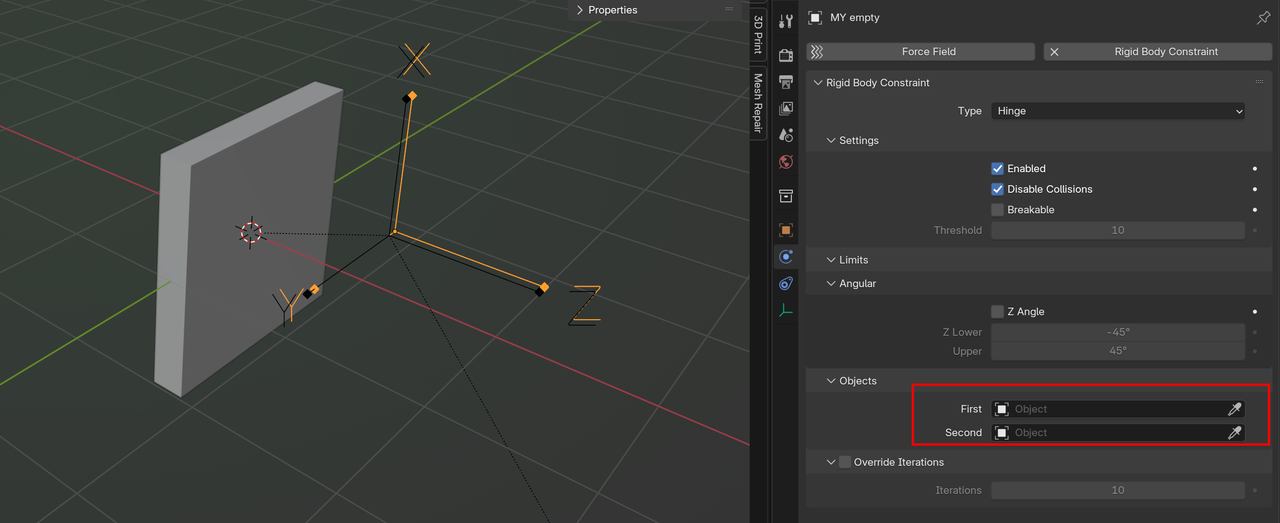
I replicated the exact same thing on my empty and it didn't work for me. I appended the empty from the Hinge course file into my Hinge project and that empty worked. Yet, I replicated the exact settings and made sure all origins were set as intended and my empty is not making the pendulum move, regardless of its exact settings. This needs to be checked.
Hi Martin, thank you for the rapid response. I just figured it out. I had the empty set to cursor/origin and so that was why the active object was not responding. And yes, I intentionally did not set my objects with my empty as I was using the empty appended from the course file. I remember it was mentioned in the course to move the empty away from the cursor/origin for the active object to react as the active object will always move towards the cursor/origin.
Thank you, Martin.