
file:///C:/Users/muqad/Desktop/problem.PNG

Hi mmuqaddas ,
You can add an image via this button:
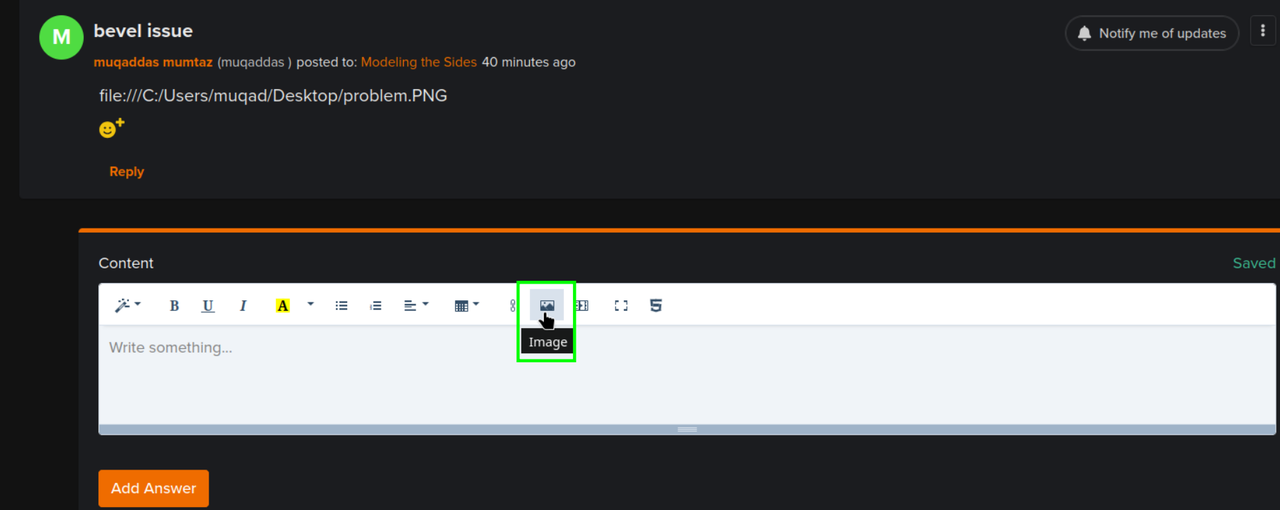
But my first guess would be, that your model's Scale is not Applied (in Object Mode, CTRL+A > Apply > Scale).
Thank you for your response but Im not able to upload my image I don't know why but I'm facing same issue even after applying scale

Perhaps you can use the Windows shortcut “Windows key+Shift+S” for the snipping tool. Then draw a frame with the mouse around what you want to “snip”.
Then just press CTRL + V in the text field of CGCookie to paste.
Otherwise, you can also call up the SnippingTool by pressing the Windows key once and then typing “SnippingTool”.
Have you already checked the normals of your model? So check FaceOrientation and flip with ALT+N if necessary
I've tried everything and yes my normals are flip from speakers but the problem is when im flipping them whole console is becoming red :(
Hi mmuqaddas ,
You seem to have overlapping Geometry, where the speakers are. You'll need to Delete some Faces.
Instead of Flipping the Normals (which works, if you Select only the red Faces), you can, with everything Selected use SHIFT+N, or ALT+N > Recalculate Outside (both do the same thing).
Also, what exactly was your Bevel issue?

if I'm check marking clamp overlap its not giving bevel details and overlap issue but when I'm unchecking it. its giving overlapping issue

