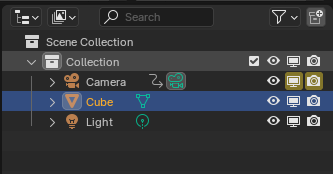
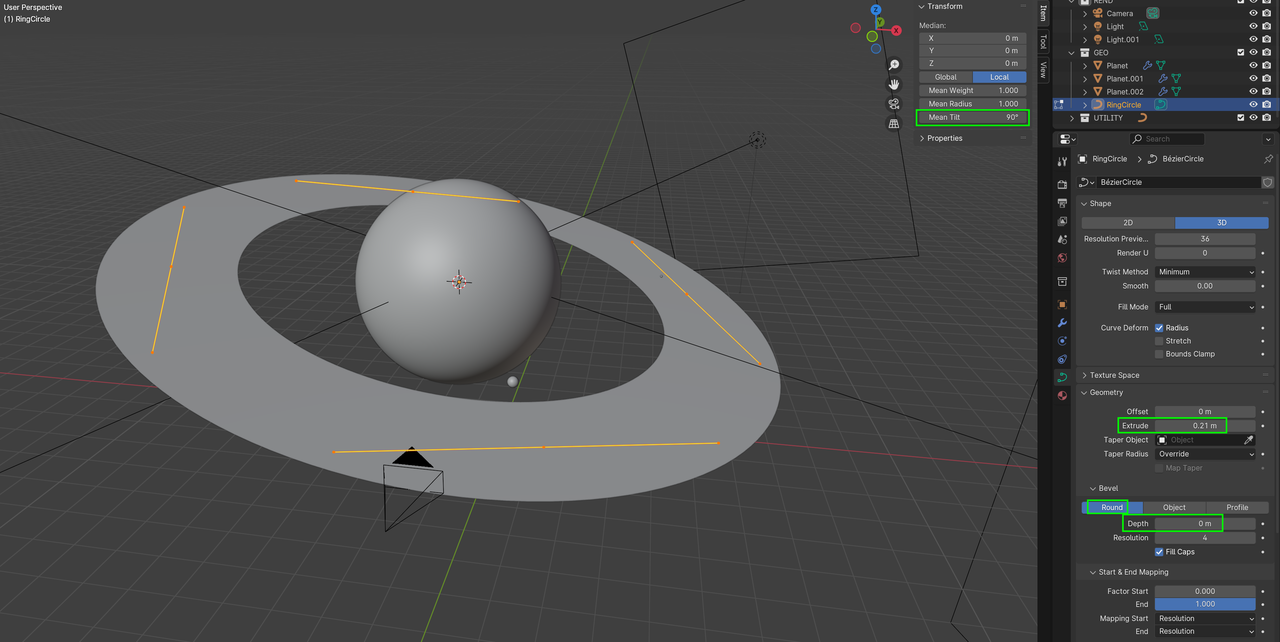
Hey, thanks for the course, I'm stuck a bit with the rings, they are rendered fine in my blender viewport, but when I try to do render through the render->render image, they are gone....

Any Ideas?

HI Nicholas NNicholasGri ,
We've had this same problem once before, but I can't remember if we were able to solve it or not...(might be a Compositor thing...).
Could you please provide a link to your .blend file (via Dropbox, GoogleDrive, or so), so we can see what's happening here?
Hi Omar,
I double checked, and the render option is on for all elements.
Martin,
I've uploaded the blend file to Google Drive
https://drive.google.com/file/d/1PLnT5R63ENosyjqtXaJ4aoXMZ2iIiwyG/view?usp=sharing
One weird thing I've noticed today, when I reopened the file, is that the ring was also not rendered in the viewport.
I fixed that by going to the data section of the ring, and re-selecting the curve (even though it IS selected, just like in the picture). I've just clicked on it, and selected again, and the ring appeared.
I'm on 4.1.1 version BTW
HI Nicholas NNicholasGri ,
Thanks for the file!
Select the RingCircle and go to Object > Convert > Mesh. That should do the trick.
Hi @Martin Bergwerf,
Thank you for the replies. I've tried both approaches, and it worked like a charm!
For those who are new, like me, if you want to go with the second option, it should be done in edit mode, then you need to select all 4 points on the ring, and the transform panel will display the Mean Tilt