For exaple, you can hit "X" after "G" and moving will be constraint to x axis. Is there a hotkey to lock sculpting in one direction without going to drop down menu?
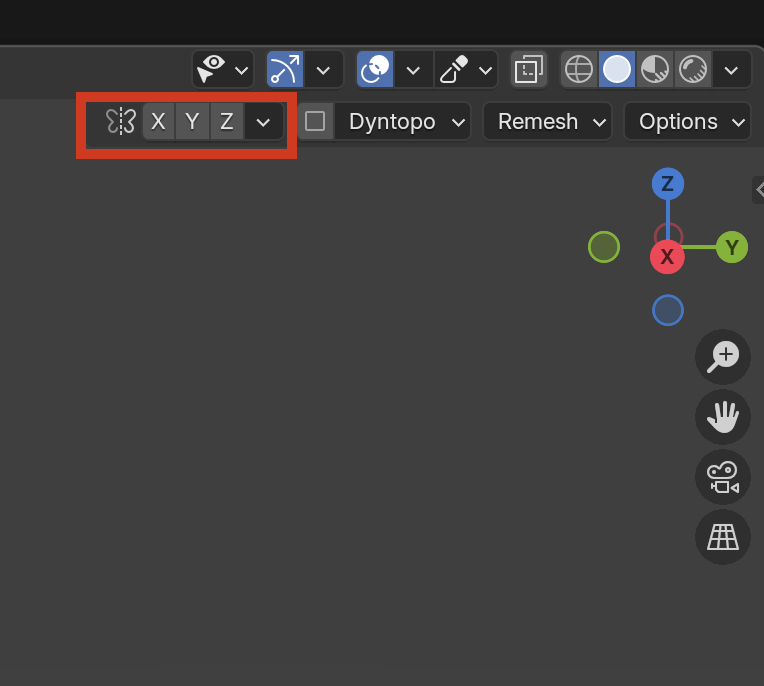
There isn't a Hotkey for that, but you can Assign one yourself, or add it to your Quick Favorites (right-click on the Lock Axes).
You don't have to go to the drop down menu though, it's right there in the UI present all the time:
Oh no, ok I understood that wrong. You mean locking the axis. Yeah no, it's better to add a shortcut then.