
Hi again :-),
is it possible to align the right vertex (blue arrow) to the same high as the left vertex (yellow arrow). I'm using vertex slide.

Depends on what you mean by High?
If you mean along the edge then I'd ctrl+x the blue vert(You can also use x->disolve vertex). This will probably create wierd effect, but that is to be expected. Then select the vertex above where the blue vertex was and the one below it. then press J to create an edge between them. Right click and subdivide to create a vertex in the center of those 2. Then Shift+Ctrl+Tab->Set snapping to vertex snapping. Shift+Tab to turn snapping on. select the new blue vertex(The one created by the subdivide). Press G twice to go to edge slide mode. Move mouse over to yellow vertex and left click mouse. Shift+select yellow vertex and press J.
If you mean towards and away from the view then that is a little bit trickier I think.

Hi Bernd bbguenthe ,
Yes, that is possible.
But it can act a bit 'glitchy' in complicated situations (one of the problems being, that the Vertex can slide along several Edges).
Simple example; set the Snapping to Vertex (I would not enable the magnet icon) and Select the Vertex you want to Slide and hover the Mouse near the Vertex you want to Snap to (so it needs to move in the wanted Slide direction):
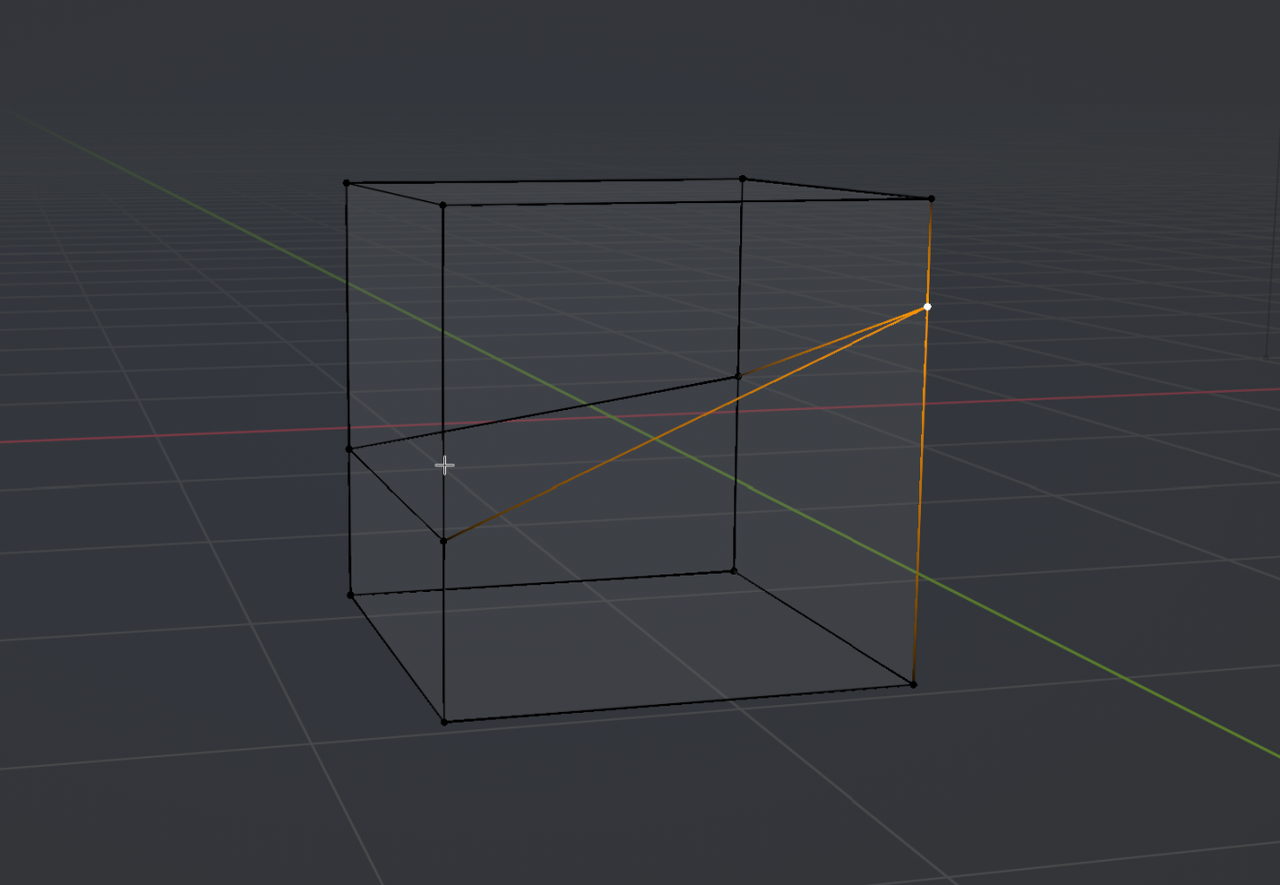
Pres G, G and move the mouse Pointer to the Snap Vertex and hold CTRL:
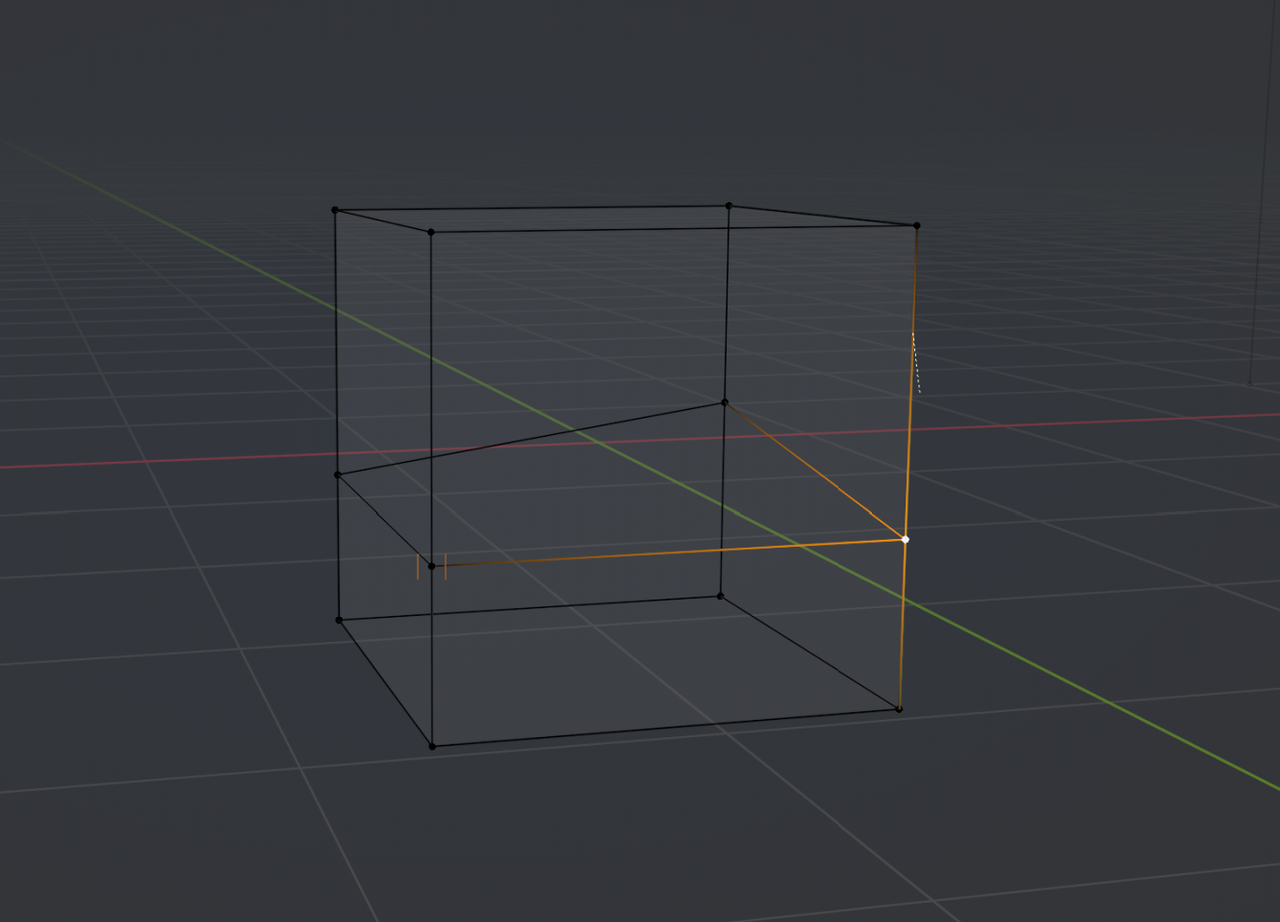
In more complicated Slide situations, like yours, this doesn't work very well and you'll probably need to move the Mouse Pointer tiny bits to get the 'blue Vertex' to Snap correctly...
This is, why I rarely use it. In difficult situations, I tend to use tricks like Dwayne described to get the result I want (depends highly on the exact situation).
Ok, understand. The trick is to force the vertext slide to have only one axis to slide (in my example I had two axis to slide on).
thx, guys