

The way that works is that it makes the back part of a face invisible or transparent. In order to see which side of your face is the back face, you need to turn on Face orientation:
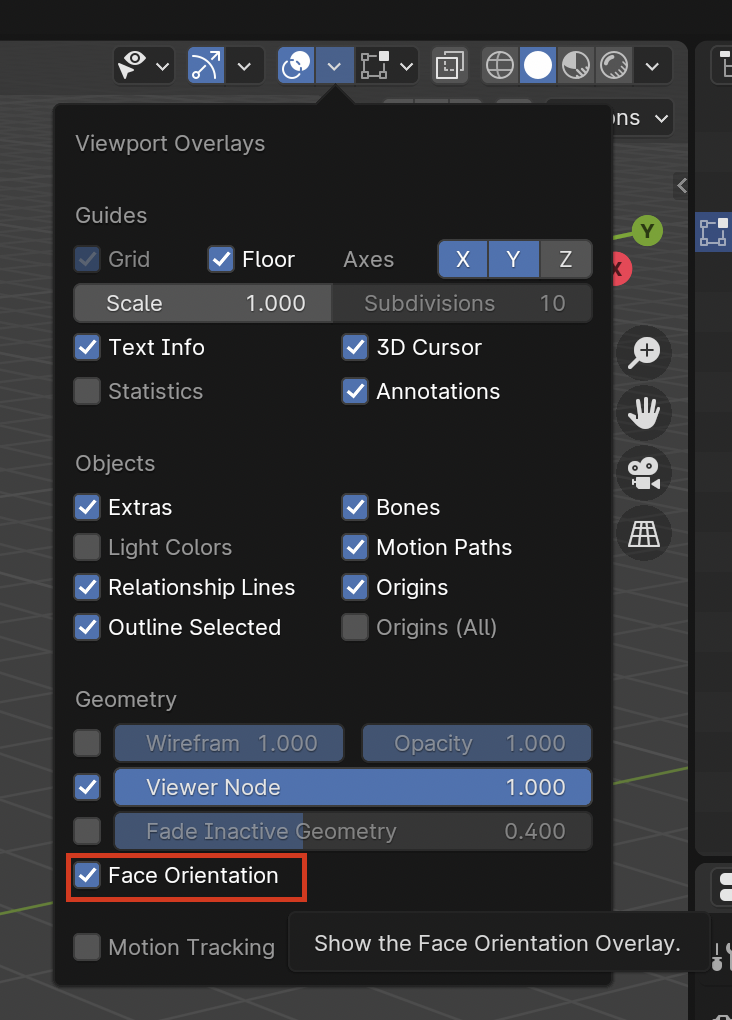
The parts that you see blue is the normal direction of your face, the ones you see in red is the back face of your face. So when you turn on Backface culling, the red parts will become transparent.
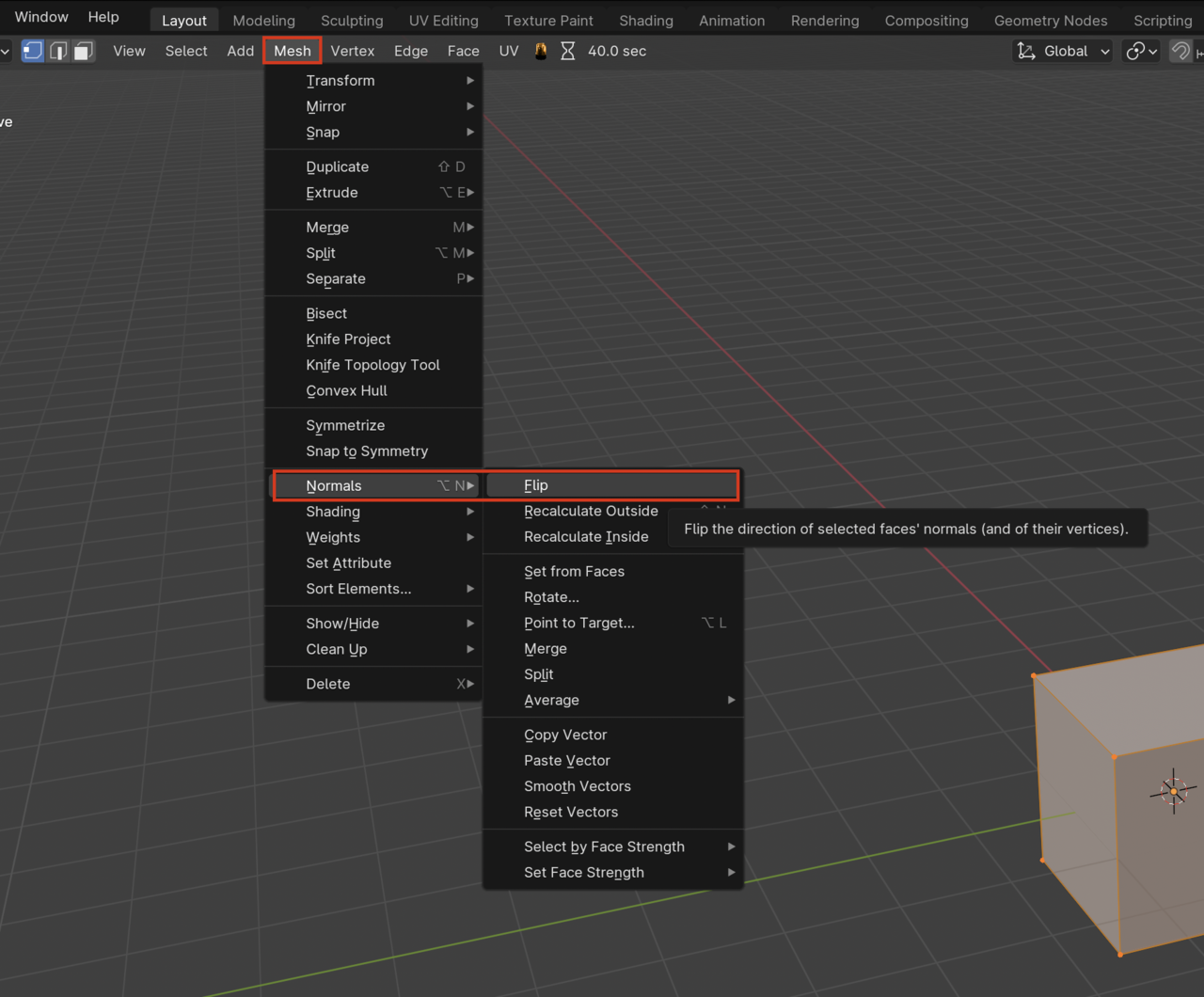
Be sure you are looking at a back face, because most of the time your mesh will have the faces pointing in the right direction, and when you turn on backface culling nothing will happen. As you say you can always flip a face direction:

I don't know if this is an artefact based on a my modelling of the ceiling tile or a consequence of me using Blender 4.5 but If you are struggling with back face culling of the ceiling tiles... I found I needed to delete the top face first
Then select all and reverse the normals which allows me to see through the ceiling in top view

Hi Charles thehomme ,
"... or a consequence of me using Blender 4.5"
It's not because of the Blender Version; how Backface Culling works hasn't changed since it was introduced in Blender (long before 2.80).
If you can't see through a Face, with Backface Culling on, you just have to Flip the Normal of that Face. When Filling Faces during Modeling, the direction of the Filled Face might be 'wrong'. It's not like you made a mistake or Modeled it incorrect. You see this a lot whilte Retopologizing...you'll get used to hitting SHIFT+N all the time.
The tile I made didn't allow me to simply flip the normals and see through it. I had to delete the top face before it worked. So I guess I've modelled the tile slightly differently. Maybe there was a step where this face was deleted or not created originally... I wasn't following the video religiously. I didn't know the exact reason so that's why I caveated my reply