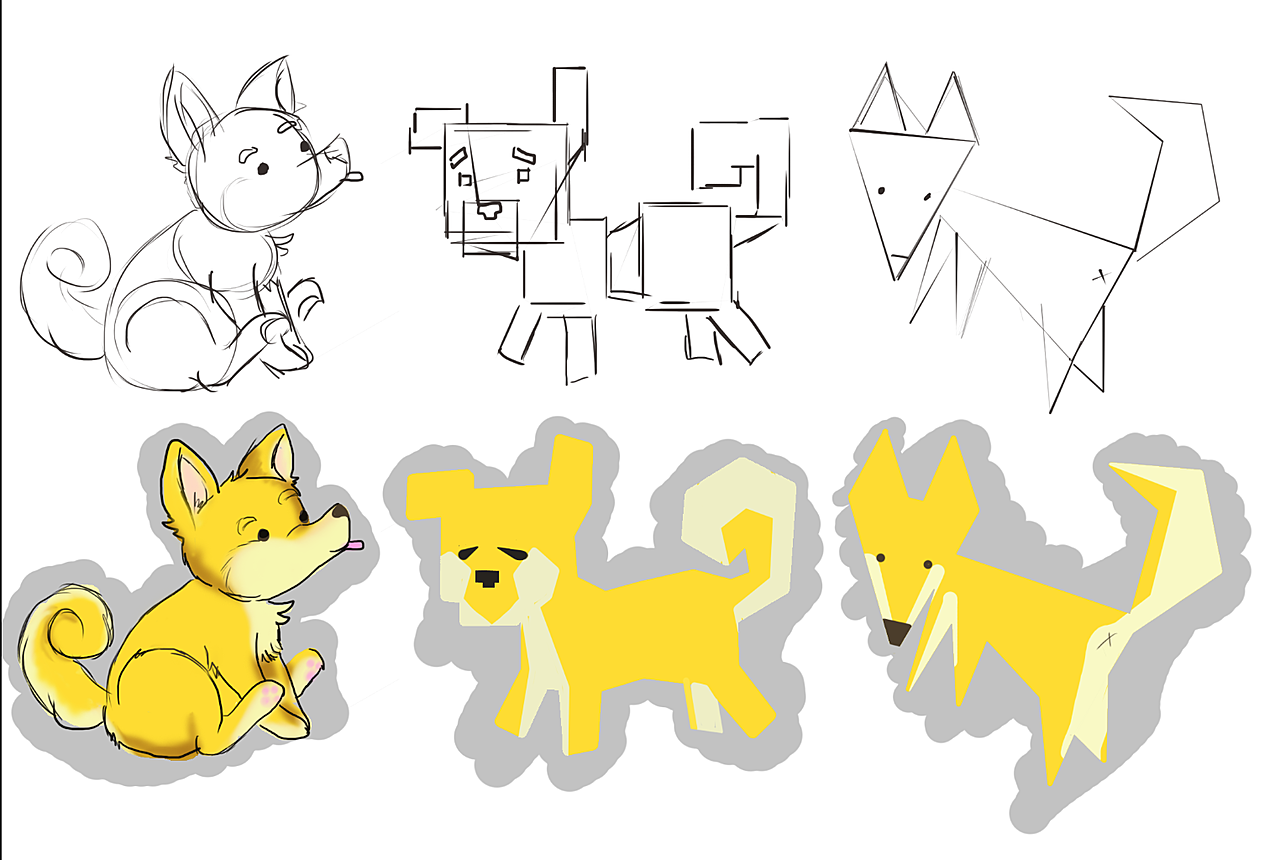
Wanted to do lineart for the first one, but haven't gotten to the point of study that talks about clean lineart yet... Learning how to make straight lines saved me a lot of time for this exercise!
1) Hold shift and drag the pen tool to make a straight vertical or horizontal line
2) Tap with brush tool, hold shift, and tap again to form a straight line between two points
3) Use the straight line tool to drag a line that can manifest as either paths or pixels
4) Use the pen tool to create a path, then stroke the path with the brush tool.
FYI, the Shiba-Inu is my dog, Vaaska. :P